One simple place for all your work
Stop losing track of clients in messy notes and give your team a clear system to communicate better, build trust, and keep things moving forward.
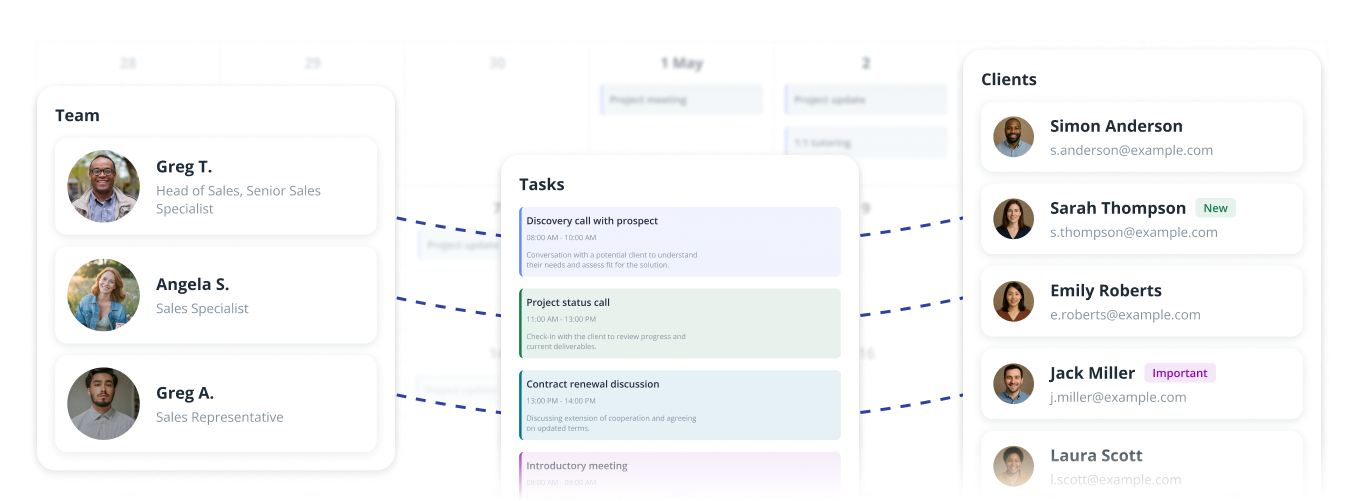
Organize your tasks and team
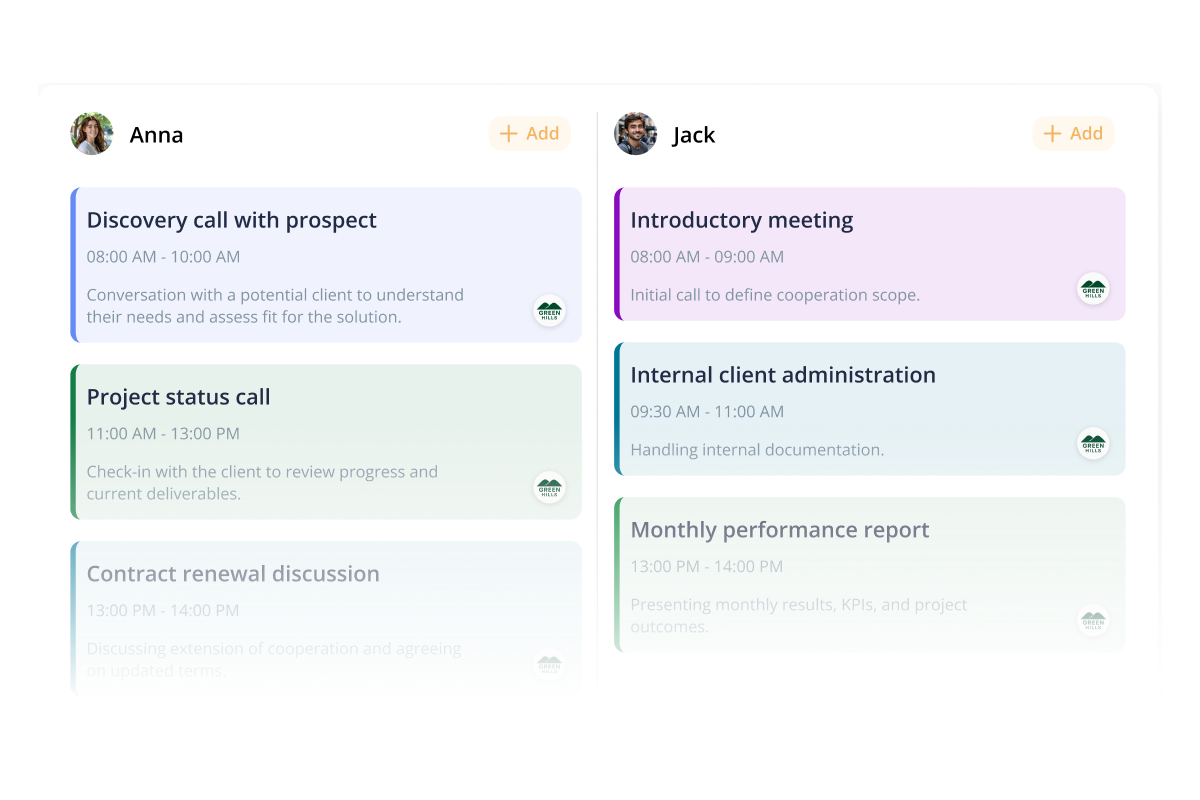
Set up tasks and hand them off to the right person so they show up on a shared calendar that gives you a clear overview. You can see what everyone is working on, which makes planning what is next a lot easier. Drop notes and photos right into each task to make sure the job actually gets done right.
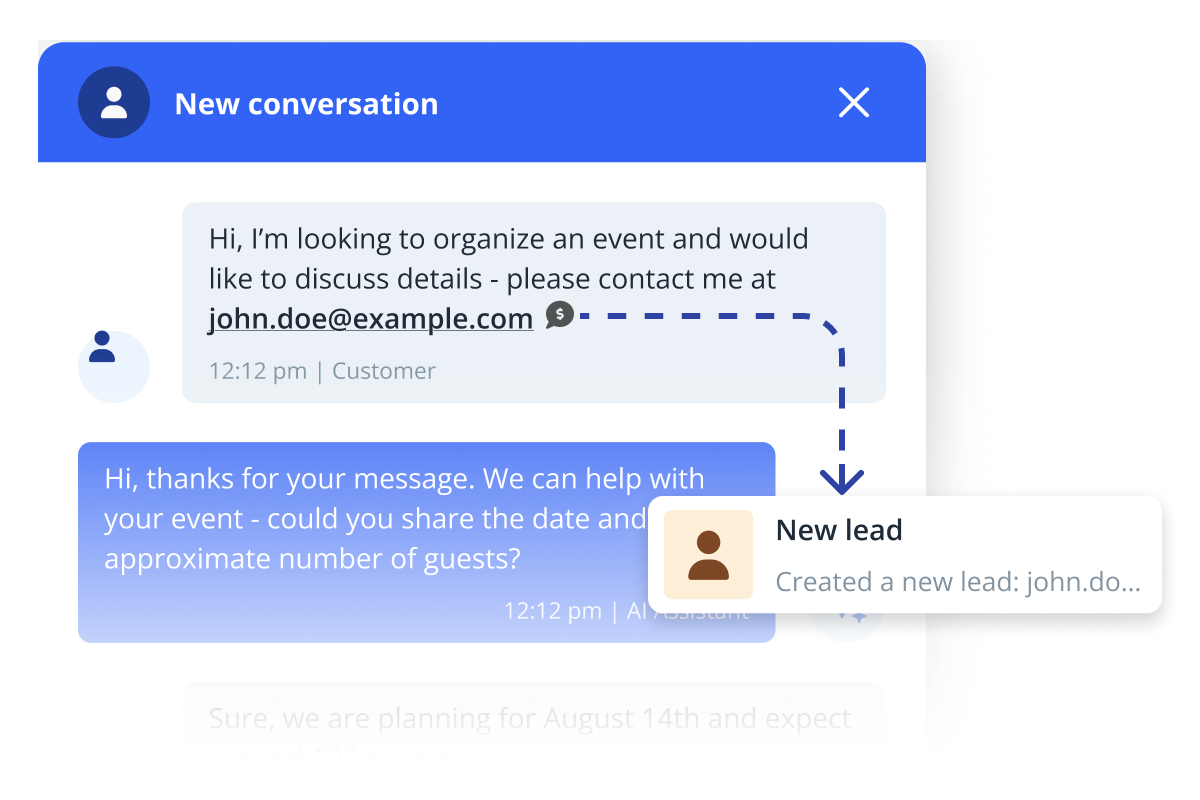
Turn every conversation into profit
Our system helps you capture potential customers instantly by turning any chat into a lead with just a few clicks. Everything you learn about a client is stored in one secure place. You’ll always have the right information ready when you need it, ensuring your future follow-ups are personal and professional.
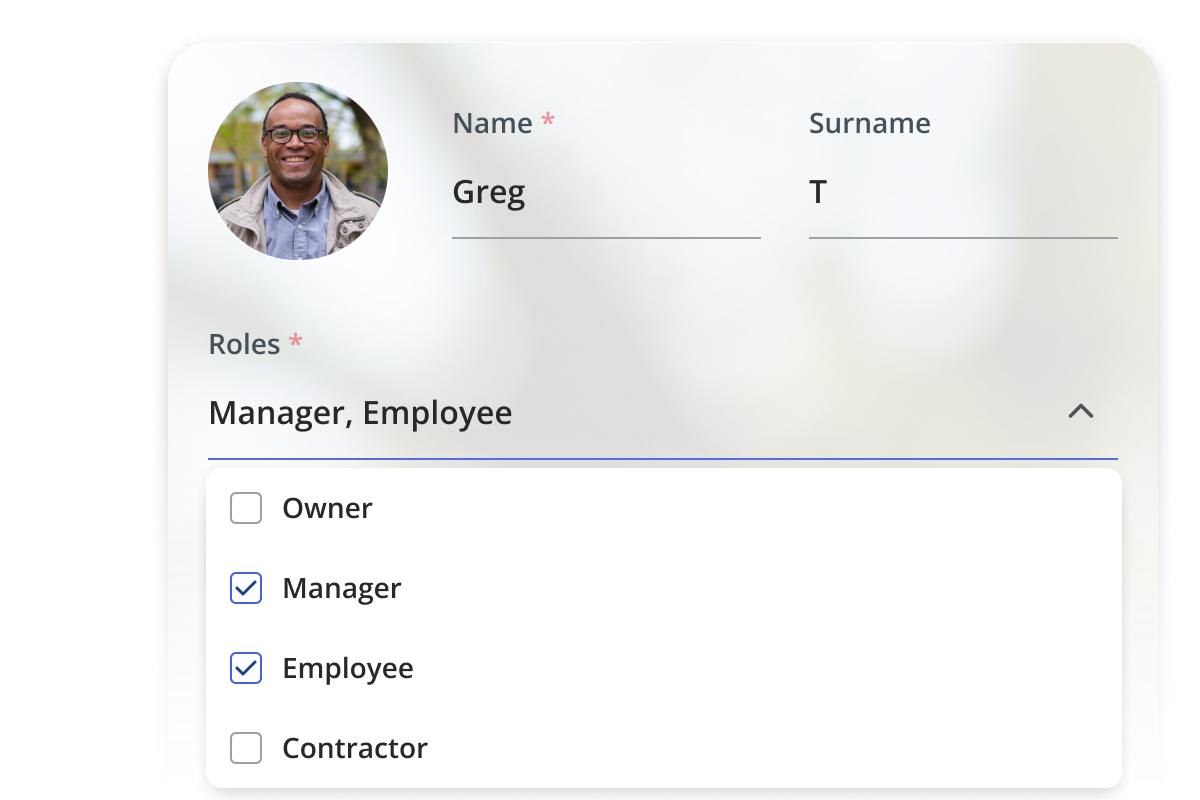
Give everyone the right access
Give every team member access to only what they need so they only see their side of things. That way, nobody accidentally deletes something or messes up a file they shouldn't have touched in the first place. As you hire more people, you can just tweak their roles or swap permissions on the fly.
See the difference with our sales team management software on your own
A simpler way to get paid
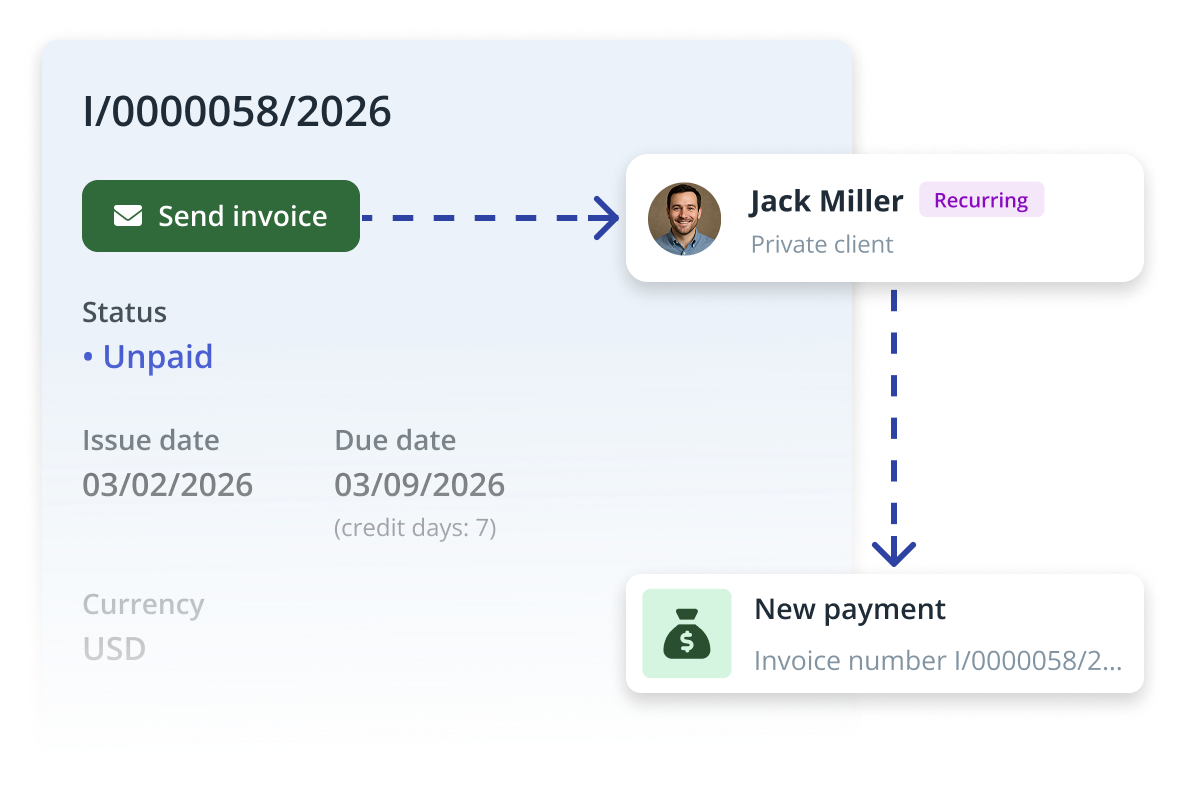
Your team can request and receive secure e-payments directly through the app, making it easy to get paid for every job. Since all your customer info and job history are already in one place, you can create and send professional invoices in just a few seconds.
Save time with automatic messages
Set up automatic scenarios that handle your follow-ups and newsletters for you. Once you create your templates, the app sends messages to your leads and customers at the perfect time without you having to lift a finger. You can assign specific triggers to send those messages, like a "thank you" email going out the moment a lead signs up.

Make decisions based on facts
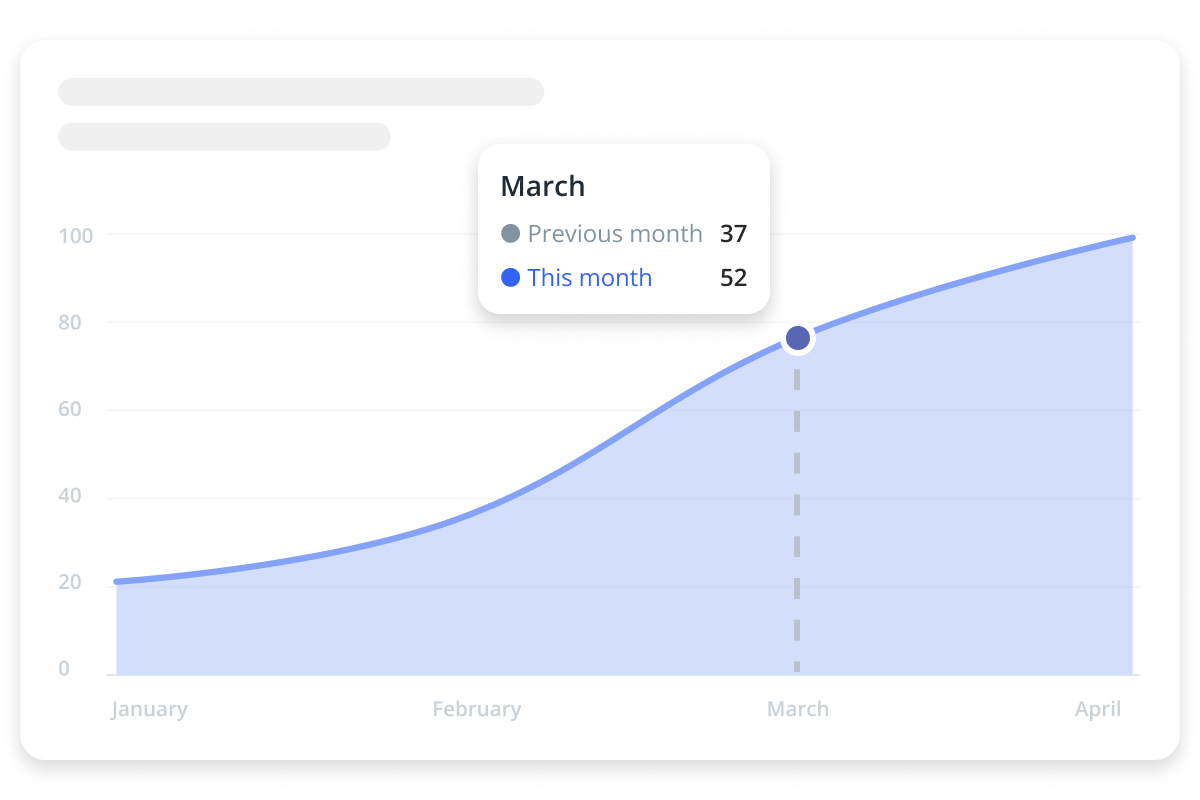
Stop guessing and start making decisions based on what’s actually happening in your business. With full access to client history and reports, you can see which leads are moving, how much time tasks are taking, and what’s really driving your results. It’s way easier to plan your next move when you can clearly see what’s working and what isn’t.
Got questions? We’ve got answers!
How can I get started with IKOL?
Getting started with IKOL is simple! Just provide your email address and business name, and you’ll be able to explore how intelligent automation can transform your teaching studio. Try IKOL today and bring the power of AI to your classroom.
How hard is it to set up my team and their roles?
It’s incredibly simple. You can add your team members and assign specific roles (like sales, billing, or field tech) in just a few clicks. Your team members can be displayed on your site, giving your business a more professional look, and they can also access your dashboard to manage tasks.
What types of notes can my team add to tasks?
They can include text, photos, invoice details, and files — everything needed to document the job.
Can I send automatic messages to specific client groups only?
Yes. You can do this by first setting labels for individual clients. Then, create a message template and set a scenario for sending that message only to clients with your assigned label.
Can my clients book services online without contacting me?
Yes, online booking is entirely possible even with you being offline. Additionally, your AI assistant can recommend appropriate services and guide your clients through the entire process.
Does IKOL support online payments?
Yes, you can enable online payments for your clients and choose your preferred payment methods (including cards, mobile wallets, or bank transfers). Additionally, you can require a deposit in advance, and update tax rates for your services.