Run recurring revenue like clockwork
Enjoy regular money flow with comprehensive tools for recurring services management
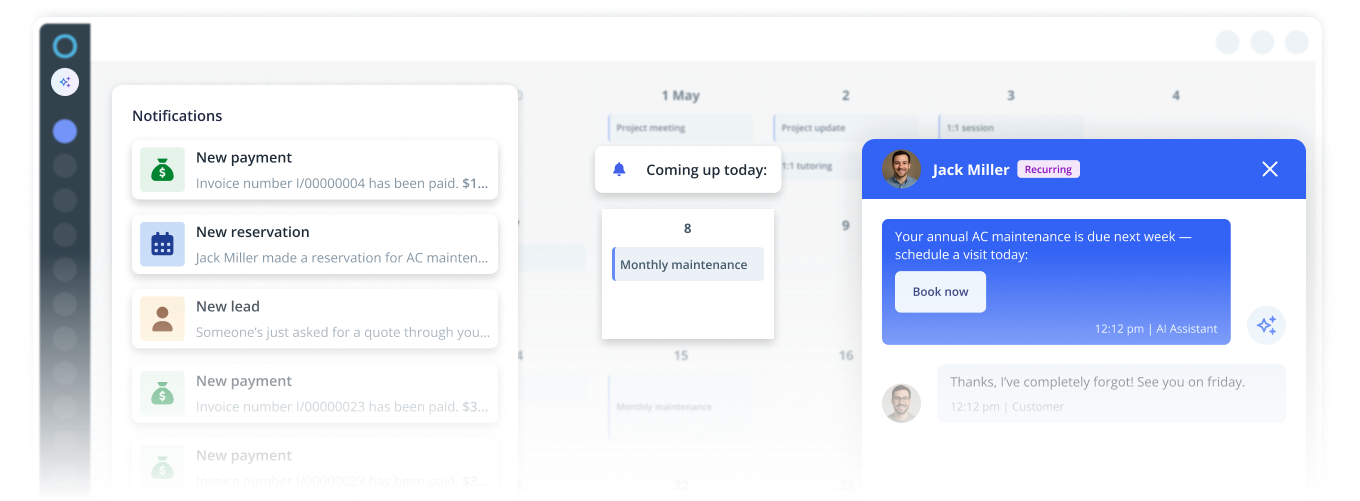
Easy way to plan ahead
Set recurring tasks with the online calendar. Assign your employees and clients, and send regular notifications to remind them about the upcoming work.
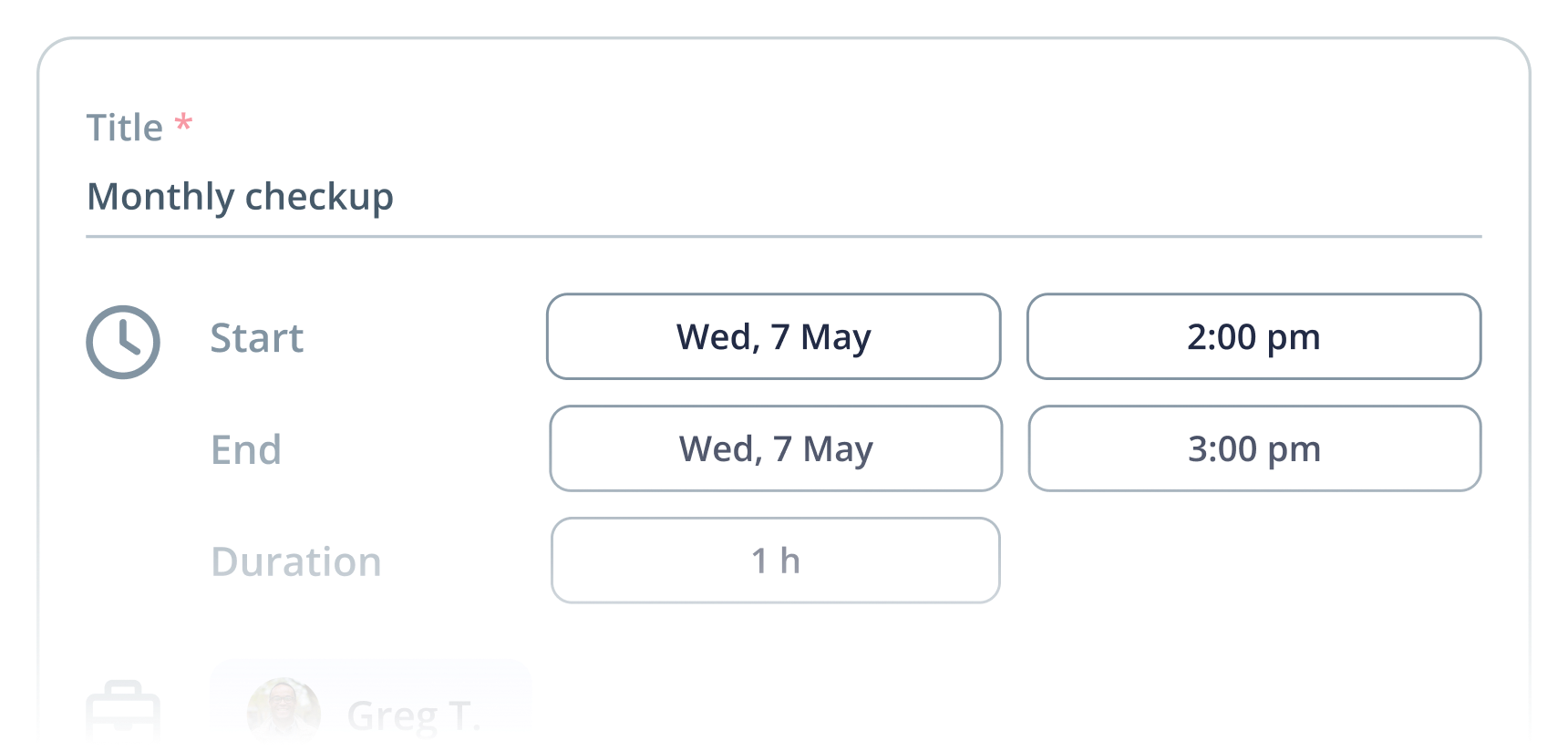
Describe tasks
Set details such as time, location, and duration, and include helpful info.
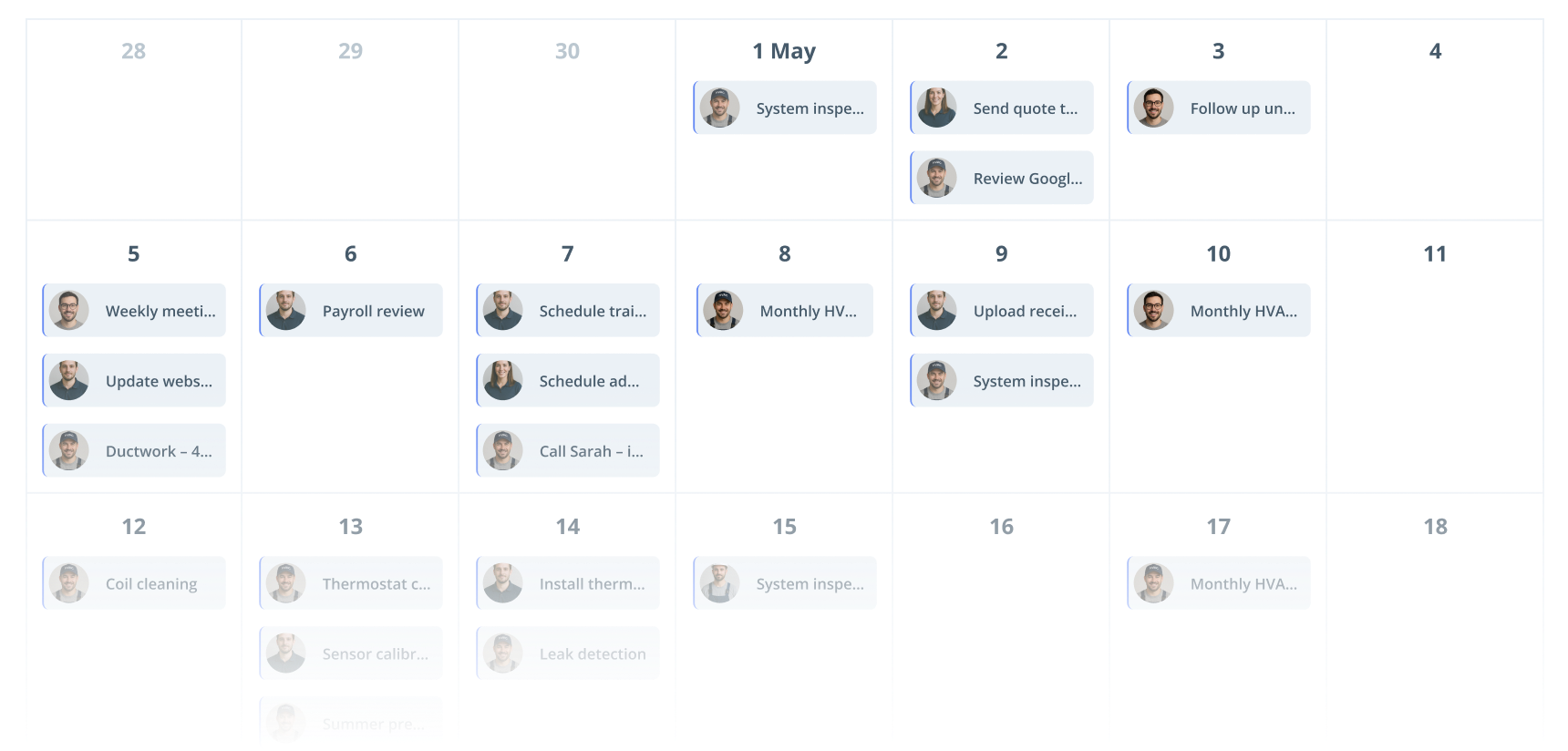
Set the monthly view
Use the monthly calendar view to get the full view on jobs planned ahead.
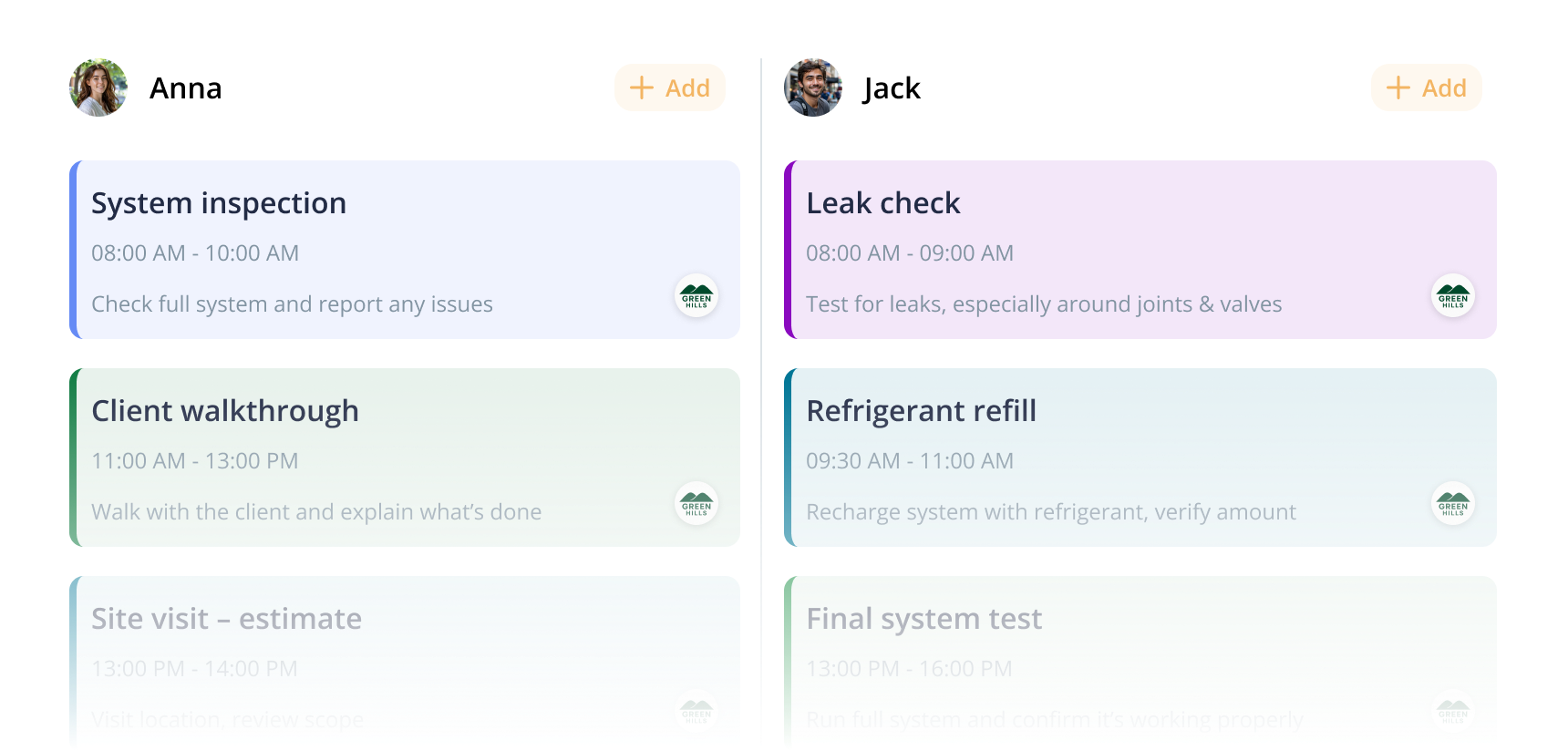
Assign team members
Ensure that for each job you assign a team member who's up to the task.
Stay in touch with your clients
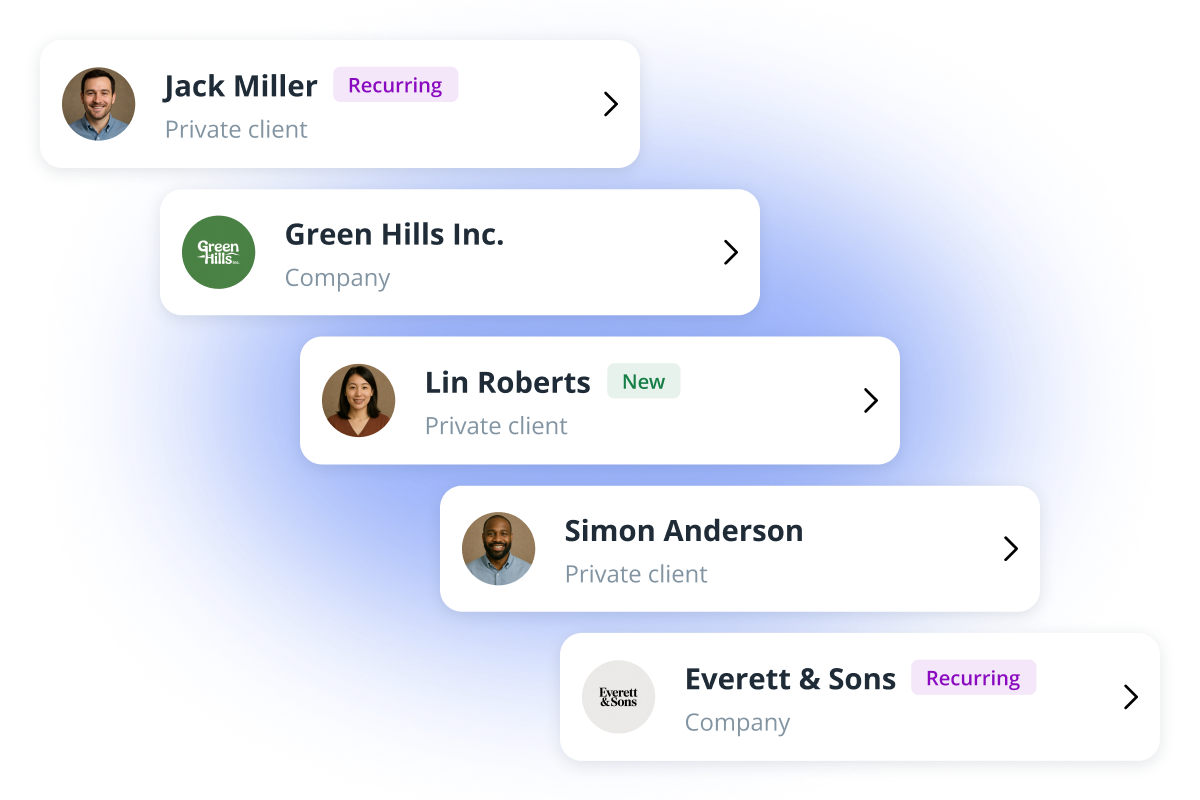
Organize your leads and customers with labels, and keep track of their preferences and contact info. Develop long-lasting customer relationships by creating a specific schedule for each individual - whether they're ordering your services weekly, monthly, or once a year.
Send messages automatically
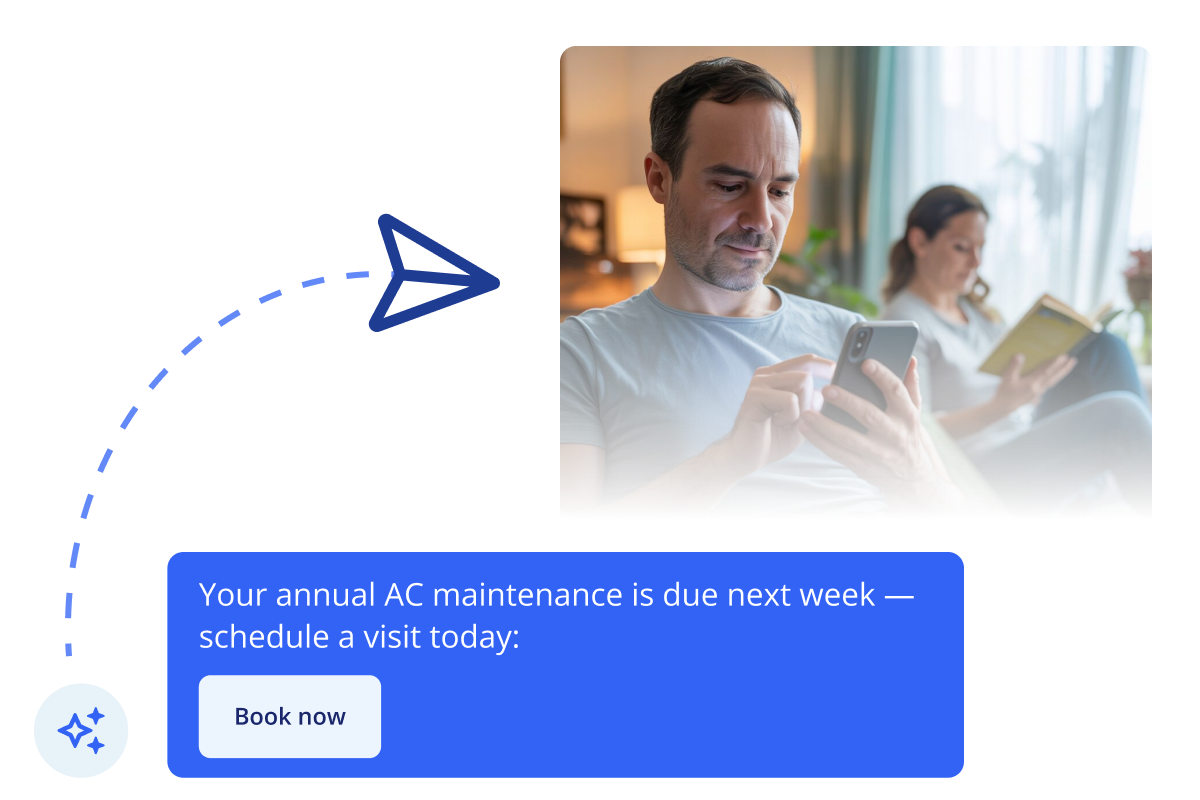
Keep your customers informed and assured through emails and SMS. Create templates for messages you'd like to send for booking and payment confirmations, feedback requests, or reminders about the upcoming need for a service. All message drafts are conveniently saved in one place, available for edits at any time.
Never miss a chance to connect with your clients. With IKOL you can create scenarios to send the right messages automatically, even while you're offline.
Quick access to your services
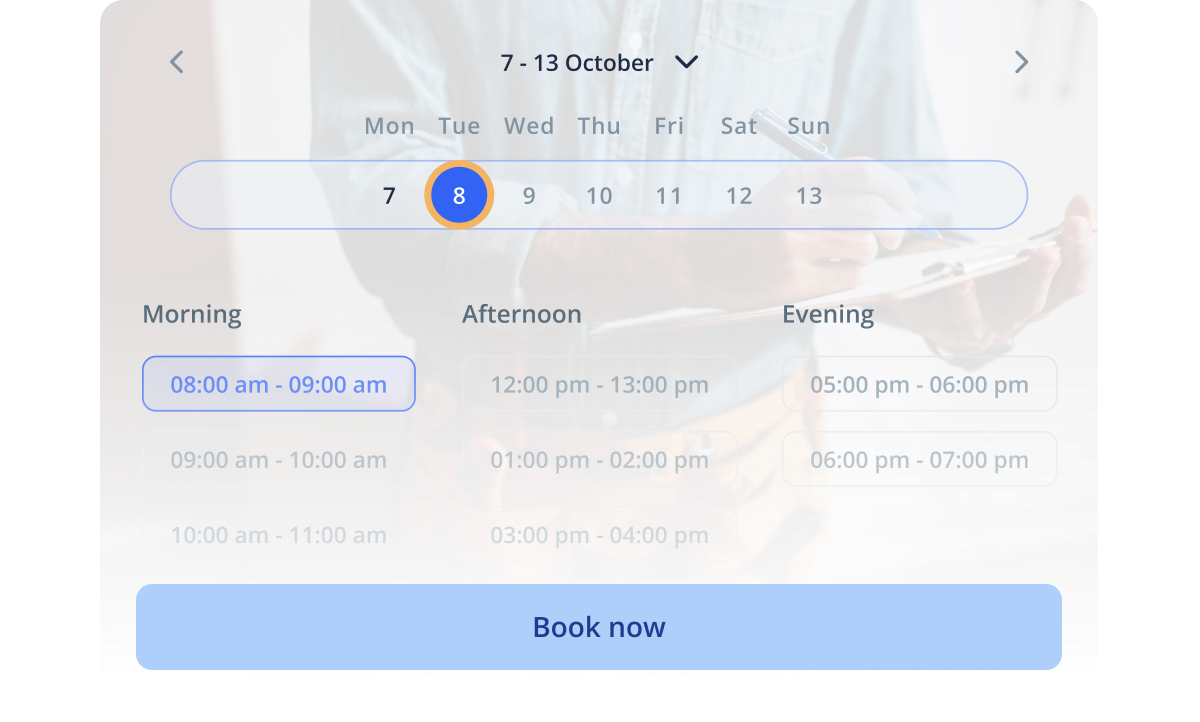
With IKOL booking system, your services will always be within your customers' reach. Let visitors schedule with full visibility on available timeslots, and in just a few simple steps.
The process is made to provide convenience to owners of recurring service businesses as well. Whenever a client makes an appointment, you are automatically notified, and your calendar updates instantly.
Automate each transaction
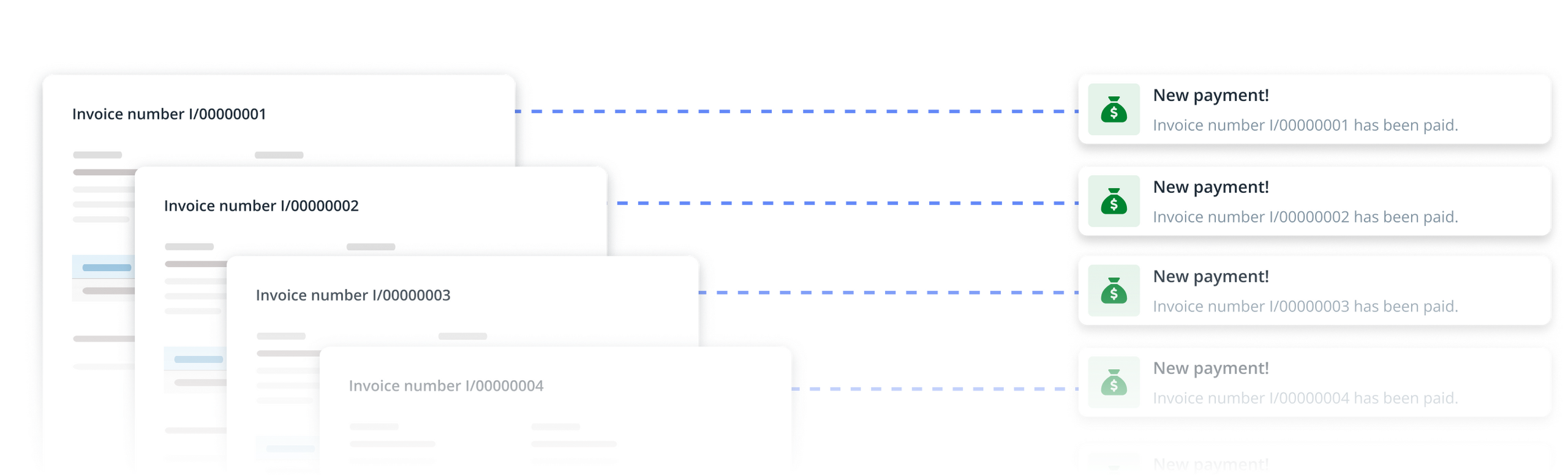
Process all payments for your services online. Have all your bookkeeping in one place.
Generate invoices and payment links for your customers with ease.
Make recurring services management smoother with IKOL
Got questions? We've got answers!
Can I send automatic messages to specific client groups only?
Yes. You can do this by first setting labels for individual clients. Then, create a message template and set a scenario for sending that message only to clients with your assigned label.
Can my clients book services online without contacting me?
Yes, online booking is entirely possible even with you being offline. Additionally, your AI assistant can recommend appropriate services and guide your clients through the entire process.
How can I set service booking on my website?
It's simple! Go to your services menu, and select "Book a service" action type for each service you want for your visitors to book.
Does IKOL support online payments?
Yes, you can enable online payments for your clients and choose your preferred payment methods (including cards, mobile wallets, or bank transfers). Additionally, you can require a deposit in advance, and update tax rates for your services.
Can my visitors make reservations with specific team members?
Yes, the option to book appointments with specific team members can be enabled through an appropriate setting on each individual service.
How can I create a business website with IKOL?
You can create a new website through our website generator. Enter your business name and type, and sign up to claim the AI generated site for free. Edit your service list, set your preferred payment methods, and create a regular cash flow - starting today!