Online payments made simple for your business
With us, you can easily manage payments and invoices to keep your finances under control
Start accepting payments online
Getting started is simple. Set up your business in just a few quick steps. Choose the payment methods that suit you best, customize your preferences, and you’ll be ready to start accepting payments in no time. Your payments are handled securely from the start. No complicated configuration or technical knowledge is required.
Save time with automated invoicing
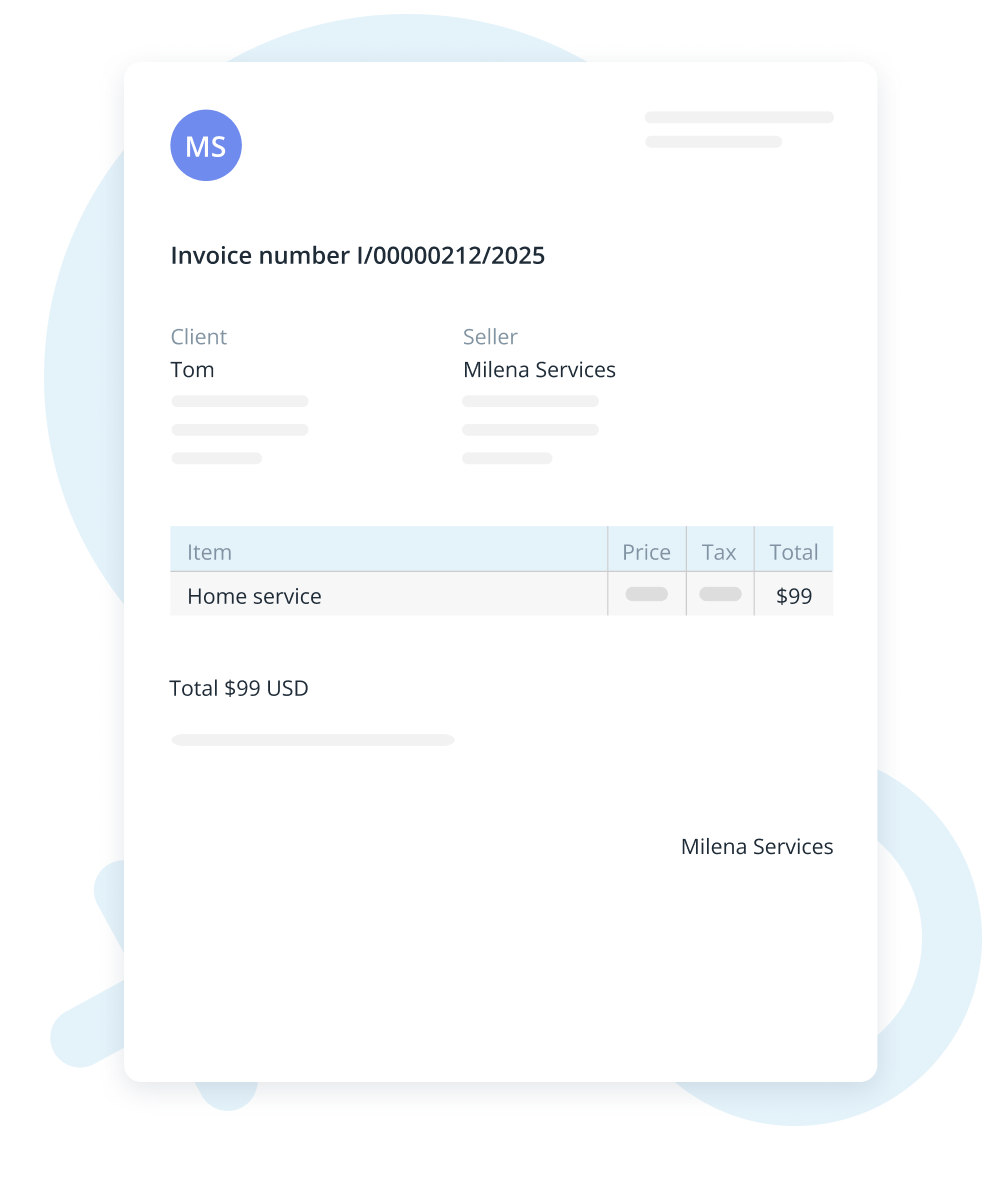
Quickly make and send invoices without needing any other tools. Add your logo and payment details if you want, and let the system do the rest. Track invoice status at a glance and know exactly when payments are received. It’s an easy way to get paid faster and spend less time on paperwork.
Give customers convenient ways to pay
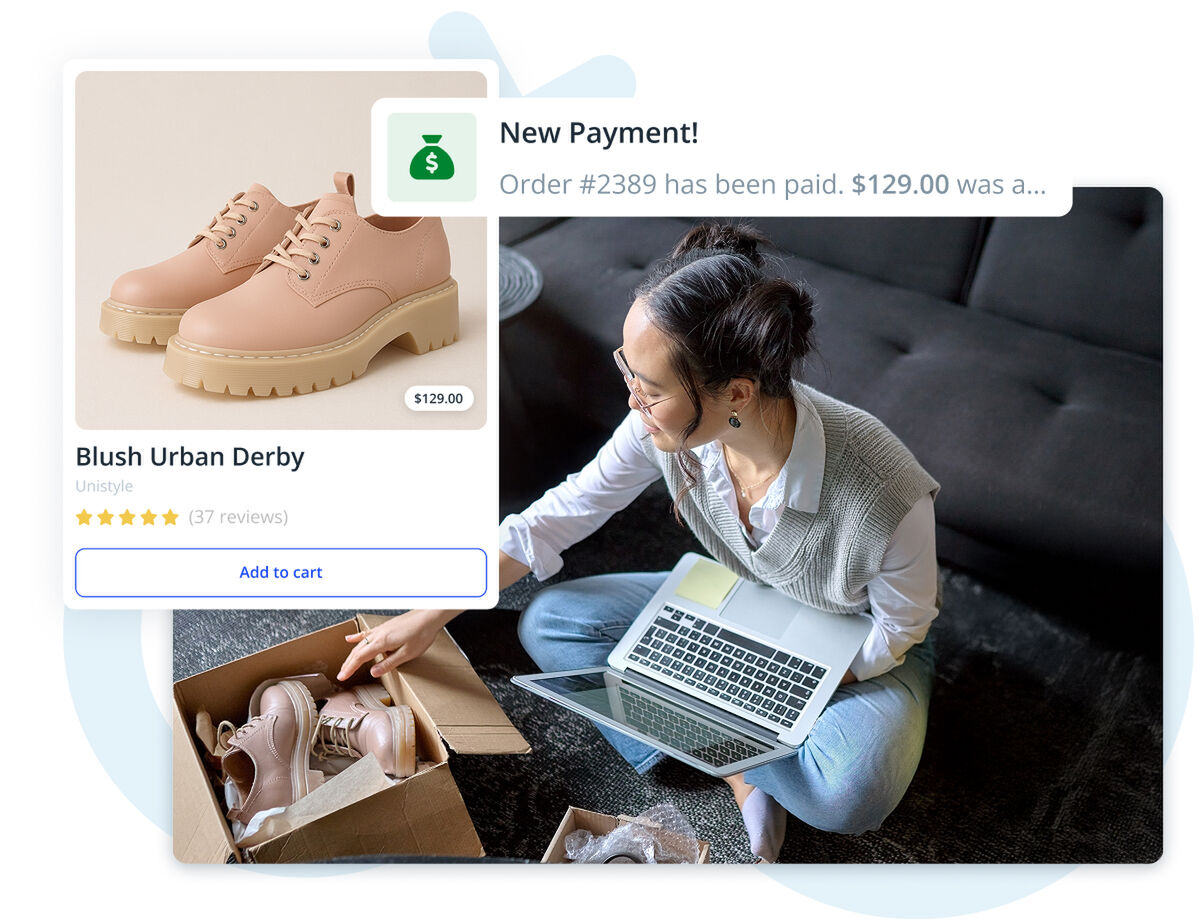
Give your customers the freedom to pay the way they like. Whether it’s credit cards, mobile wallets, or bank transfers, we make it easy. Fewer steps mean fewer abandoned payments and faster checkouts. With simple shopping and many payment options, your customers will have a smooth experience that you stay in control of.
Configure taxes and pricing with ease
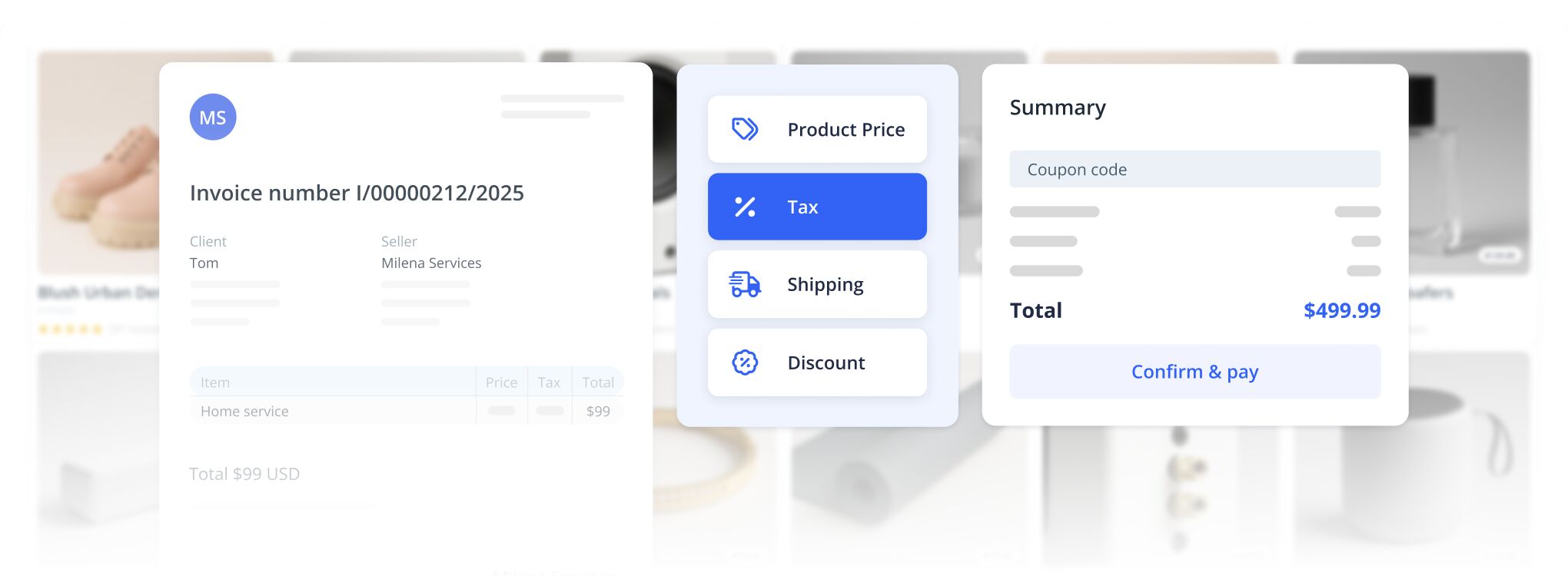
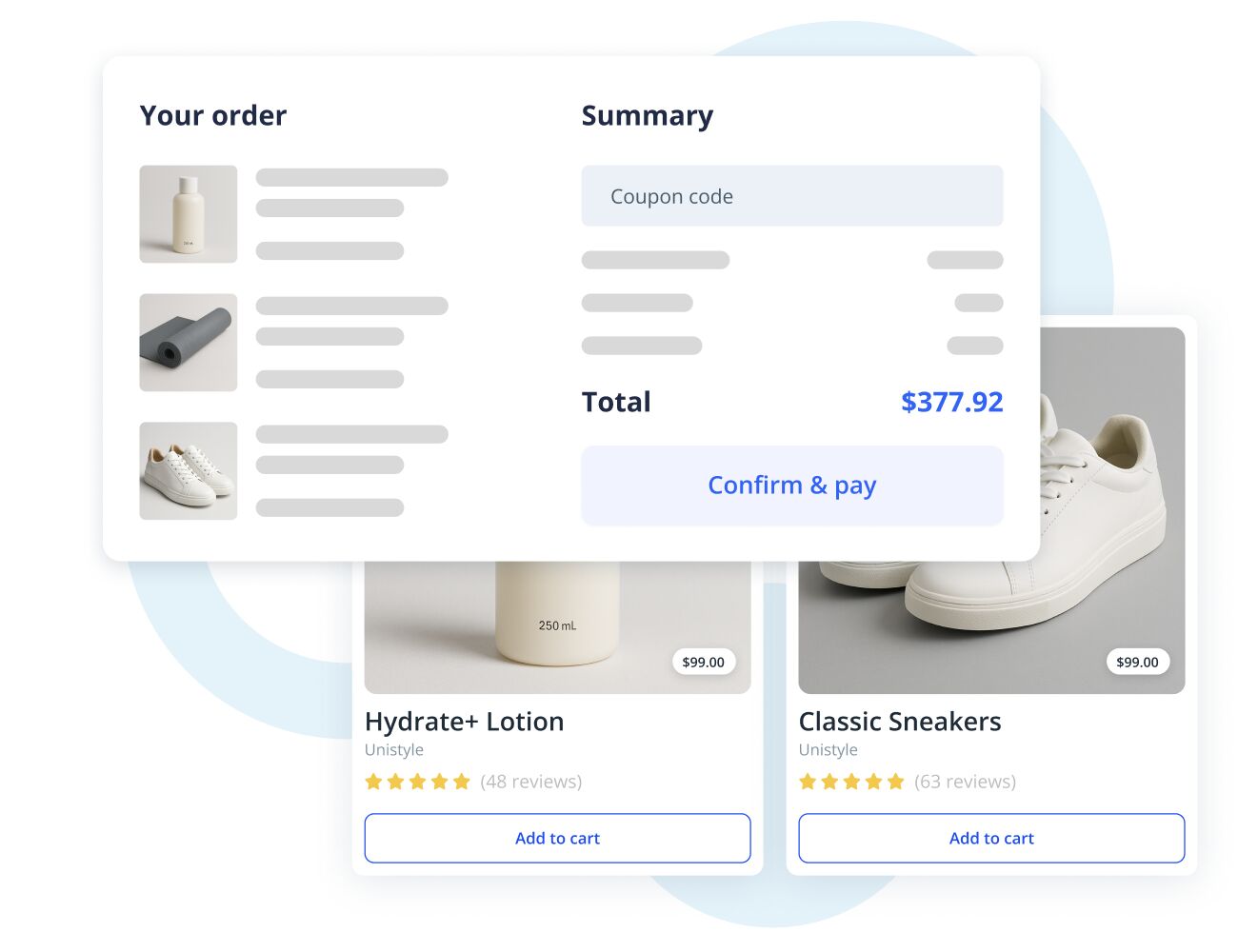
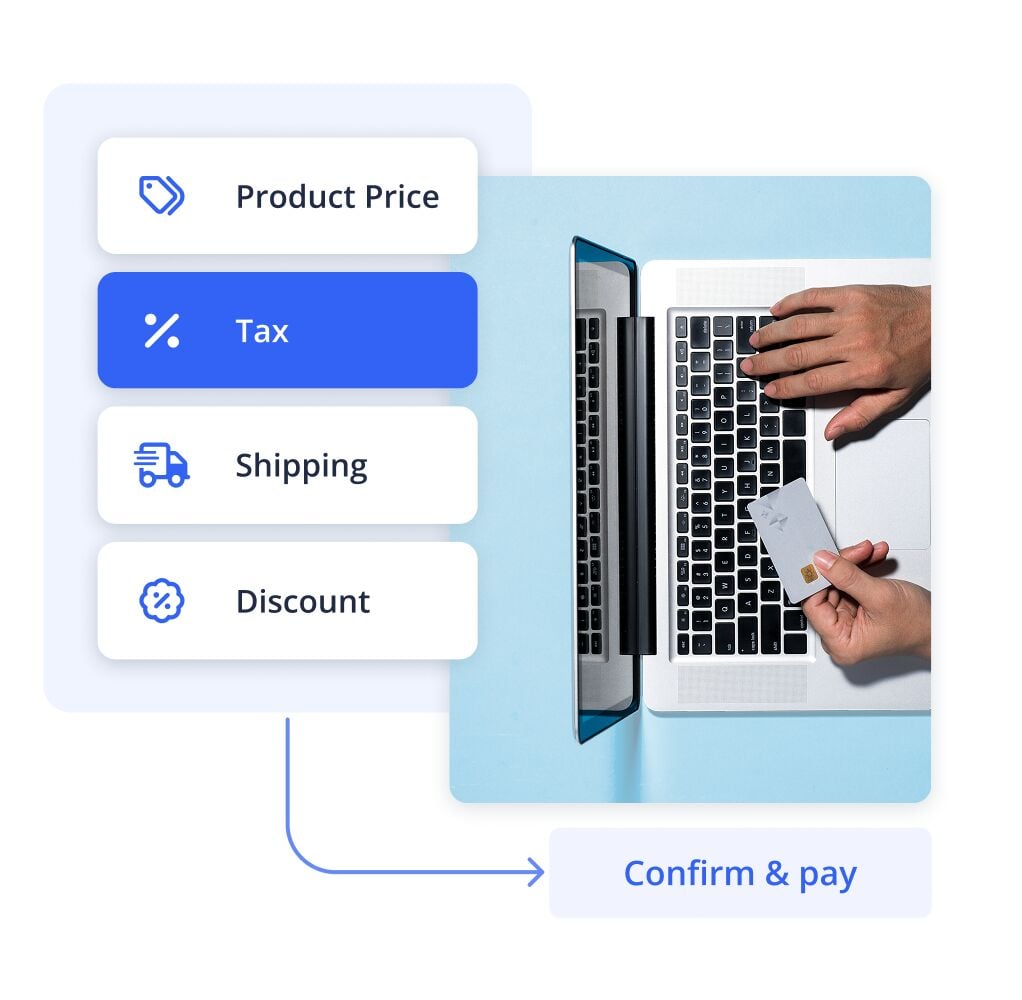
Manage taxes and other pricing details with our simple and intuitive system. It ensures accurate calculations and transparent pricing, so your customers always know exactly what they're paying for.
Update tax rates and pricing rules anytime as your business evolves. Stay compliant and confident without manual calculations or guesswork.
Secure payments and customer data
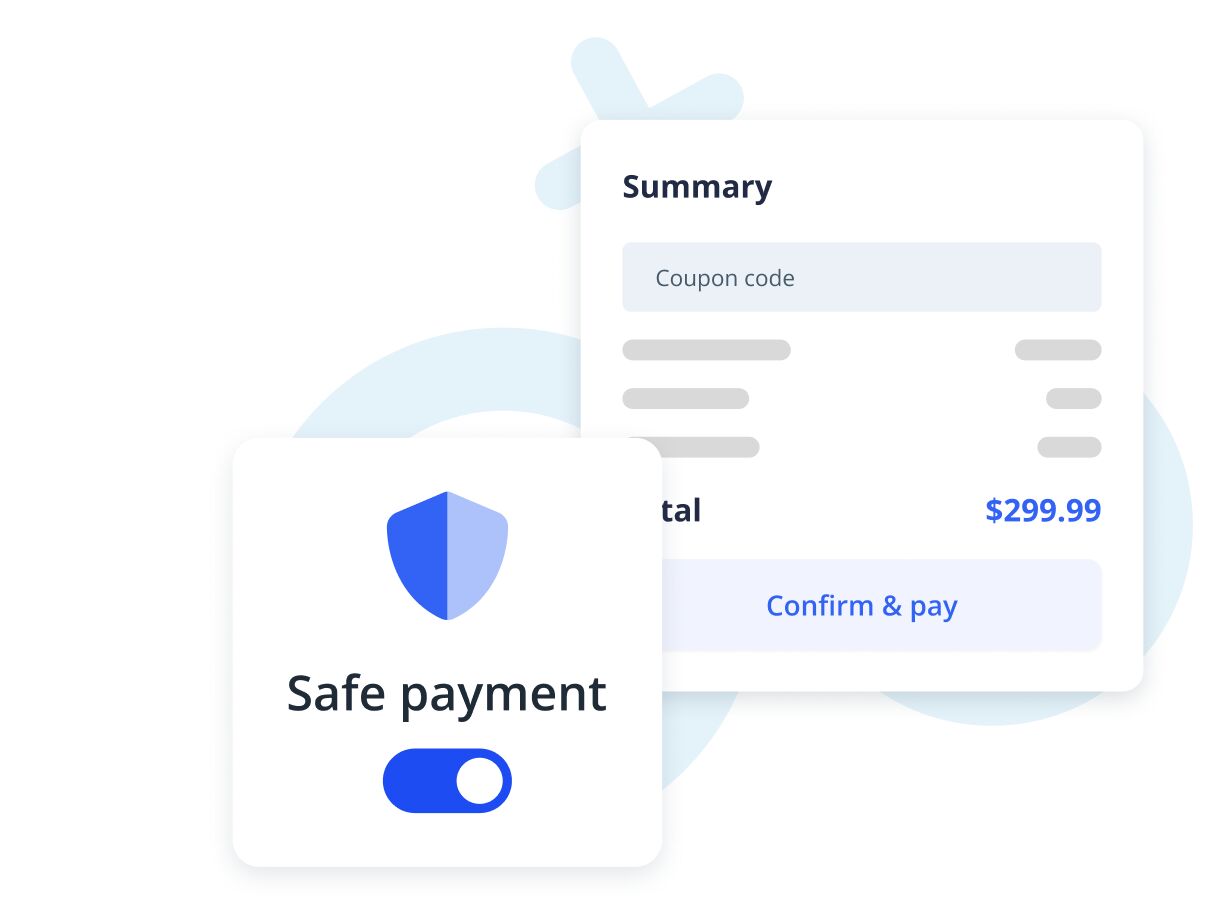
We make sure your payments are protected. Every transaction is secured with strong safety measures to keep your money and your customers’ information safe from start to finish. You can trust that everything is handled with care and kept private.
Secure checkouts encourage customers to complete payments, and protect your reputation while keeping transactions smooth and reliable.
All payments, one app
The IKOL mobile app lets you do everything from your phone. You can make invoices, send payment reminders, check your income, and keep your business running wherever you are.
Your data stays synced and up to date across all your devices. Everything you need is in one easy-to-use app. Save time and keep everything moving, wherever work takes you.
Frequently asked questions
How do I send a payment request to a client?
You can quickly send payment requests via email or text. Your clients get a clear, secure link to pay online easily and fast—making payments simple for everyone.
What details are included in an invoice?
Can I apply different tax rates to my services or products?
Is there a simple way to create and send invoices?
Can I connect my payments to my bookkeeping system?