AI ASSISTANT

Automate tasks and focus on what matters

Work smarter, act faster, win easier. With AI Assistant everything gets more effective.
Dashboard UI with central assistant prompt and quick action buttons

Get things done faster

Your AI guide walks you through the dashboard and helps you complete tasks step by step.
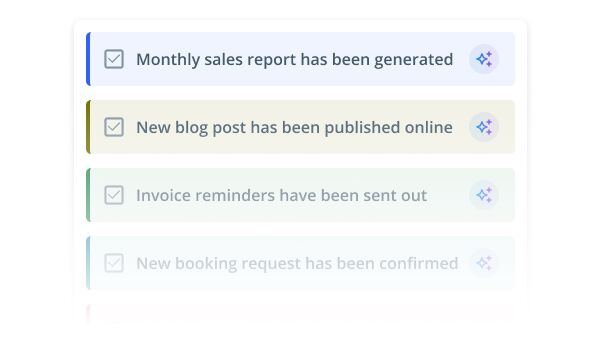
UI list of completed tasks with checkmarks and subtle colored labels

Generate high-quality content

Generate images, copy, product descriptions and blog posts in seconds – right inside your CMS.
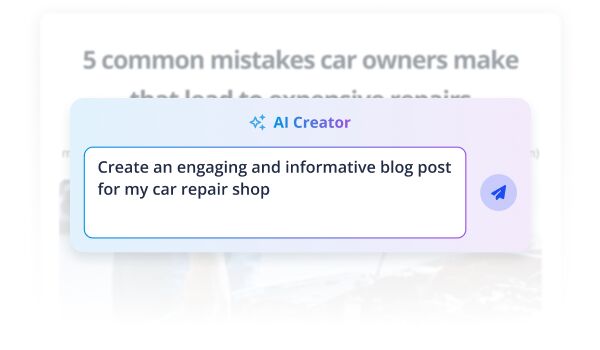
Overlay card reading 'AI Creator' with a prompt to create an engaging and informative blog post for a car repair shop, displayed over a blurred background headline about common car owner mistakes.

Automate customer support

Give visitors instant answers and helpful nudges – your AI assistant handles chat around the clock.

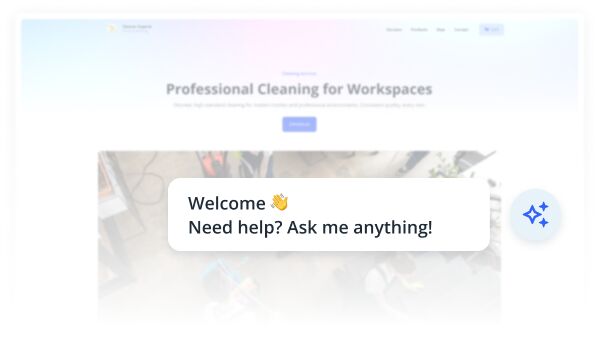
Website mockup with a chat support bubble saying 'Welcome. Need help? Ask me anything!' over a blurred webpage header reading 'Professional Cleaning for Workspaces.'
CUSTOMER SUPPORT AUTOMATION

Let AI handle customer requests

From answering questions to guiding users and handling bookings – your AI assistant adapts to every customer’s need. And yes, it’s available 24/7.
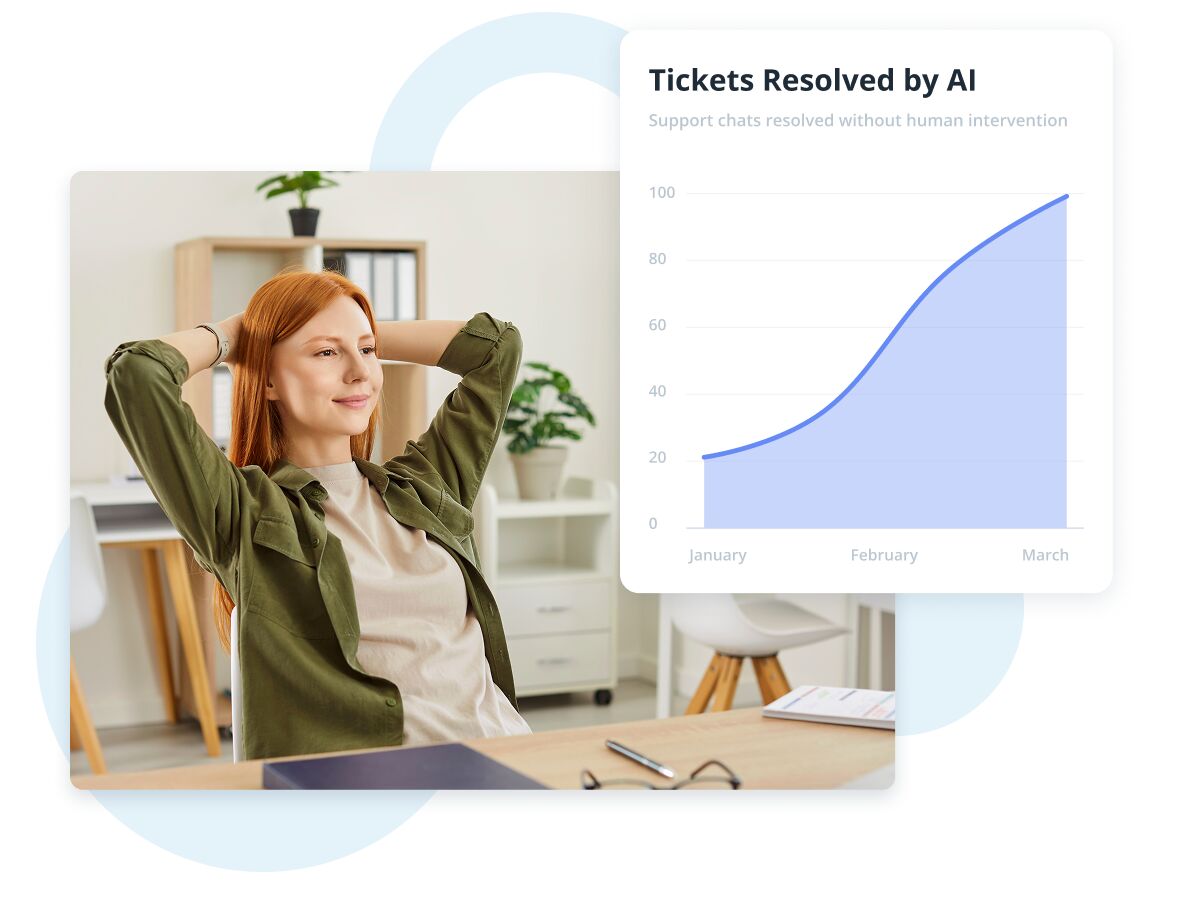
Relaxed office worker leaning back at desk with an overlaid chart showing AI-resolved support tickets increasing from January to March.
CONTEXT-AWARE GUIDANCE

Sell smarter - with AI

Knows your products inside out, engages every visitor, and helps them browse, choose, and take action – all at their own pace.
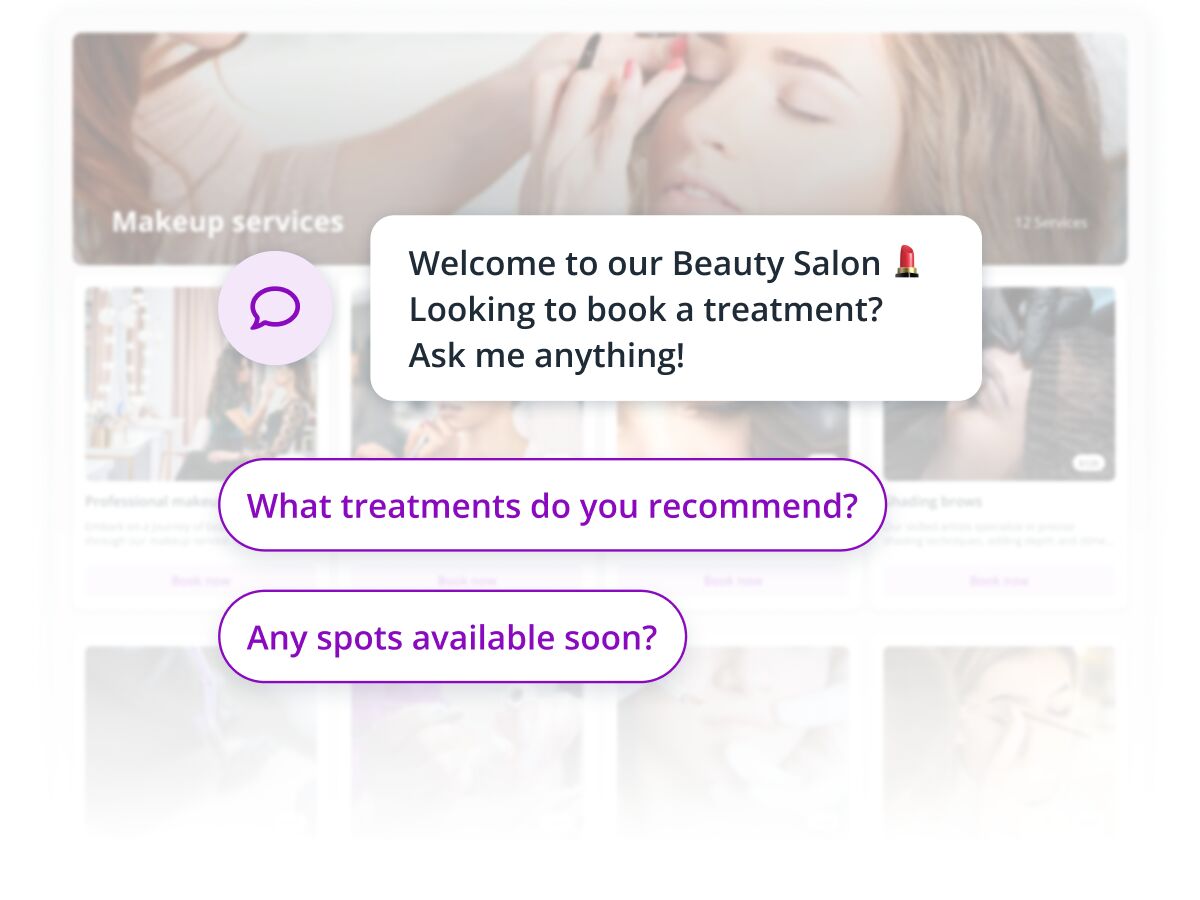
Chat-style interface overlay on a beauty salon website, with a welcome message and example questions about treatments and appointment availability.

Give great advice

AI Asssistant understands what the customer needs and suggests the best options – just like your top salesperson would.
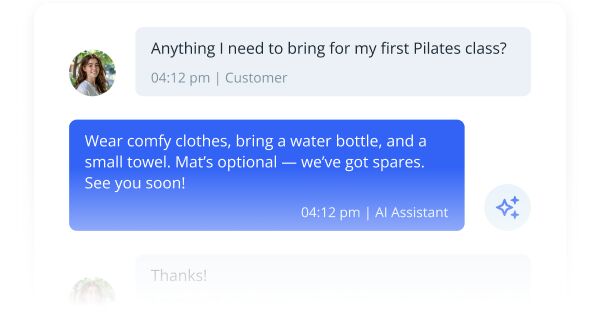
Chat interface showing a customer asking about what to bring for a first Pilates class and an AI assistant replying with a short checklist.

Recommend best matches

Your visitors get instant help finding exactly what they’re looking for – no endless scrolling or guesswork.
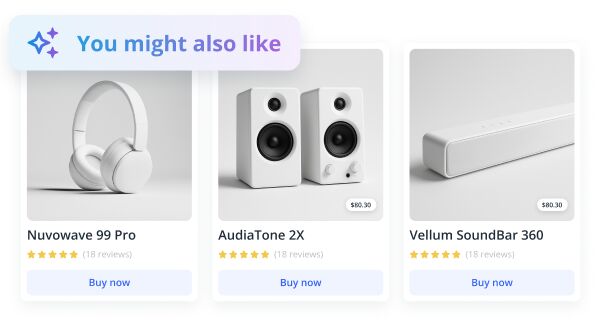
Product recommendation card showing three audio devices with ratings and buy buttons

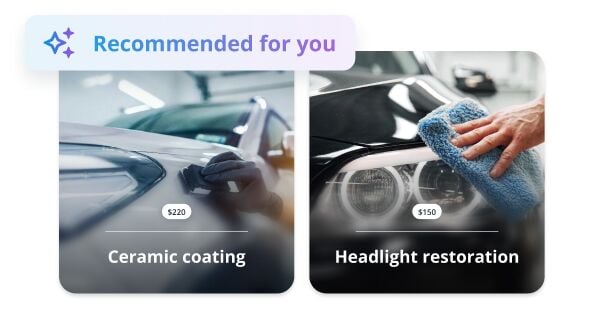
Handle bookings

Whether it's a service or a consultation, your assistant makes it simple to reserve a spot.

Two recommended car services: ceramic coating and headlight restoration, each shown with a photo and price tag.
TEXT GENERATOR

Forget writer's block

Write compelling headlines, product descriptions, blog posts and more – instantly. Just tell the assistant what you need, and get on-brand, ready-to-publish content in seconds.
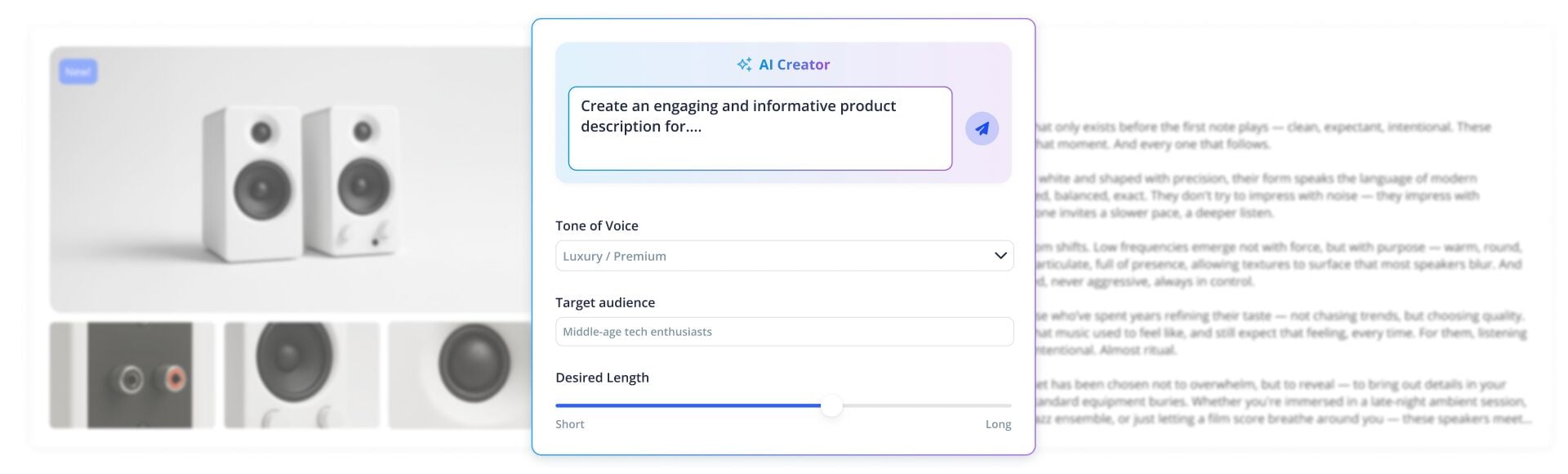
UI panel for an AI content creator tool over a blurred product page with speakers
IMAGE GENERATOR

Skip stock images - create your own

Need a hero image, icon or blog illustration? Describe it, and your assistant creates sharp, professional visuals tailored to your site – no design skills needed.

Interface of an AI image generator with a central prompt box asking to create an image, showing options for aspect ratio and style, over a blurred grid of various stock-like images in the background.
Built-in assistant

Ask for anything, from anywhere

Deeply integrated into your site and dashboard, AI Assistant is always just a click away. It guides you as you build, writes and designs on command, and chats with your visitors when they need support.
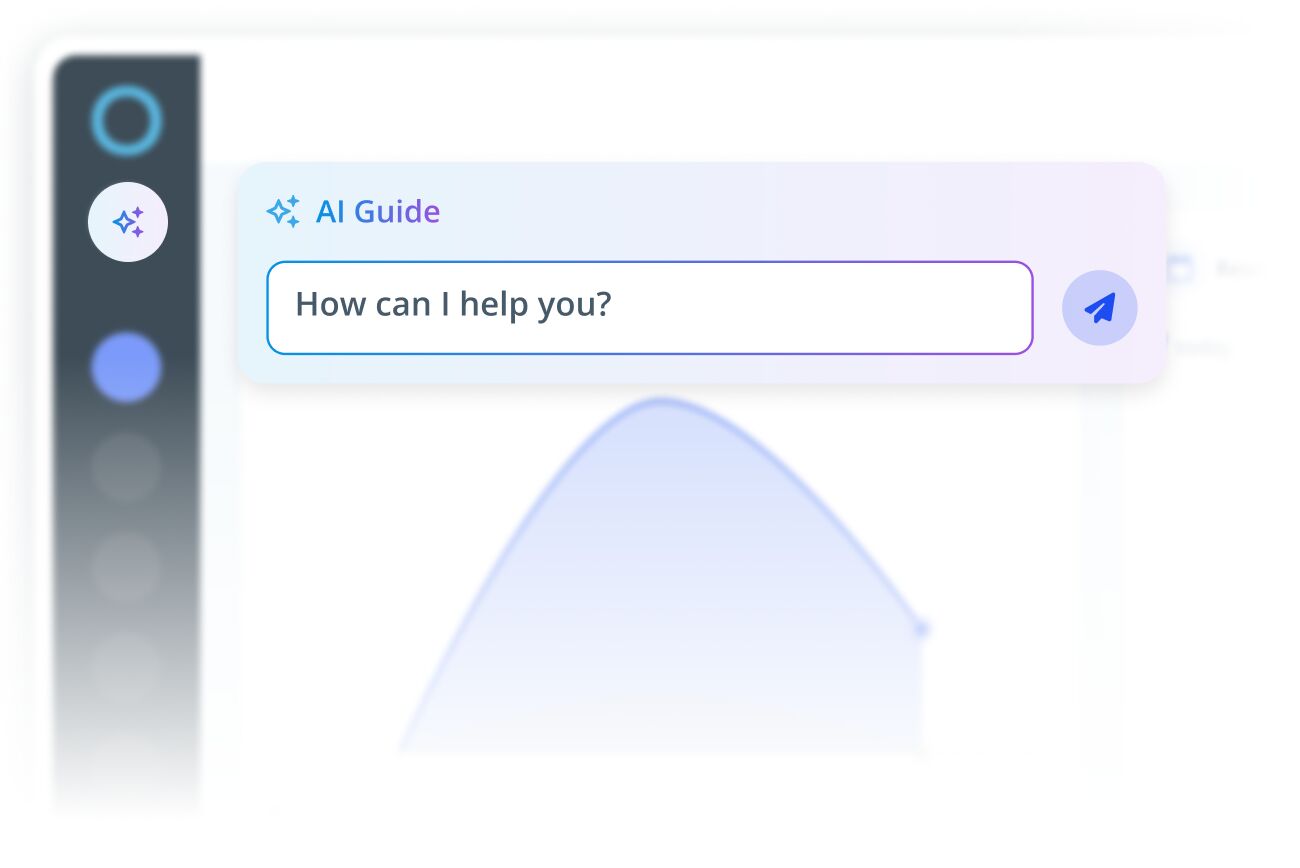
UI mockup showing an AI assistant chat input overlay on a blurred software dashboard
AI-GUIDED WORKFLOWS

Skip learning, start doing

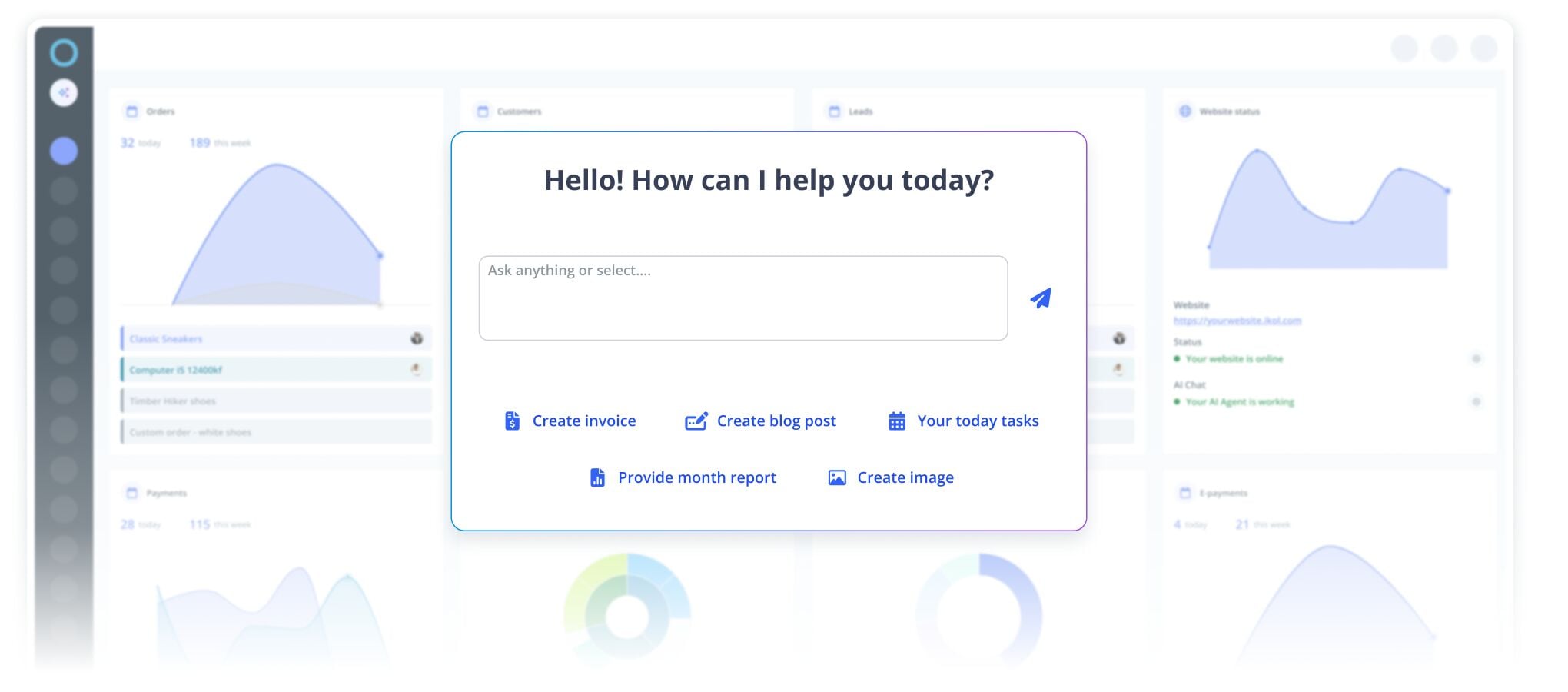
No need to figure things out on your own. Just tell the assistant what you want to do – it gets it done or shows you how. Fast, simple, frustration-free.
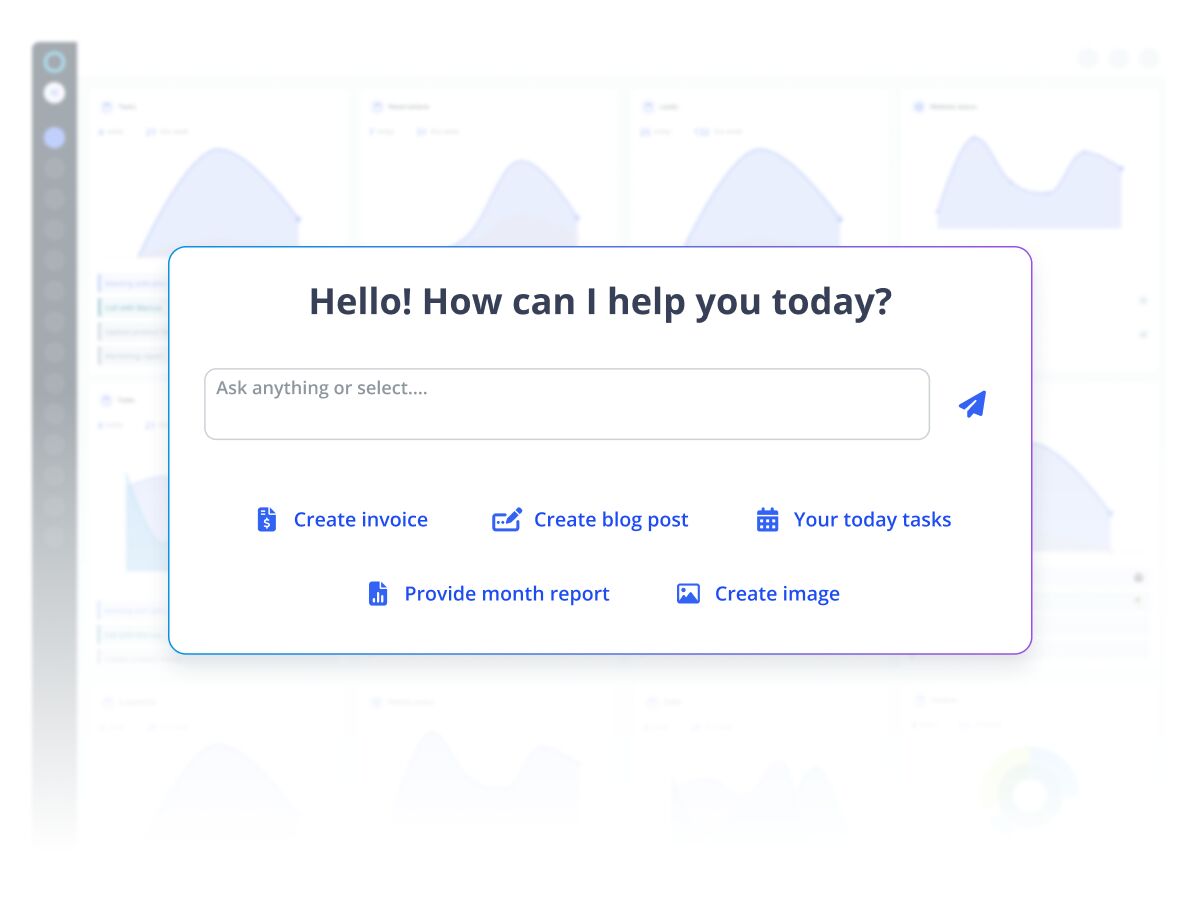
Dashboard interface with a central chatbot input panel offering quick actions like creating invoices, blog posts, tasks, monthly reports, and images.
faq

Got questions?

AI Assistant would answer them in seconds.

Do I need to know how to use AI?

Nope! That’s the best part – you talk to the AI Assistant just like you’d talk to a trusted teammate.

Is it hard to set up?
How do I ask the AI Assistant for help?
Can I change what the AI Assistant says?
Is it safe to use with customer information?
Does the AI Assistant cost extra?
Can I turn it off?
Large blue letters spelling FAQ on a light abstract background.
faq

Got questions?

AI Assistant would answer them in seconds.

Do I need to know how to use AI?

Nope! That’s the best part – you talk to the AI Assistant just like you’d talk to a trusted teammate.

Large blue letters spelling FAQ on a light abstract background.
Is it hard to set up?

Not at all. The AI Assistant is built into our system. If you want to change anything, just ask – it’ll do it for you or guide you through it.

Large bold letters spelling FAQ on a light, abstract background.
How do I ask the AI Assistant for help?

Just click the AI Assistant icon – wherever you are in the dashboard or on your site – and type what you need.

Can I change what the AI Assistant says?

Absolutely. You can customize how it works – including the tone and length of responses. You can also upload knowledge bases on topics you want it to specialize in.

Large blue letters spelling FAQ with light abstract shapes and paper airplanes in the background.
Is it safe to use with customer information?

Yes. The AI Assistant available to your site visitors doesn’t have access to your customer or lead data – so there’s nothing to leak. And here at iKol, we don’t peek into your customer info either.

Large blue letters spelling FAQ with light abstract shapes and paper plane icons in the background.
Does the AI Assistant cost extra?

The full-featured AI Assistant is included in the Advanced plan.

Large blue letters spelling FAQ with soft abstract shapes in the background.
Can I turn it off?

Yes – if you’re feeling old-school, you can turn the AI Assistant off. But we recommend giving it a try first 😉

Illustration with large text 'FAQ' in blue on a light abstract background

Try it out!

  • No credit card required