Teaching online just got a whole lot easier

Embrace the world of online teaching and let IKOL online classes software do the heavy lifting for you. With a few clicks, you can reach students from all over the globe, plan your schedule, and receive payments all in one place. So sit back, relax and discover the art of organization and make your lessons widely accessible and simple to schedule.

  • Class booking
  • Calendar
  • Chat & other contact options
  • Online payments
  • Customizable website
  • & more
Calendar & availability

Customize your class schedule based on your availability

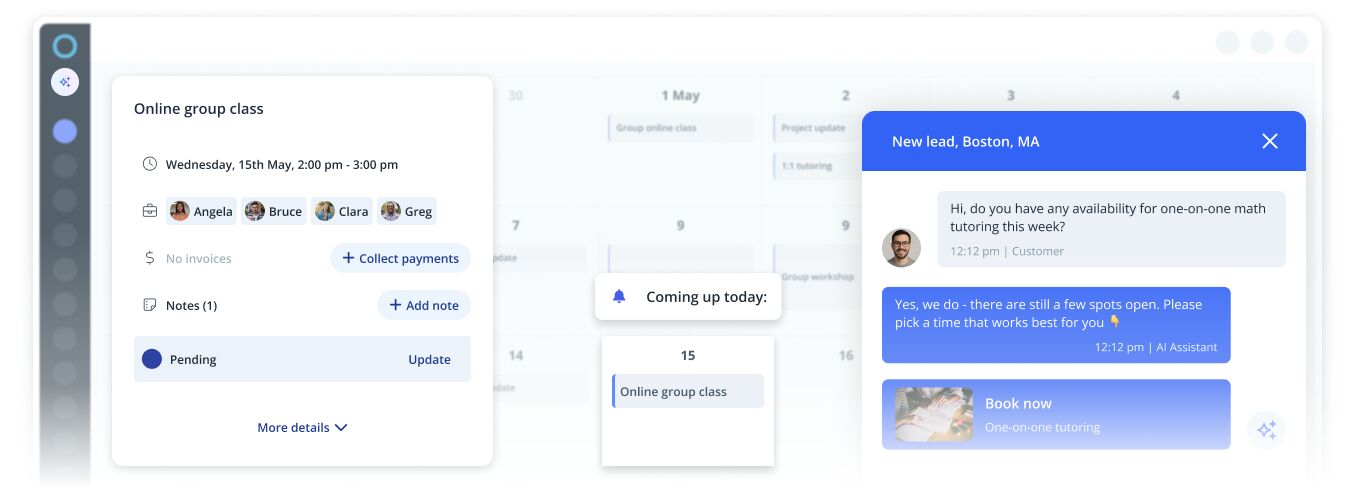
Online classes and workshops are an excellent way to bring creativity and learning to people's homes. However, running a successful online classes business can take time, from creating lesson plans to managing student enrollments and scheduling sessions. With IKOL online classes software, you can customize your online classes and scheduling calendar to fit your needs and availability, making it easier to manage your business and engage with your students.

  • Easily add your classes to services list and allow your students to book them online
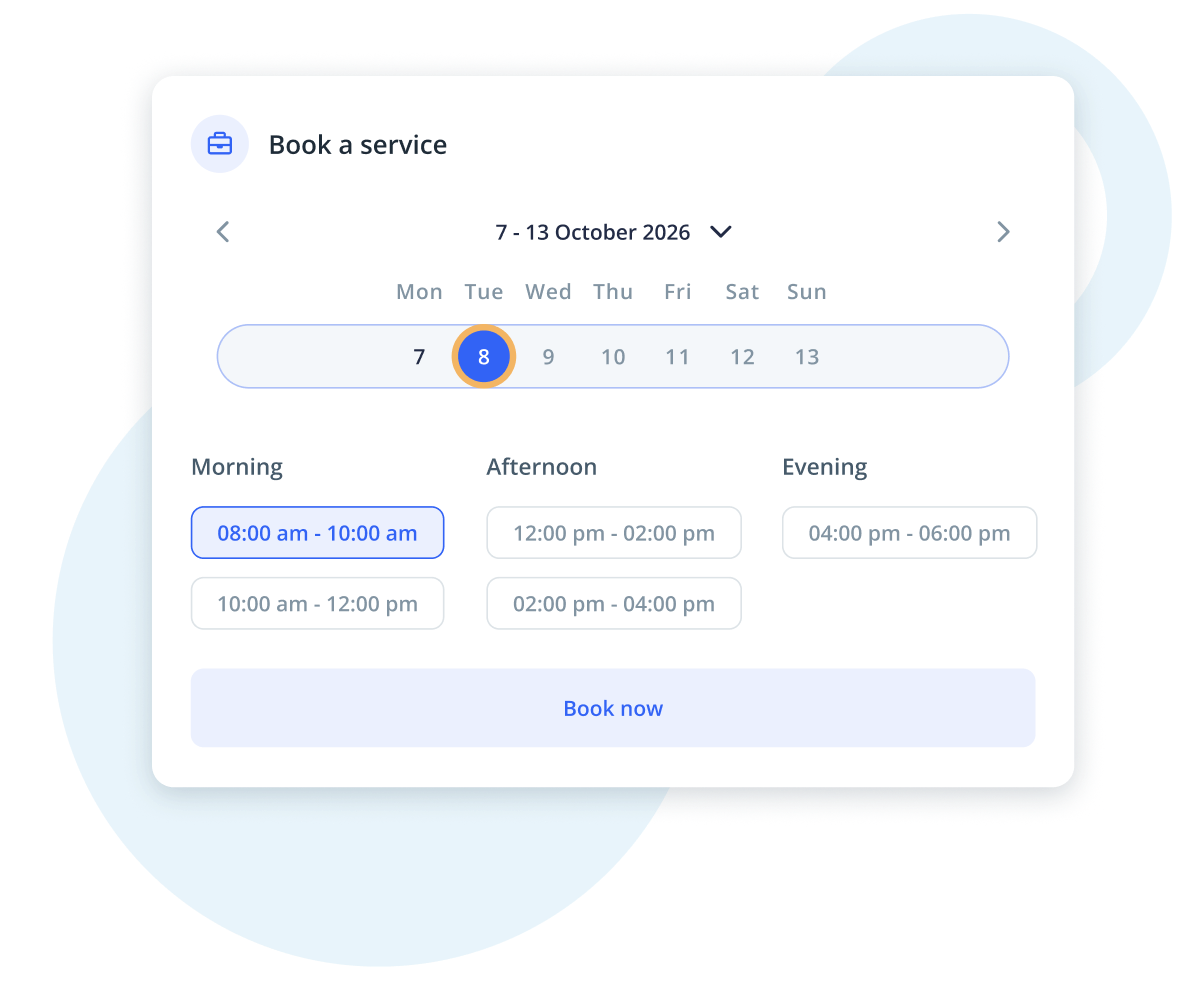
  • Decide on your availability and allow booking of specific time slots
  • Set the maximum number of participants in your lesson
  • Require code message verification from people enrolling for the class
Weekly calendar UI showing a class schedule grid with days Monday to Sunday and colored blocks for events.
Contact options

Converse with your students

In today's world, it's common for texts and emails to get lost in the mix of spam and junk messages, leaving important information unseen. With IKOL online classes software, we won't let you miss any inquiries from your potential or existing students. Whether you want to reschedule a class or your clients need clarification on a topic, you can communicate with them quickly and effectively. Stay connected with your students no matter where you are - our communication features can be used on multiple devices, including desktops, laptops, tablets, and smartphones.

  • Use chat to communicate with your students from anywhere and at any time
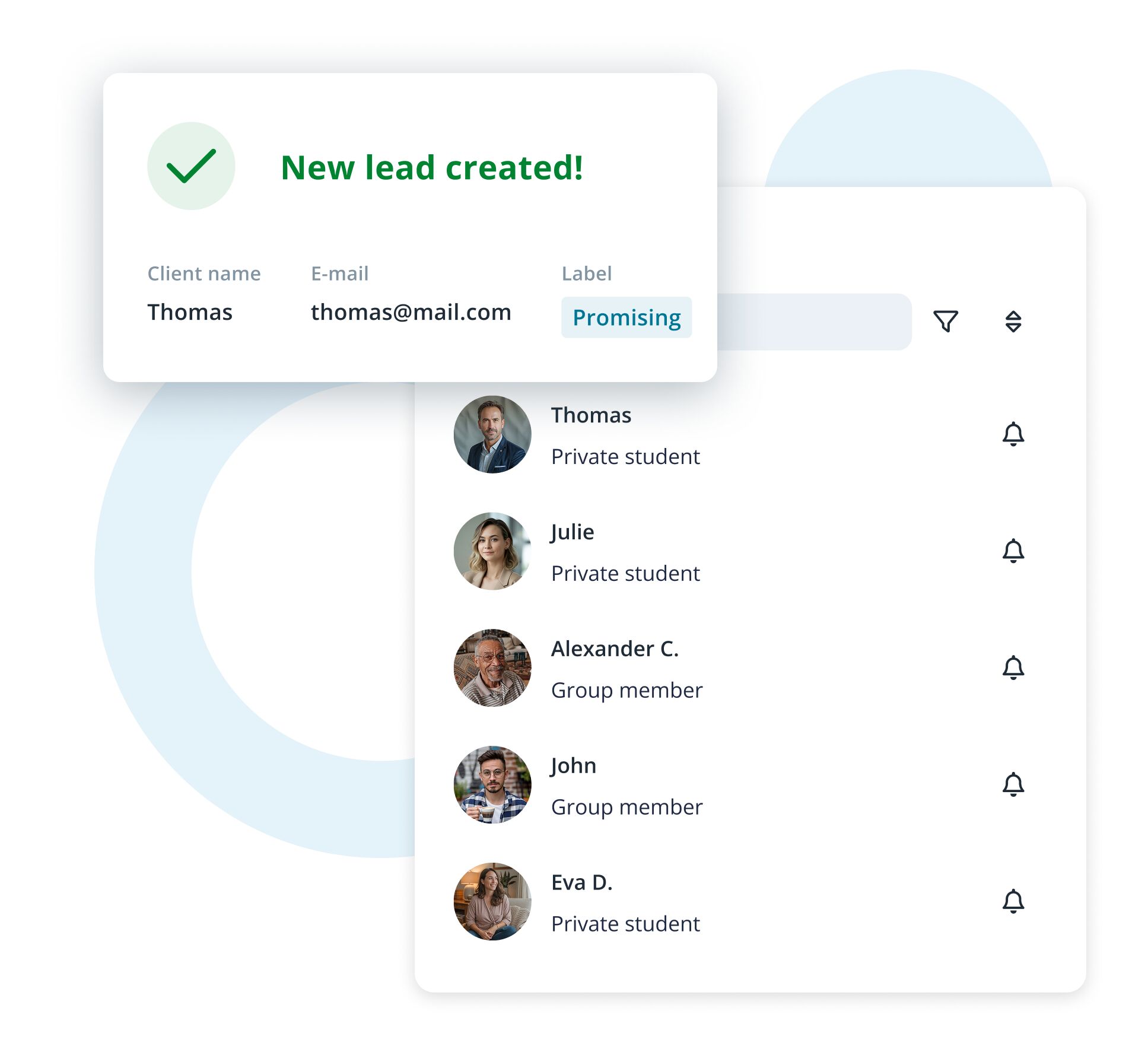
  • Convert chat conversations into leads and tasks
  • Create emails or send email templates to answer your students' inquiries
  • Store your students' contact details to send text messages and call them via the IKOL app
Image

Online classes software for online tutors

  • No credit card required
List of classes

Create service catalog

Looking to attract students to your classes? With IKOL, you can easily showcase all the exciting and diverse activities that you offer. Whether you are teaching maths, science, languages, music, art or any other discipline, give your future students a taste of what they can expect. IKOL lets you gather all the helpful information in one place, making it easier than ever to attract and retain students of all ages and backgrounds.

Regular classes

With IKOL, you can list all the classes that you currently offer and allow booking options. You can also set the class duration, inform students about your rates, and provide service descriptions so that your students know how to prepare for the class.

Special events
Mockup of a class booking interface showing a list of regular classes with a search bar and blue 'Book a service' buttons.
List of classes

Create service catalog

Looking to attract students to your classes? With IKOL, you can easily showcase all the exciting and diverse activities that you offer. Whether you are teaching maths, science, languages, music, art or any other discipline, give your future students a taste of what they can expect. IKOL lets you gather all the helpful information in one place, making it easier than ever to attract and retain students of all ages and backgrounds.

Regular classes

With IKOL, you can list all the classes that you currently offer and allow booking options. You can also set the class duration, inform students about your rates, and provide service descriptions so that your students know how to prepare for the class.

Mockup of a class booking interface showing a list of regular classes with a search bar and blue 'Book a service' buttons.
Special events

Whenever you organize a special event for your students or a special private session, IKOL allows you to quickly add it to your services list and customize booking time slots according to your availability.

Clean UI mockup showing a 'Special events' booking panel with a search bar and three listed events—Virtual trip, Online book club, and Guest speaker—each with a blue 'Book a service' button.
Notes & reminders

Remain up-to-date

If you have a block of classes lined up one after the other, don't let yourself get overwhelmed. IKOL will remind you of any upcoming events, so you can stay organized and avoid overlooking any important details. Moreover, IKOL allows you to create notes for each individual client so you can easily remind yourself what you covered in previous lessons, track progress, and recall homework assignments you previously gave to your student. This way, you will always be on top of things and well-prepared for each upcoming class.

  • Set your reminder preferences
  • Receive notifications about upcoming sessions, payments, bookings, and contact requests
  • Create notes to keep track of your students' progress
  • Write down what to revise in the next lesson and keep all other notes related to students in one place
Image
AI website generator

Generate your website for free

Experience custom website creation like never before. It's quick, it's free, and it's tailored just for your business.

No worries – we'll have everything done in under a minute

AI Website generator
This site is protected by reCAPTCHA and the Google Privacy Policy and Terms of Service apply.
Image
Website features

Design your own website

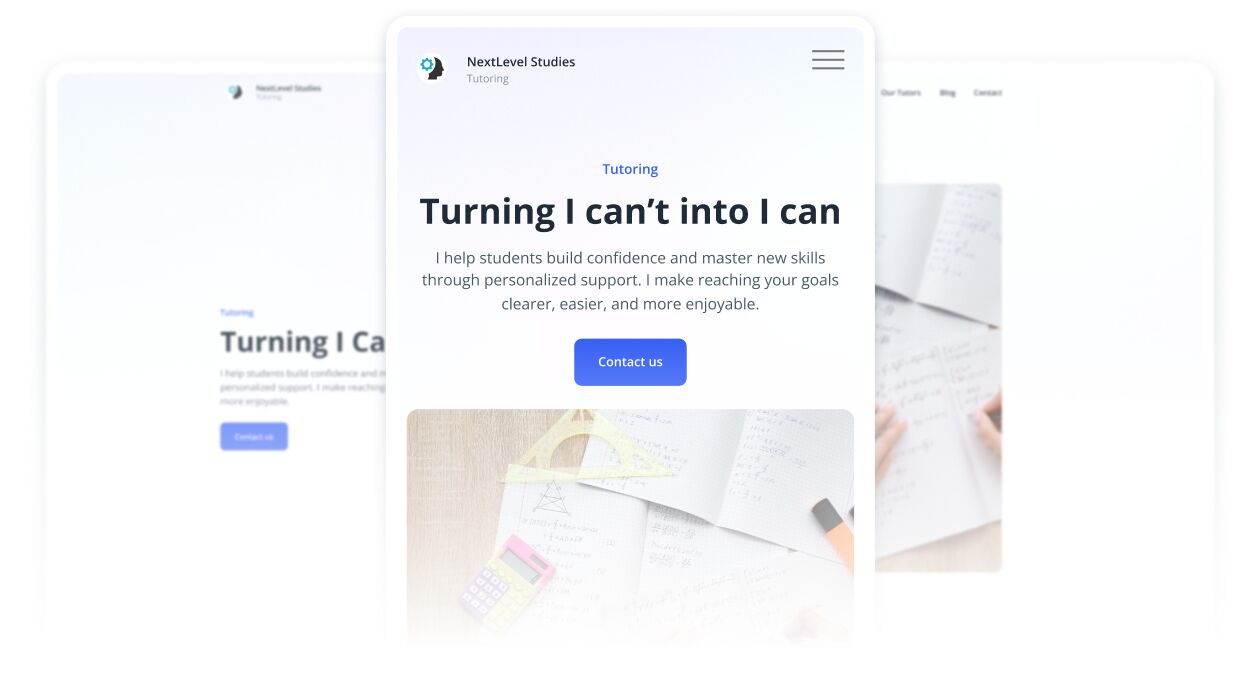
Building a strong brand is crucial for establishing trust and inspiring loyalty. You can build your portfolio, create a positive experience, and attract new customers by uploading testimonials, creating blog posts and news, and uploading photos on a user-friendly website powered by IKOL online classes software.

Certificates and experience

As an online tutor, it's important to show potential students that you're a skilled professional they can trust. On your website, you can tell your students about yourself and your experience, highlight your strengths and accomplishments, and upload photos of your diplomas and certifications. All of these will help you to build your reputation!

Testimonials
FAQs, blog posts, and news
Illustration of a language teacher holding a smartphone with badges highlighting qualifications: Spanish native speaker, Certified French teacher, 5 years of experience in teaching, and MA in American Studies.
Website features

Design your own website

Building a strong brand is crucial for establishing trust and inspiring loyalty. You can build your portfolio, create a positive experience, and attract new customers by uploading testimonials, creating blog posts and news, and uploading photos on a user-friendly website powered by IKOL online classes software.

Certificates and experience

As an online tutor, it's important to show potential students that you're a skilled professional they can trust. On your website, you can tell your students about yourself and your experience, highlight your strengths and accomplishments, and upload photos of your diplomas and certifications. All of these will help you to build your reputation!

Illustration of a language teacher holding a smartphone with badges highlighting qualifications: Spanish native speaker, Certified French teacher, 5 years of experience in teaching, and MA in American Studies.
Testimonials

Set your business apart from competitors and highlight your unique characteristics. Uploading testimonials can increase your reliability as a teacher and help potential students make informed decisions about joining the course based on the experiences of other students. Add testimonials to your IKOL website and encourage more students to enroll in your classes.

Testimonial card UI titled "Satisfied students" showing a quote: "I couldn’t hope for a better teacher!" with left and right arrow buttons and a small avatar labeled Tom below the text.
FAQs, blog posts, and news

Having FAQs on your website allows you to answer common questions that potential students may have about your classes. You can also inform your students about the importance of regular practice and how to properly study for their online classes by creating blog posts. Such informative and helpful content can help attract and retain students, and build your reputation as a reliable and trustworthy online education provider.

Blog card UI showing an illustration on the left and a post preview on the right titled “Teaching from the Couch: The Funny Side of Online Education" dated May 26th.
Online payments & invoicing

Effortless online payments

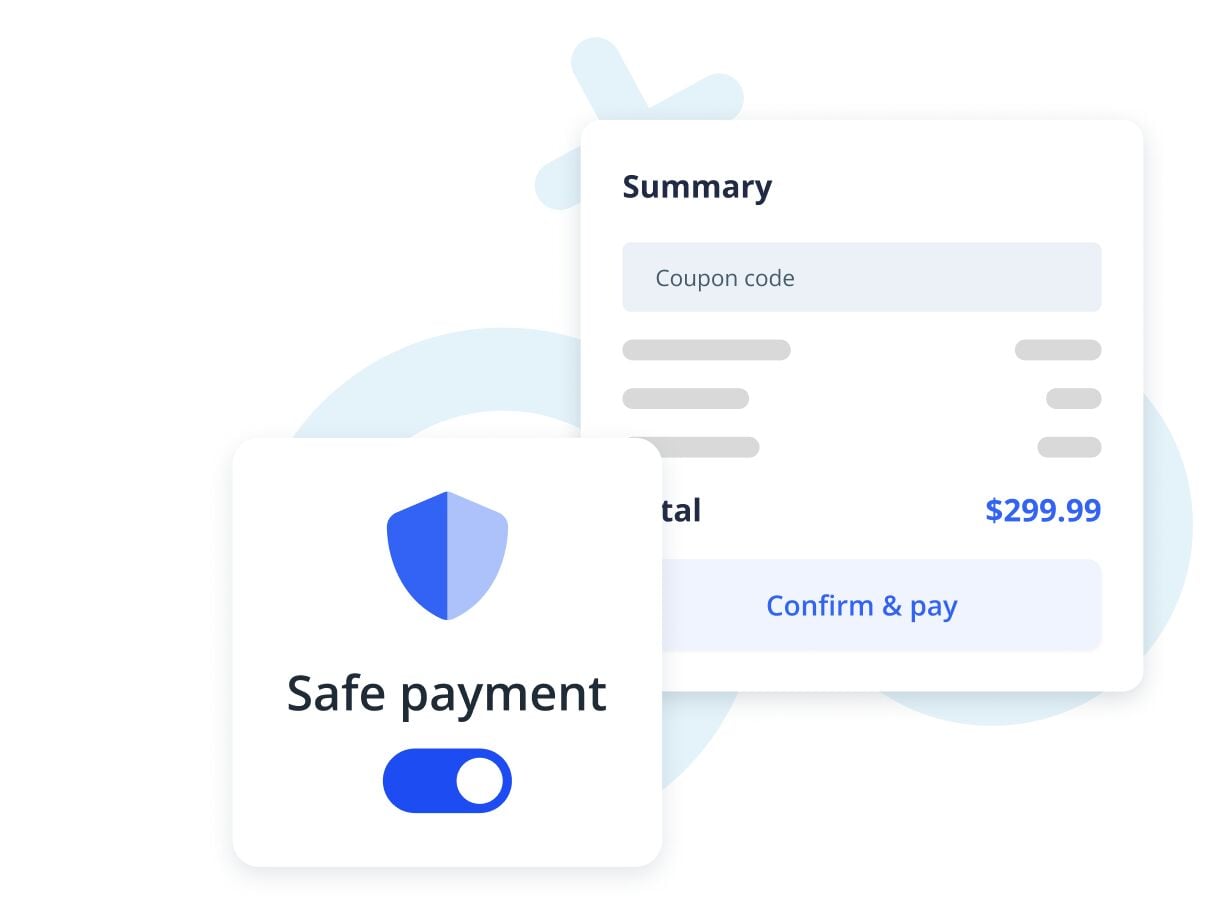
Enrolling in a class and paying in advance is the most convenient option for you and your students. It also saves you time and energy from constantly reminding your students about payments and eliminates the need to worry about misplaced payment records or miscalculating fees. With the user-friendly IKOL platform, you can manage and keep track of the payments and invoices all in one place.

  • Create and send online invoices to your students in a couple of seconds
  • Send payment request links to your clients via email
  • Request upfront payment while booking a service
  • Accept and monitor payments in the same place you organize and schedule your work
Image