online reservation tool

Convert clicks into customers

Set up your offers and show them on your website so clients can easily check them out and book.
With our AI website builder, your site handles reservations automatically, so you never miss a booking.
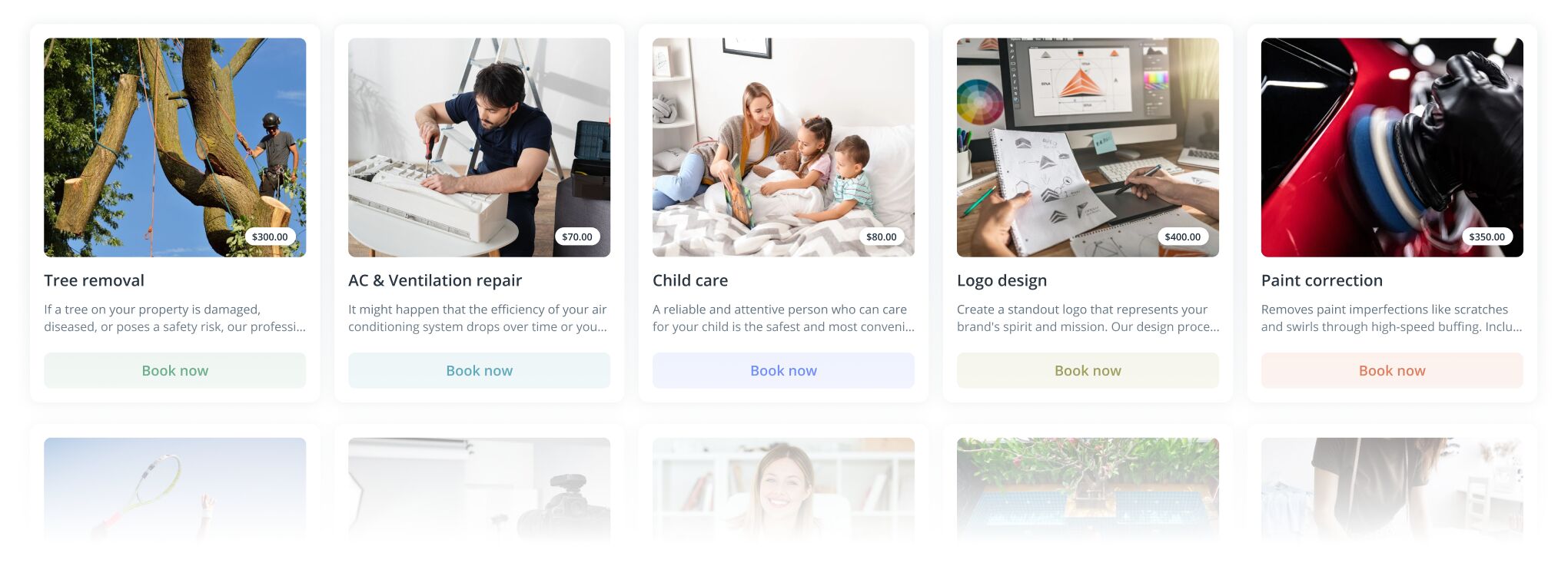
Service marketplace tiles showing categories like tree removal, AC repair, child care, logo design, and paint correction with images, short descriptions, prices, and a Book now button.
service details

Highlight what matters

Your service is your value, so make it stand out. The clearer you explain what you offer, the more likely customers will be to book with you. Include important details like the name, photo, description, pricing, and any special requirements to help them make an informed choice.
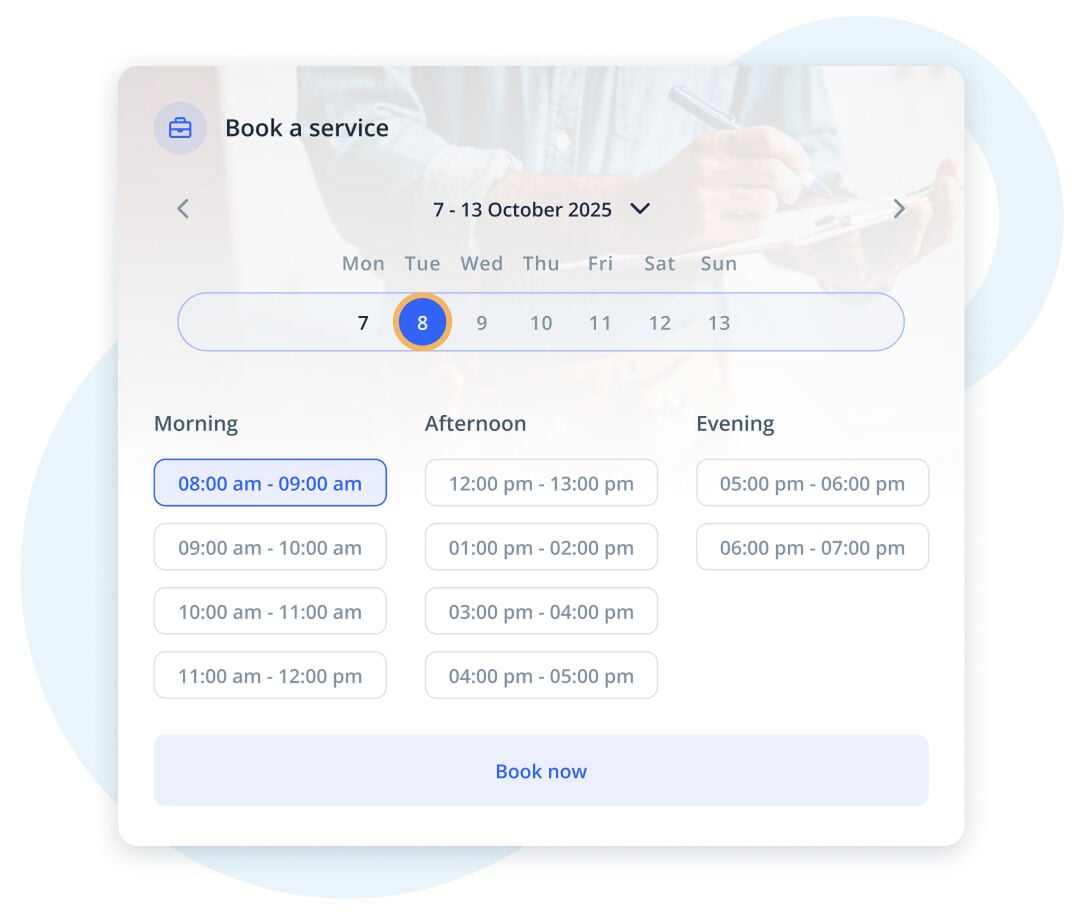
Booking interface showing date and time slot selection for a service.
integrated payments

Make payments fast and easy

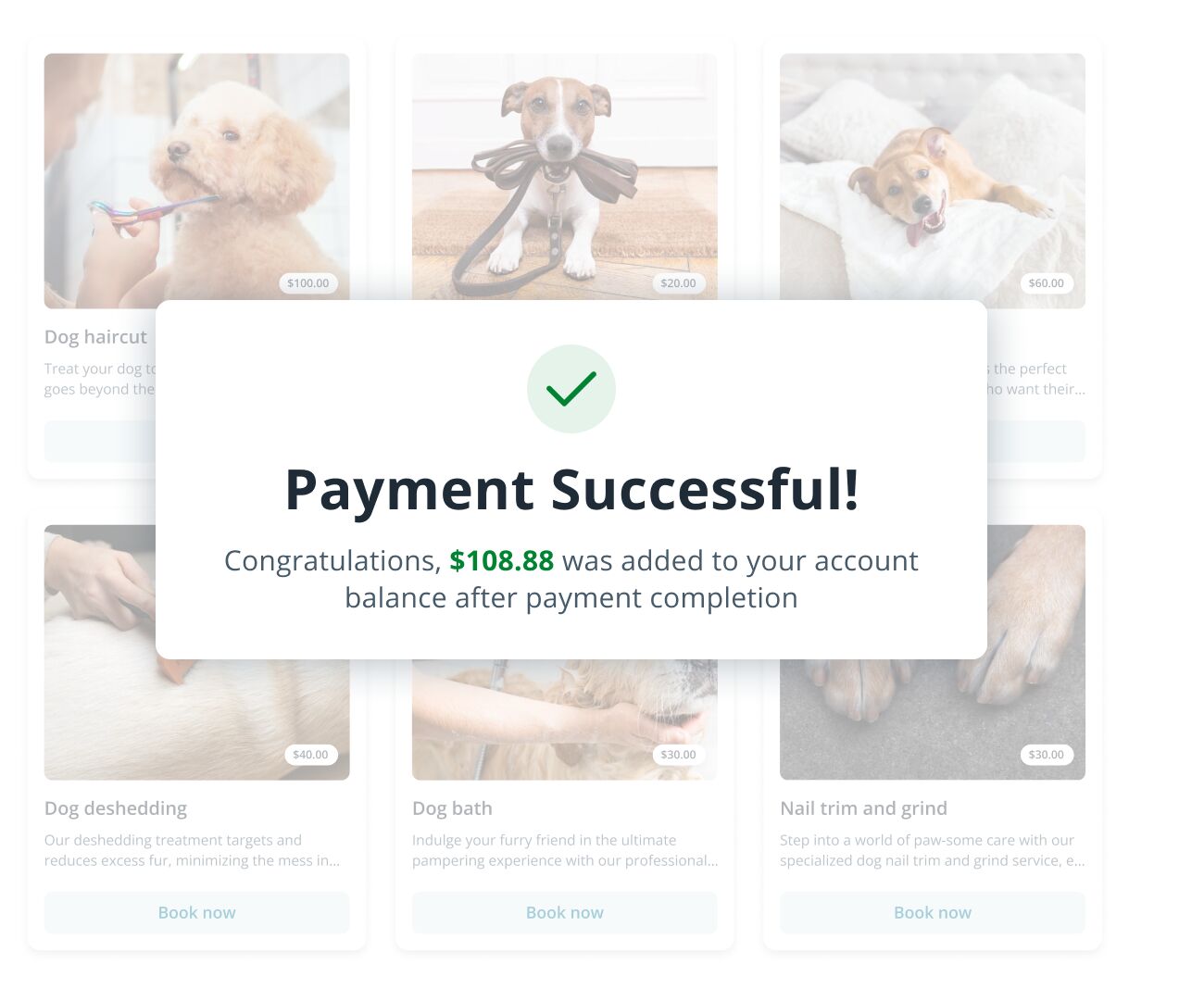
Make payments easy. After booking, your clients automatically get a way to pay, no need to remind them. It saves you time and keeps things running smoothly.

Payment Successful message overlay on a pet grooming booking app interface.
invoices

Booked, paid, invoice ready

You no longer have to create invoices manually after a service. The invoice is automatically generated and sent to the client with a payment link. Focus on your work, not on dealing with paperwork.
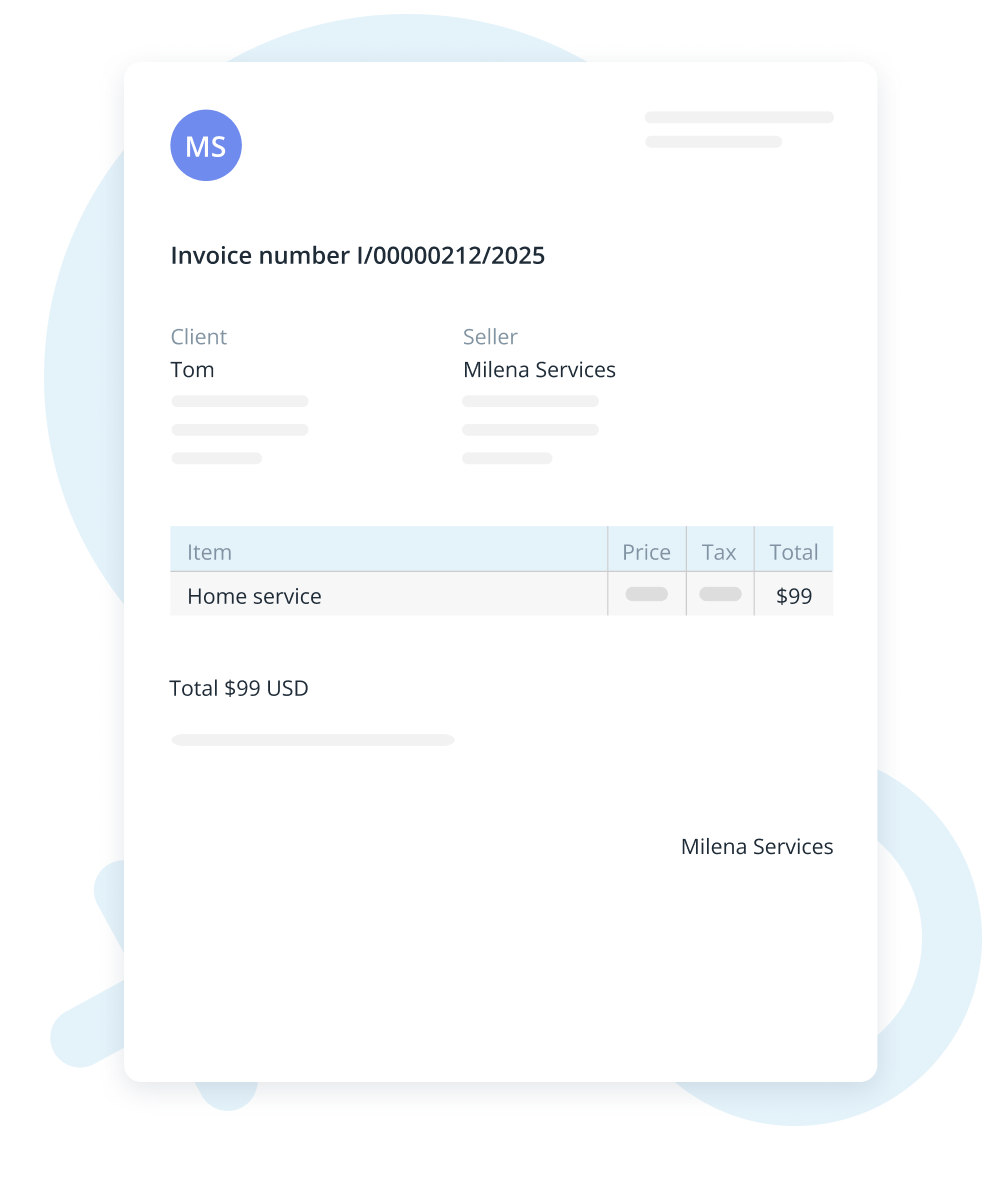
Minimalist invoice with client and seller details and a service total of 50 USD.
Customer Relationship Management

Keep clients coming back

Store client details and appointment history, add notes on preferences, and keep track of their visits. You can also use AI to create personalized promotions and newsletters, making it easy to build loyalty and encourage customers to return.
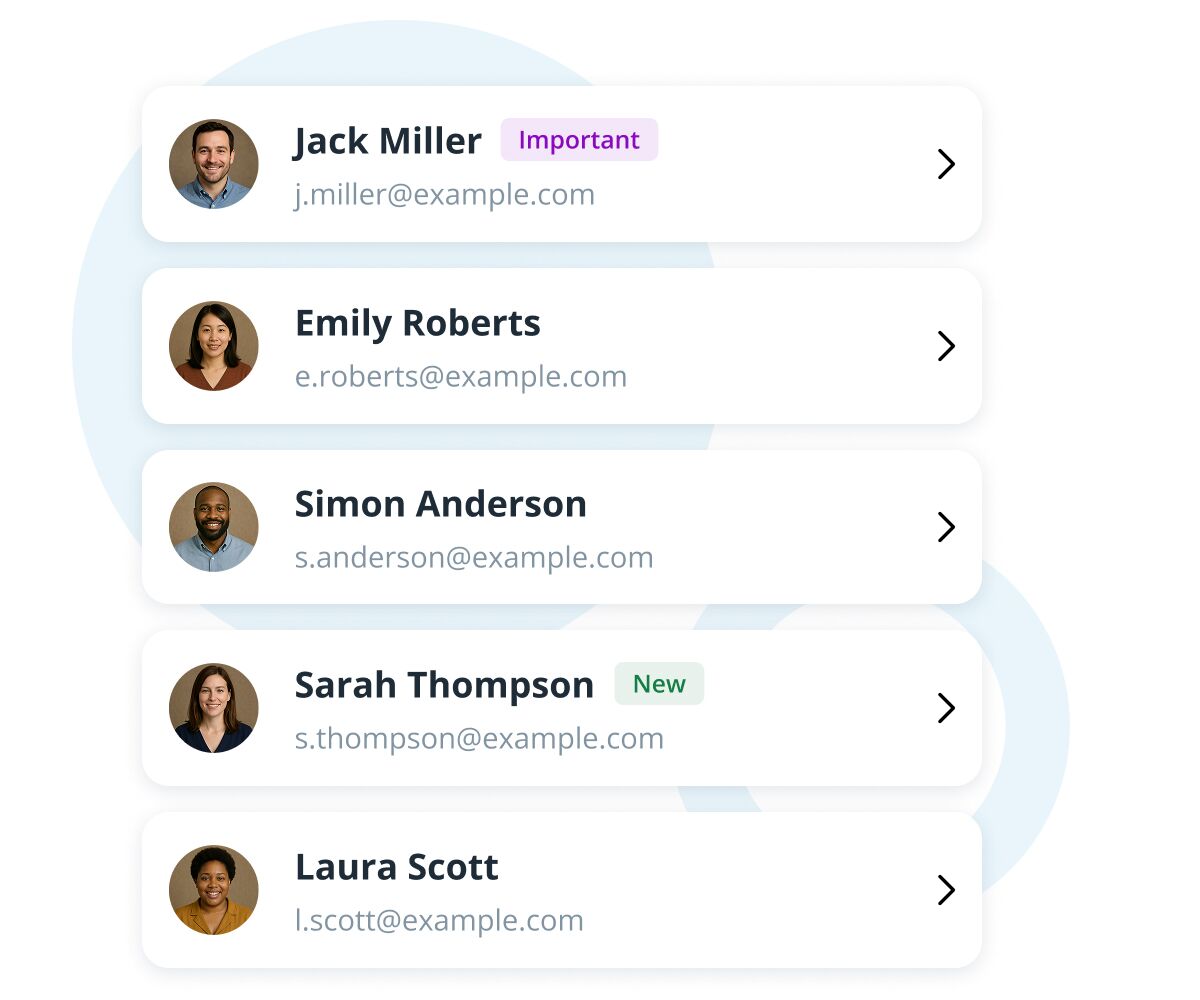
Contact list UI with profile avatars, names, emails, and status tags
Reservation confirmation

No more missed bookings

Make sure your bookings are real by asking customers to confirm. Choose the option that fits your business best, ask for a quick text confirmation to verify interest, request a partial payment to hold the spot or require full payment up front to secure the booking.
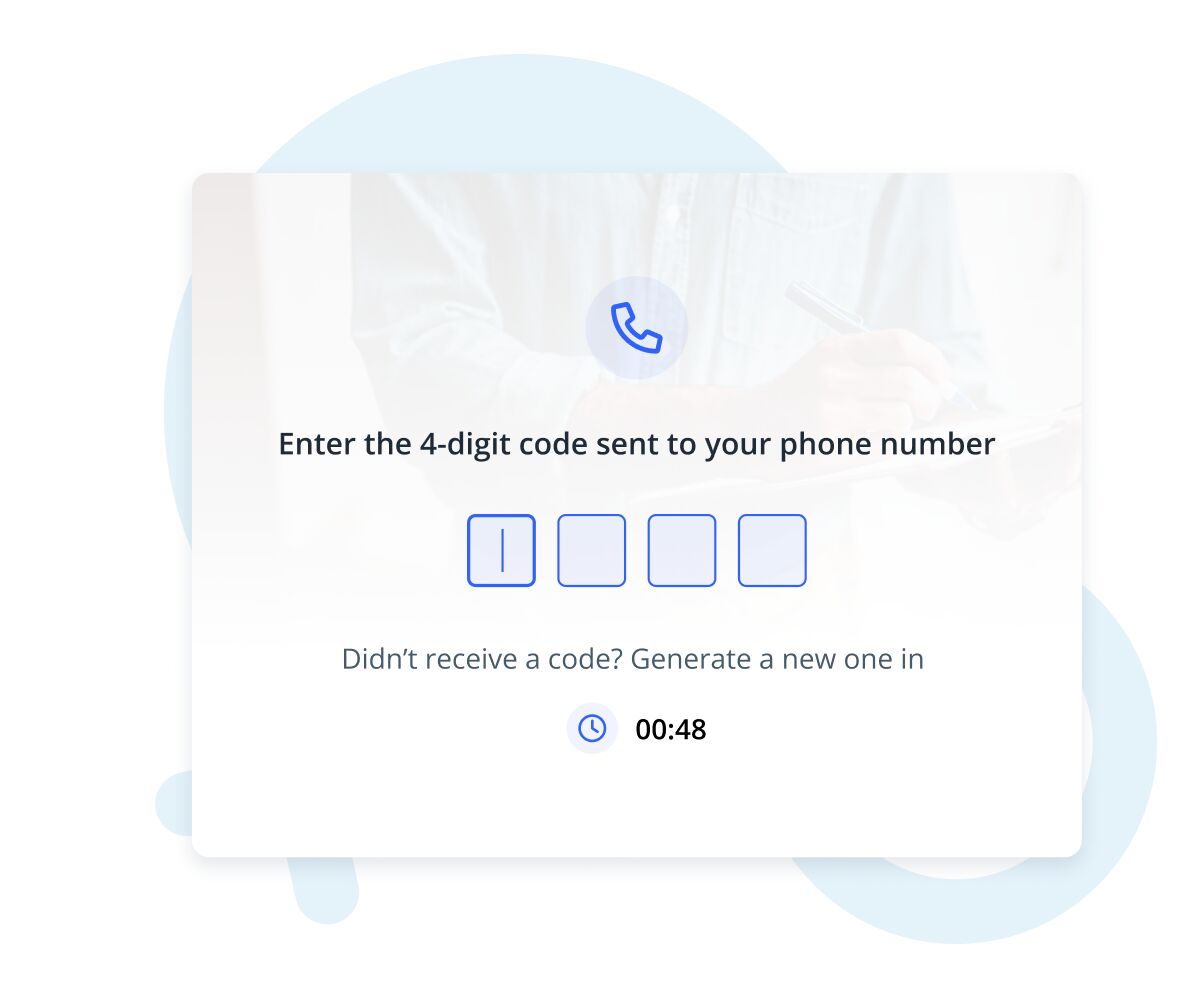
Verification screen asking user to enter a 4-digit code sent to their phone number, with four input boxes and a countdown timer.
Customization

Set it exactly your way

With IKOL, you control who does the job, where it happens, when it’s available, and how many clients can book at once. Everything is flexible, set it your way.

Choose right team member

Let your customers choose their preferred team member to work with

Set up group reservations
Choose your work hours
Set your service area
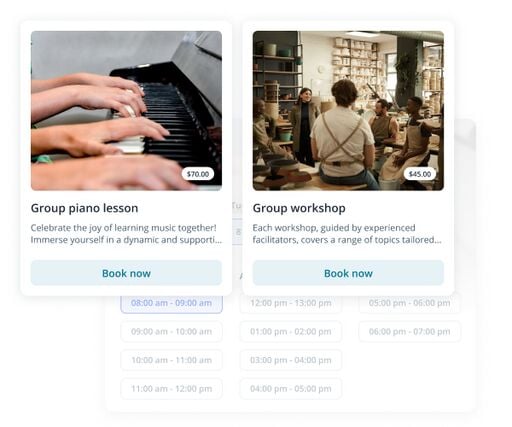
Interface cards showing two bookable activities: a group piano lesson and a group workshop, each with an image, price tag, description snippet, and a blue 'Book now' button.
Customization

Set it exactly your way

With IKOL, you control who does the job, where it happens, when it’s available, and how many clients can book at once. Everything is flexible, set it your way.
Choose right team member

Let your customers choose their preferred team member to work with

Interface cards showing two bookable activities: a group piano lesson and a group workshop, each with an image, price tag, description snippet, and a blue 'Book now' button.
Set up group reservations

Allow bookings for single clients or multiple clients per time slot.

Interface showing two class cards: a group piano lesson and a group workshop, each with photo, price tag, description, and a Book now button, overlaid on a blurred schedule of time slots.
Choose your work hours

Set your availability with custom or regular hours so clients can book at convenient times.

Two booking cards for classes: a group piano lesson with hands playing a keyboard and a group workshop in a pottery studio, each showing price and a Book now button.
Set your service area

Make it easy for customers to know where you work. Set clear service zones so clients only book where you actually operate.

Interface showing two event cards for booking: a group piano lesson and a group workshop, each with photos, prices, and a Book now button, over a faint schedule background.
ai chat booking

Get more clients with AI

Let our AI-powered chat handle bookings for you. The chat auto-fills the details, offers the best time slots, and speeds up the whole process, no forms, no extra steps. It’s a smart, fast way to keep your schedule full and your clients happy.
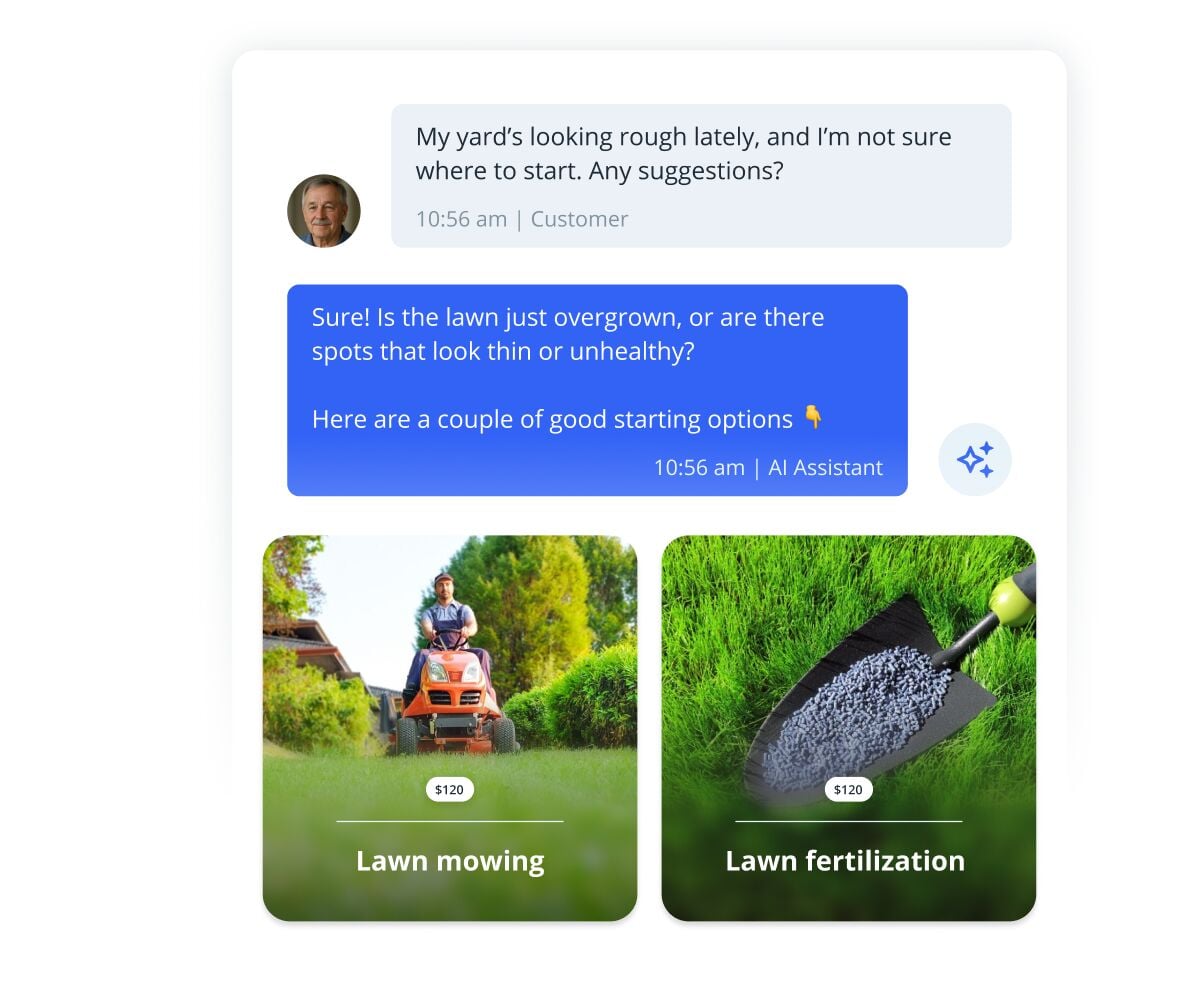
Mockup of a chat with an AI assistant recommending lawn care services, showing message bubbles and two service cards for lawn mowing and lawn fertilization.
mobile app

All you need in one app

With the IKOL mobile app, everything you need is in your pocket. View your schedule, manage tasks, connect with customers, take bookings, get paid, and reply to inquiries, all in one place.
Smartphone-style notification saying 'New reservation!' on a blue gradient card with rounded corners.
faq

Frequently asked questions

Is there a trial version?

Yes, IKOL offers a 3-day free trial so you can explore all the features and see how it works for your business before committing to a paid plan.

Can I integrate IKOL with my existing website?
Can I offer group bookings with IKOL?
How does the AI-powered chat booking work?

Large stylized letters "FAQ" centered on a light blue abstract background illustration.
faq

Frequently asked questions

Is there a trial version?

Yes, IKOL offers a 3-day free trial so you can explore all the features and see how it works for your business before committing to a paid plan.

Large stylized letters "FAQ" centered on a light blue abstract background illustration.
Can I integrate IKOL with my existing website?

Yes, IKOL can be smoothly integrated with your existing website. You can showcase your services, add booking buttons, and let your clients book directly from your site with no extra effort.

Large blue letters spelling FAQ with light blue abstract shapes in the background.
Can I offer group bookings with IKOL?

Yes, IKOL supports group bookings. You can set up time slots for multiple clients, define group size limits, and assign the right number of team members to each session.

Large blue letters spelling FAQ with light abstract shapes and icons in the background.
How does the AI-powered chat booking work?

The AI-powered chat simplifies booking by interacting with clients, suggesting available time slots, auto-filling details, and completing the booking process without forms or extra steps. It’s a fast and efficient way to manage bookings for you and your customers.

Large blue letters spelling FAQ with light abstract shapes in the background
get started now

Try out service booking tool now!

  • No credit card required