Master in-field team management with easy-to-use tools

Have a team of workers that provide services in the field? Struggling to manage them efficiently but don’t have the right tools? Worry not. Below, we provide you with effective solutions to streamline in-field management and task dispatch with ease. Whether you need to track your employees' locations, assign tasks based on distance, or ensure smooth communication, the right tools can make all the difference. With our field team management software, you can stay organized, improve efficiency, and keep your business running smoothly—no matter where your team is working.

  • Map
  • Creating tasks
  • Assigning team members
  • Chat
  • Team calendar
Team

Create your dream team

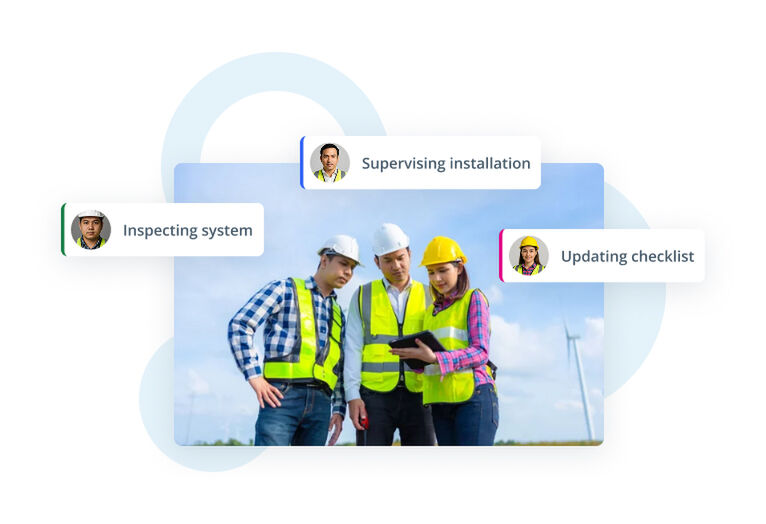
Adding a team to your website makes collaboration simple and efficient. Your team members can be displayed on your site, giving your business a more professional look, and they can also access your dashboard to manage tasks. With field team management software, your employees can stay updated on new jobs, track their progress, and work with you in real time. This ensures that tasks are completed on time and that everyone stays connected, no matter where they are.

  • See your current employees' location
  • Assign tasks based on distance
  • Connect with your team through chat
UI card titled Team listing two members with circular avatars labeled Anna and Tom.
Assign & dispatch

Manage tasks execution

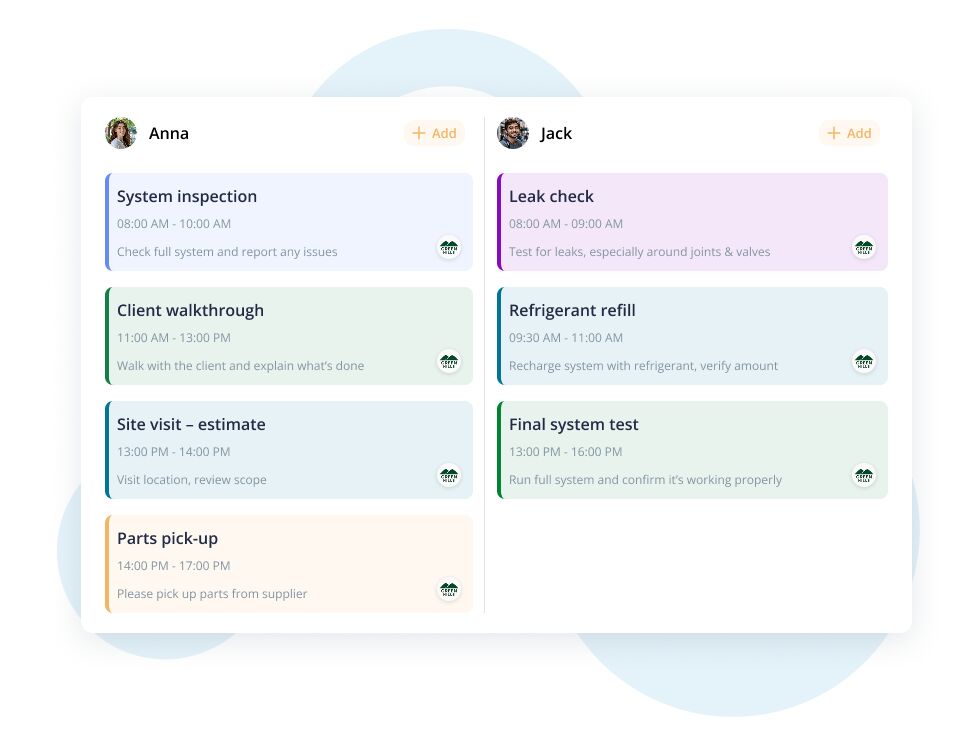
Once you have a range of tasks waiting to be executed, it is time to dispatch them to your team. You may do it once you create them, either. You know your employees best, so you can choose wisely who to assign for which service. Consider workers' skills, needed resources, distance, duration, and other conditions.

  • Assign workers to the waiting tasks
  • Consider which employee fits the particular job best
Image
Creating tasks

Task your work

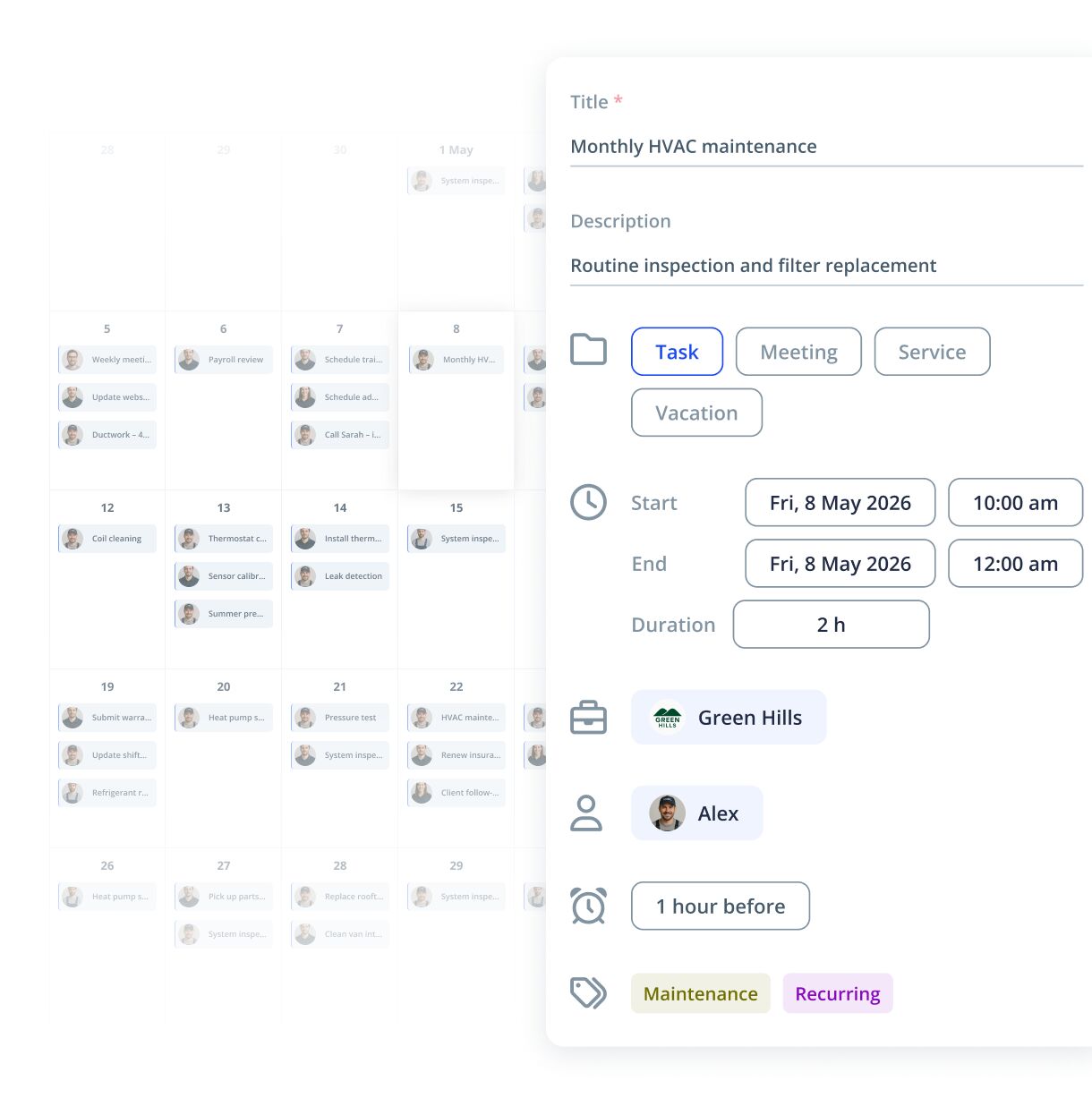
After receiving an order or inquiry from your clients, always create a task in the system. First, not to miss anything, and second, so your team can stay updated and prepare for the upcoming work. Tasks can be small, like an estimate visit at a client's place, or huge, like helping with moving out from Arizona to Colorado. Tasks also depend on your business type, industry, and other features you set. You can share notes within tasks, including customers' addresses, job details, payment methods, and more.

  • Create and save tasks to do
  • Decide whether your team members can see only their tasks or all the created tasks for the company
  • Write task notes not to forget anything
UI card titled Task details showing assignee Tom, a scheduled time Wed, 2pm, customer Robert Customer, and address 120 High St, Santa Monica.

Field service management software for small business

  • No credit card required
Team calendar

Make your day

Your calendar is your good friend when it comes to planning. To keep it clear and easy to follow, consider using the IKOL app, both for web and mobile. You can operate between different views: weekly, monthly, and upcoming tasks, and see your employees' calendars, either. It will help you visualize the work amount for each day and dispatch the new tasks. As a business owner, you make your day and the whole company's day.

  • Use the business calendar to visualize and plan the job best
  • Share the calendar with your team
Illustration of a calendar task board with three team columns labeled Tom, Anna, and John, showing light blue task cards under each name.
Quick chat

Stay within reach

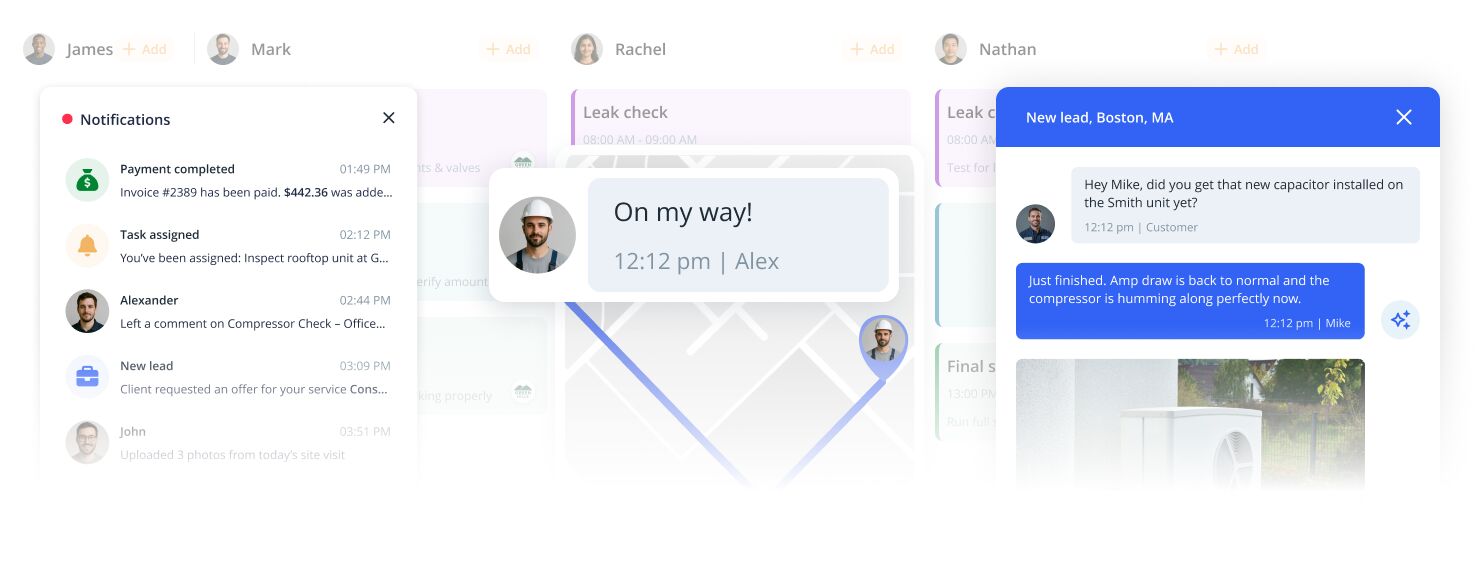
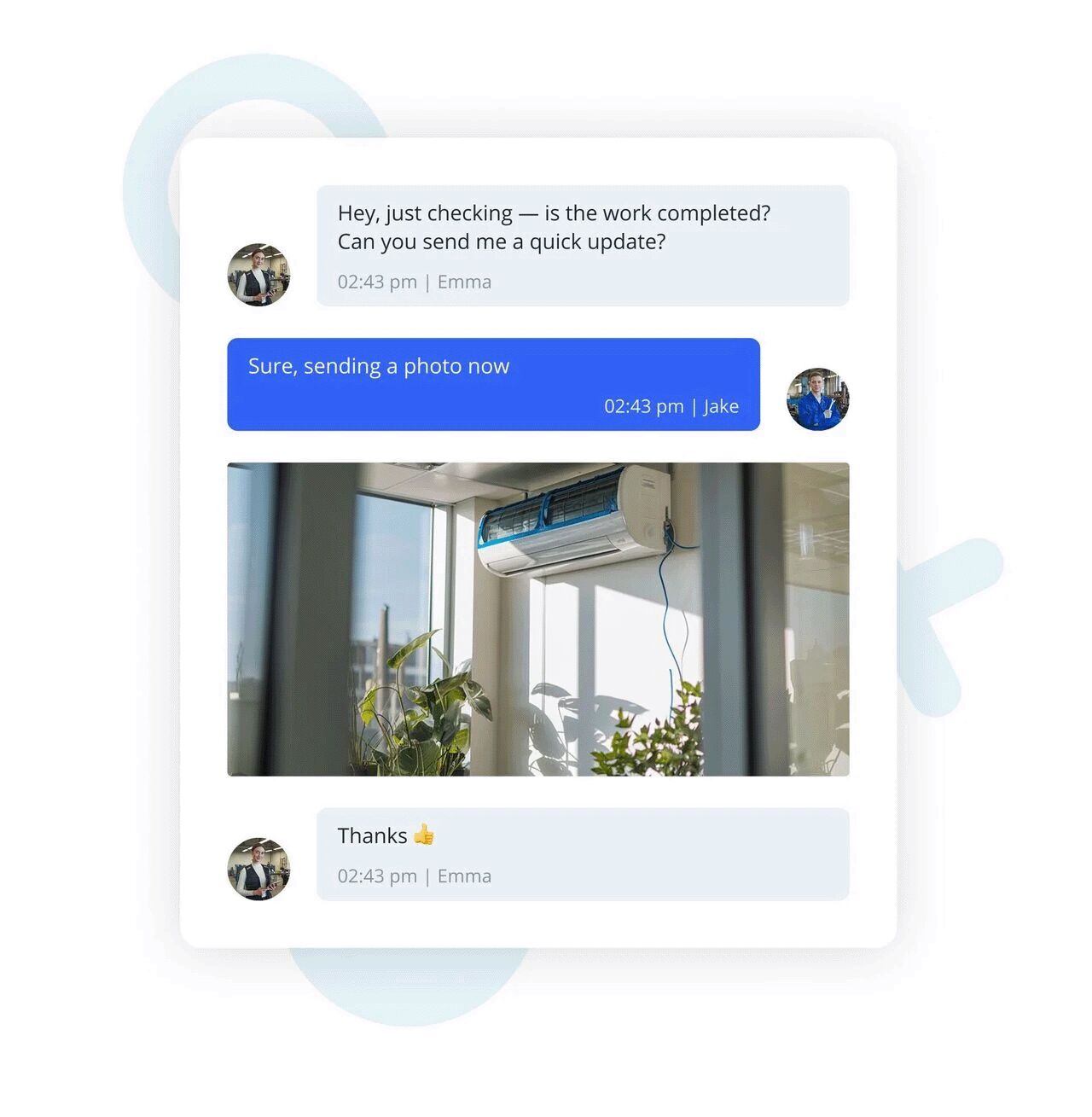
Working in-field doesn't necessarily mean being out of reach, especially when you have the proper tools. Thanks to the quick chat, you can stay in touch with your team, despite the distance. Via the chat, you can send photos and documents, too. Chatting is an easy way to stay up-to-date with the work progress, which matters both to you as a business owner and to your team as contractors.

  • Use business chat within the web and mobile app
  • Stay easily in touch with your team despite the distance
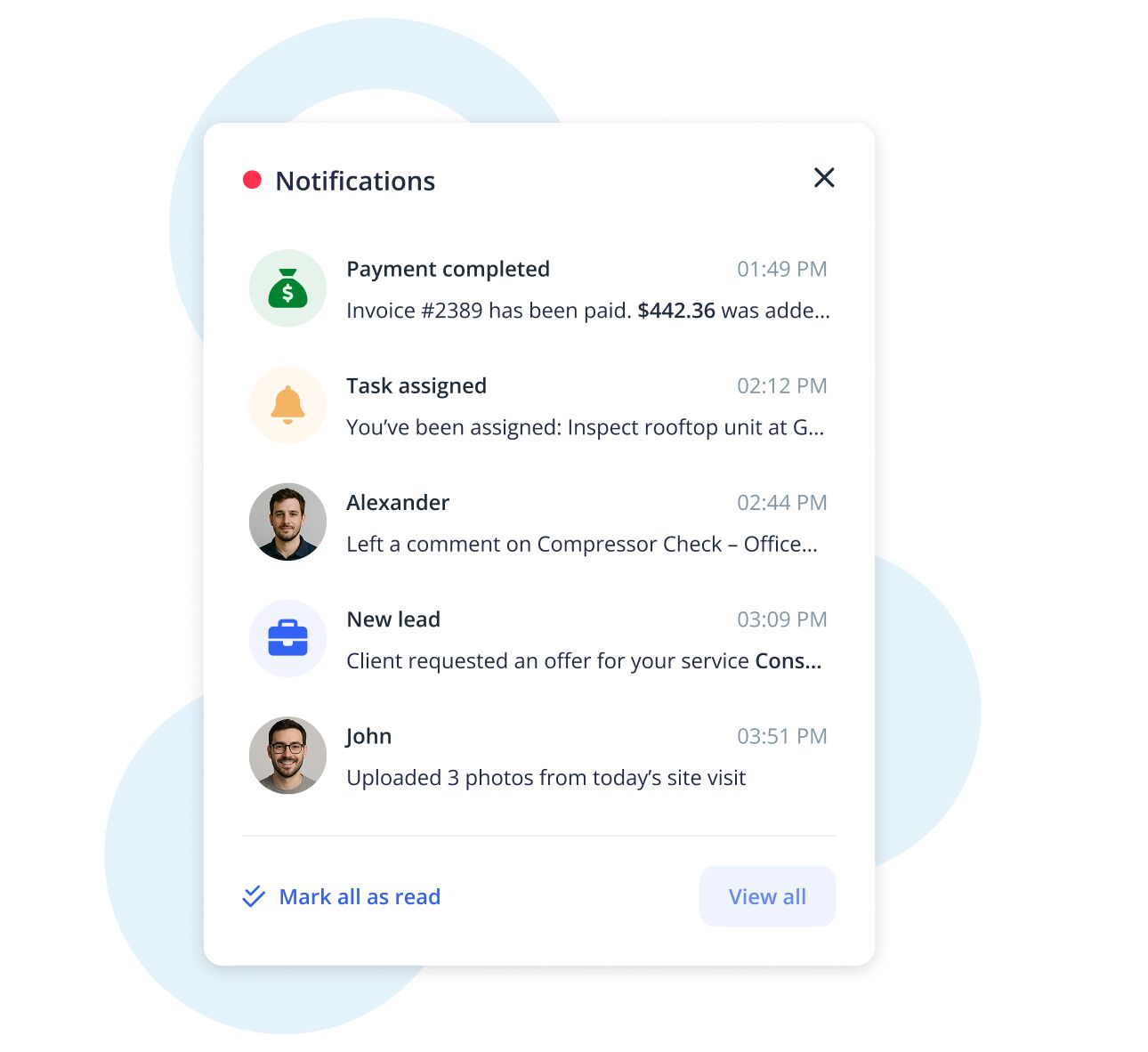
  • Set push notifications in the mobile app not to miss any message
Image
Employees' map

Map your team

You can oversee your workers' location and check if they arrived at a customer's place without trouble. If your company receives a new order, you can quickly find a team member who is the nearest to the place and hand a task over to them. Sometimes a job might require more attention - if your employee needs some help and you decide to come, simply use a quick navigation link to his current location.

  • See your current employees' location
  • Assign tasks based on a distance
  • Use quick navigation links
Image
Booking

Book whoever you want

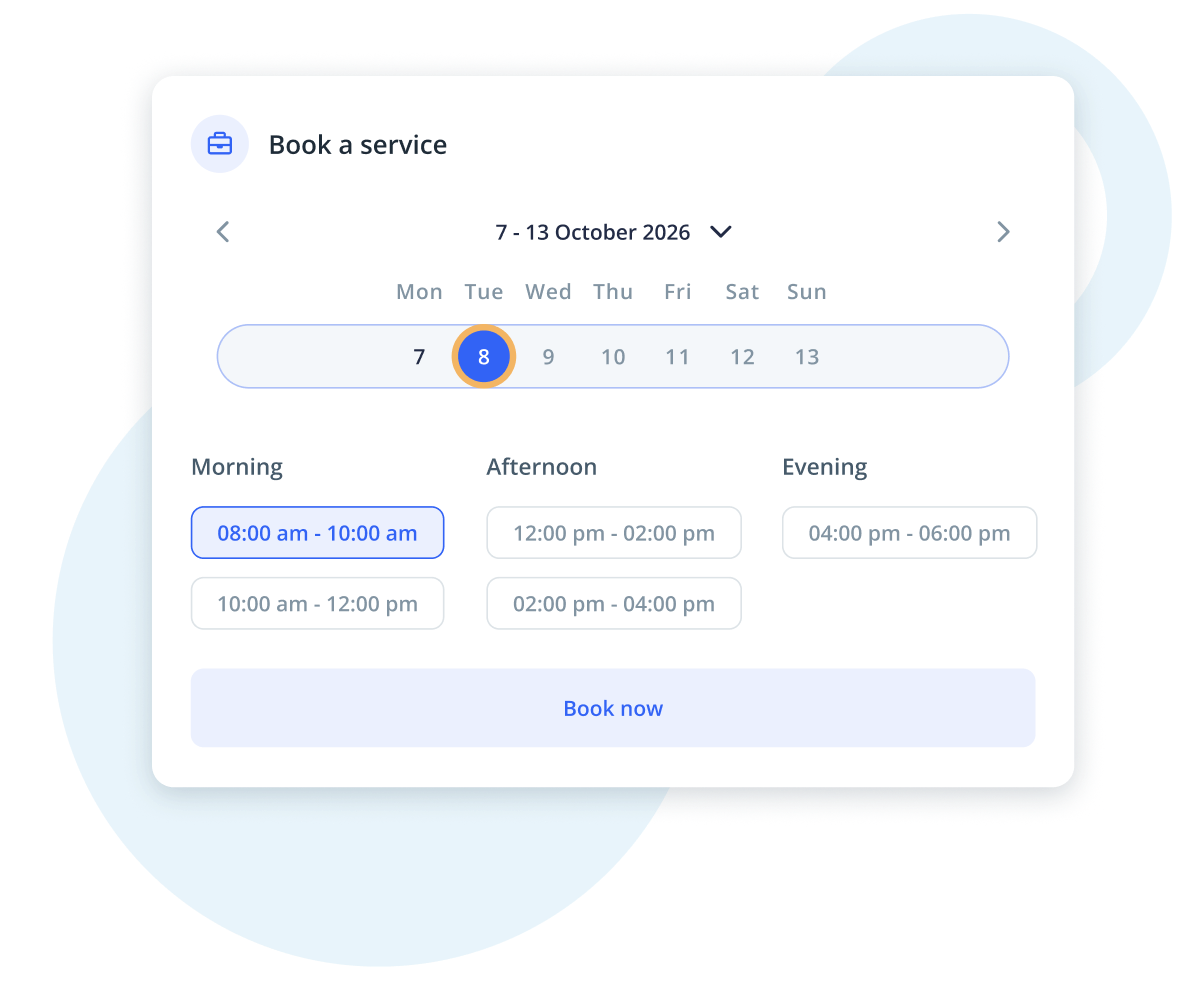
Adding an automatic booking system to your website makes scheduling quick and hassle-free. Customers can book services effortlessly by selecting available timeslots or even choosing a specific team member for the job. With team service management software for small business, appointments are organized automatically, reducing scheduling conflicts and last-minute changes. This streamlined process saves you time, improves efficiency, and ultimately helps you cut costs while keeping your business running smoothly.

  • Allow customers to book services automatically
  • Offer flexible timeslots for easy scheduling
  • Assign bookings to specific team members
Illustration of a booking and payment flow for a home service. Four smartphone screens show steps: selecting timeslots, confirming and tapping "Book a service," a person trimming a tree with loppers, and a final "Pay" button with a dollar icon. Large mous

The best field management software

  • No credit card required
IKOL on your domain

Domain for your business

Grow your business by adding a custom domain name to the best field team management software on the internet. A unique, professional domain name is more than just an address for your website; it’s a powerful tool for expanding your brand’s visibility and credibility. A custom domain makes your business look more established and trustworthy, helping you stand out in a competitive market. With a personalized domain, customers and clients can easily find you online, leading to improved search engine rankings and greater online presence.

  • Use our domain search tool to find the best domain for your field team management software for your needs, with AI-powered suggestions to guide your choice.
  • Check our analyzer to ensure the software meets the current standards of SEO and the most common practices.
  • Choose a software solution that enhances your business, making it easier to manage your team and boost overall productivity.
Image
FAQ

Frequently asked questions

Still questions about our field team management software? We've put together a list of frequently asked questions to help you better understand how our solution can benefit your business. Check out the answers below to find the information you need!

What is field team management software?

Field team management software is a tool designed to help businesses manage their workers who provide services in the field. It allows you to track employees' locations, assign tasks efficiently, communicate in real-time, and ensure smooth operations. This software is ideal for managing a team, keeping everyone connected, and improving overall business efficiency.

How IKOL help me manage my team?
Can I track my employees' locations in real-time?
How does task assignment work?
How does the team calendar work?
Minimalist FAQ banner with large blue letters on a white background with soft abstract shapes and icons.
FAQ

Frequently asked questions

Still questions about our field team management software? We've put together a list of frequently asked questions to help you better understand how our solution can benefit your business. Check out the answers below to find the information you need!

What is field team management software?

Field team management software is a tool designed to help businesses manage their workers who provide services in the field. It allows you to track employees' locations, assign tasks efficiently, communicate in real-time, and ensure smooth operations. This software is ideal for managing a team, keeping everyone connected, and improving overall business efficiency.

Minimalist FAQ banner with large blue letters on a white background with soft abstract shapes and icons.
How IKOL help me manage my team?

Our field team management software allows you to assign tasks to team members based on their skills, location, and availability. You can track their progress, monitor locations in real-time, and communicate easily via chat. This software helps streamline operations, improves coordination, and ensures that tasks are completed on time.

Minimalist FAQ banner with large blue letters on a white background with soft abstract shapes and icons.
Can I track my employees' locations in real-time?

Yes, IKOL provides a map feature that lets you monitor the real-time locations of your team members. This feature ensures you can verify if your employees have arrived at customer locations and assign tasks based on proximity, making your operations more efficient.

Minimalist FAQ banner with large blue letters on a white background with soft abstract shapes and icons.
How does task assignment work?

Once a task is created, you can assign it to a team member based on their skills, distance from the job site, or availability. This ensures that the right person is assigned to the right job, optimizing efficiency and reducing downtime.

Minimalist FAQ banner with large blue letters on a white background with soft abstract shapes and icons.
How does the team calendar work?

The team calendar allows you to visualize your team's schedule and tasks. You can view tasks by the week, month, or upcoming schedule, ensuring that you can manage your time effectively. Additionally, you can share the calendar with your team to keep everyone on the same page and improve workflow.

Minimalist FAQ banner with large blue letters on a white background with soft abstract shapes and icons.