Extend the functionality of your website
Looking to enhance your website and improve your business operations? Our features can be seamlessly integrated into your existing website without any complex coding or technical expertise, saving you the time and effort of completely overhauling your site.
- Real-time chat
- Service catalog & online booking
- Contact & quotation request form
- & more
Chat with your clients
Attract and engage your website visitors with a convenient chat. This enables your website visitors to easily start a conversation, inquire about your services, get answers to their questions, or seek assistance. Regardless of your location, our chat system helps you stay connected and prepared to assist. It functions on both computers and mobile devices.
- Ensure that your potential clients can reach you through various communication channels available on your website
- Get notifications about new chat messages and respond to inquiries in real-time
- Generate and send message templates to provide quick responses

How to integrate chat into your website using HTML code?
If your website is hosted on our domain (ikol.com), the chat is already fully functional. However, if you want to embed chat into your own website, here are some steps to follow:
Step 1. Sign up or log in to your IKOL.com account to access your unique chat HTML script.
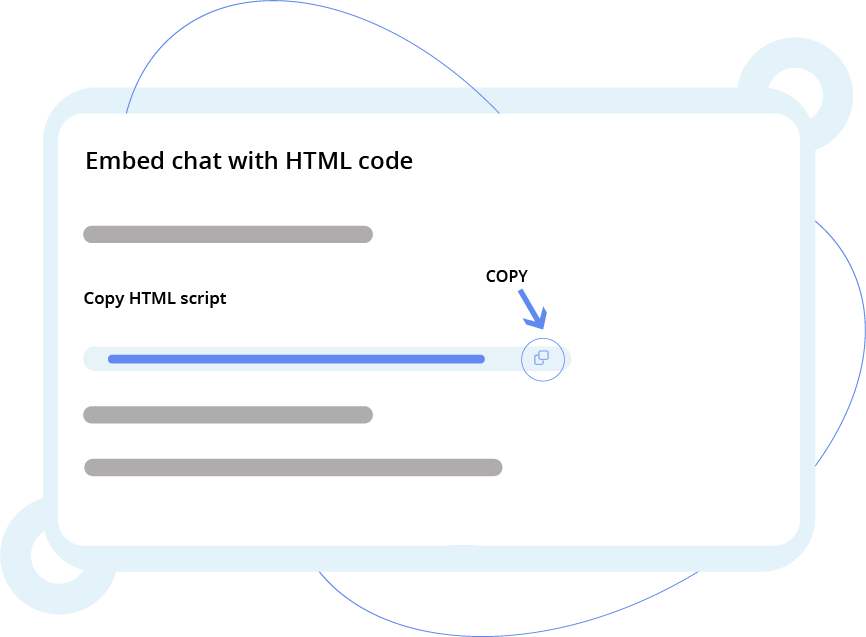
Step 2. To find the script, go to the Chat settings on IKOL.com and click on Embedding chat in the navigation section. In Embed with HTML code option, you will find your unique code along with instructions on how to embed it.
Step 3. Copy the embed script and paste it into either the body or head section of your webpage's HTML code. This will enable the chat functionality on your website.
Step 4. Double-check if you have enabled chat and set the opening hours in your IKOL.com account. The chat widget will only appear on your webpage during the specified opening hours of your business. Here you can enable chat and set the business hours in the IKOL.com settings.
Embedding chat using WordPress plugin
Step 1. Sign up or log in to your account on IKOL.com. It is essential as you will get a unique customer code that you will use to embed chat on your website.
Step 2. Login to your WordPress admin dashboard and install IKOL Business Wordpress plugin. Then go to Wordpress admin panel > IKOL Business.
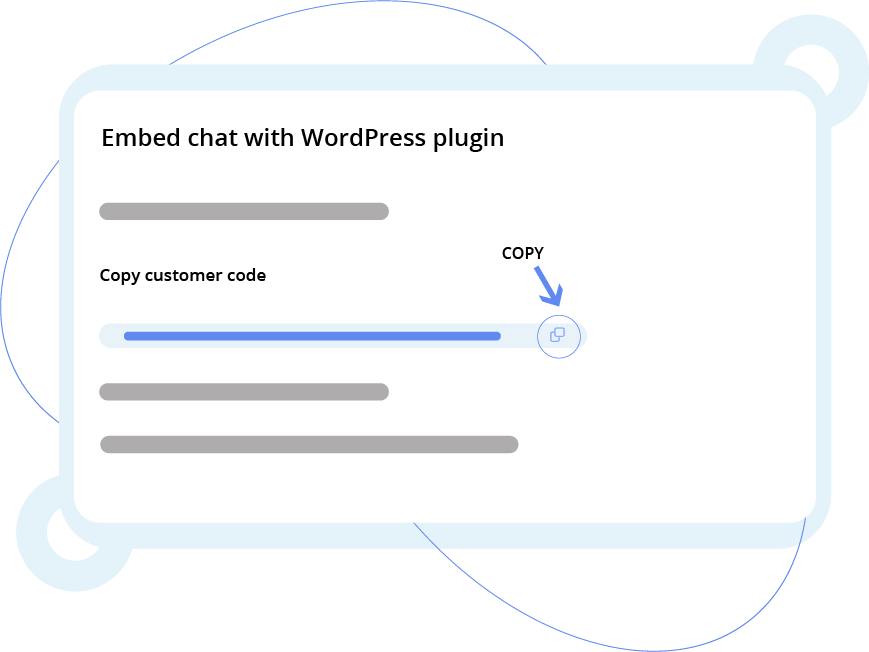
Step 3. From IKOL.com, copy your customer code. To find this code, go to the Chat settings and click on Embedding chat in the navigation section. In the Embed with WordPress plugin option, you will find your unique code along with instructions on how to embed it.
Step 4. Paste the customer code into the corresponding field and check the "Enable chat" field.
Step 5. Double-check if you have enabled chat and set the opening hours in your IKOL.com account. The chat widget will only appear on your webpage during the specified opening hours of your business. Here, you can enable chat and set the business hours in the IKOL.com settings.
Try out online chat!
Increase accessibility & provide estimates
A contact form on your website allows your customers to easily get in touch with you or request a quote whenever it is convenient for them. Instead of having to search for your contact information or make a phone call, your website visitors can simply fill out the form and send their inquiries or requests. This not only improves the user experience but also gives you the opportunity to provide a personalized response.
- Make it easier for your clients to ask questions or request a quote
- Get notified about new messages and estimate requests.
- Easily convert messages into customer profiles, enabling you to promptly respond with your offer
Embedding contact form using HTML code
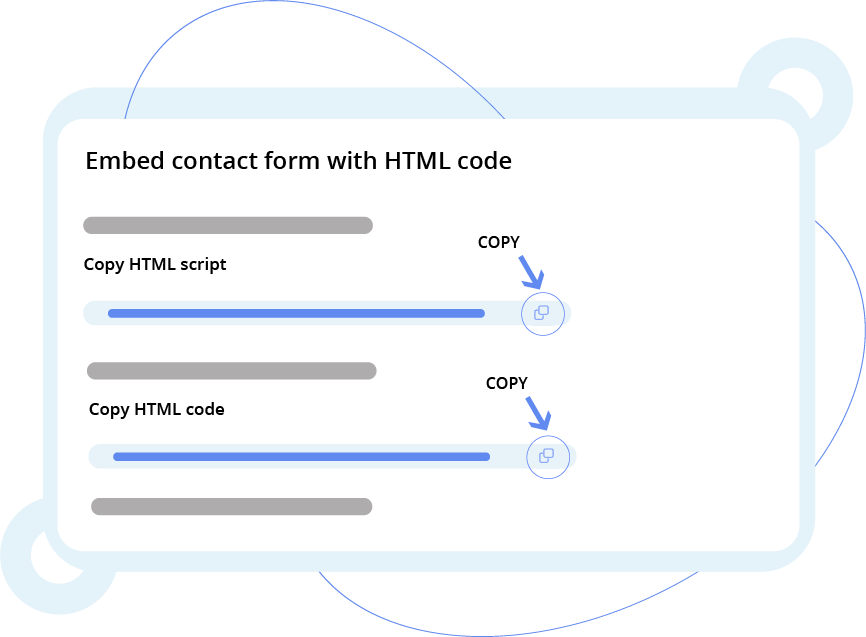
In the contact form, your clients may enter their name, phone number, email, and the message. If you want to add a contact form to your website, there are a few easy steps to follow:
Step 1. Sign up or log in to your account on IKOL.com to get your unique HTML script.
Step 2. From IKOL.com, copy your HTML script. To find this code, go to the Website settings on IKOL.com and click on Embedding contact form in the navigation section. In the Embed with HTML code option, you will find your unique script along with instructions on how to embed it.
Step 3. Paste the embed script HTML into the HTML head section of your page.
Step 4. Optionally, you can name the source of the equation so that when a customer contacts you via the plugged-in contact form, they will be marked as those in your IKOL account.
Step 5. Copy the next embed HTML code and paste it into your page's HTML in the place where you want to display your contact form.
How to integrate contact form using WordPress plugin?
Are you thinking of adding a contact form where your clients can provide their name, phone number, email, and send you a message? There are a few easy steps to plug in a contact form to your WordPress website.
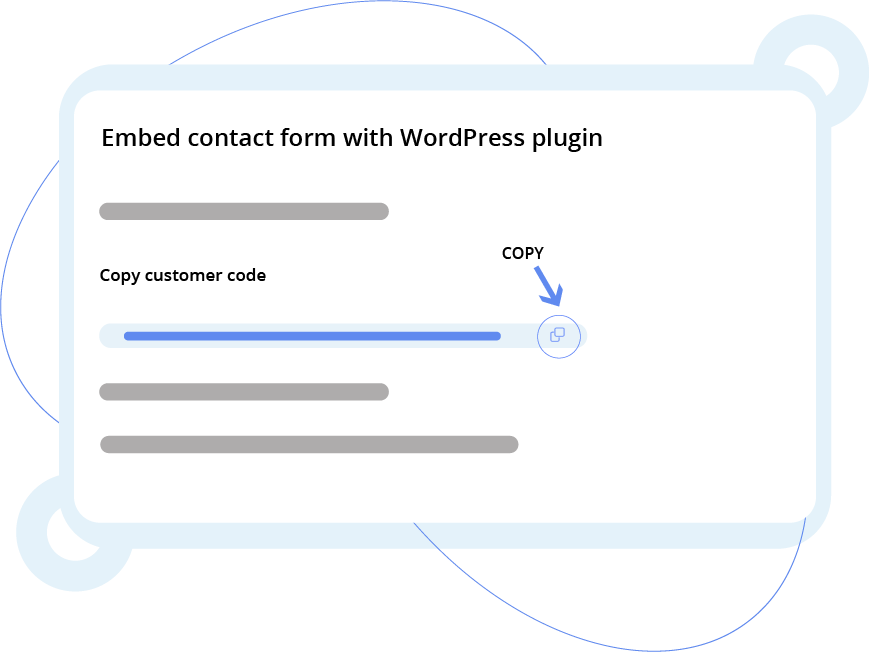
Step 1. Sign up or log in to your IKOL.com account to access your unique customer code.
Step 2. Copy your customer code. To find it, go to the Website settings on IKOL.com and click on Embedding contact form in the navigation section. In the Embed with WordPress plugin option, you will find your unique code along with instructions on how to embed it.
Step 3. Login to your WordPress admin dashboard and install IKOL Business Wordpress plugin. Then go to Wordpress admin panel > IKOL Business.
Step 4. Paste customer code to corresponding field and save settings.
Step 5. Add the contact form to your page using the "IKOL Contact Form" block from the WordPress editor.
Present your offer
In IKOL, we support various industries and provide a range of ready-to-use service descriptions. Feel free to adjust them to meet your specific business. You can customize the descriptions, prices, and duration of your services, or even add new ones to your list. Requesting your services has never been easier.










Sell your services online
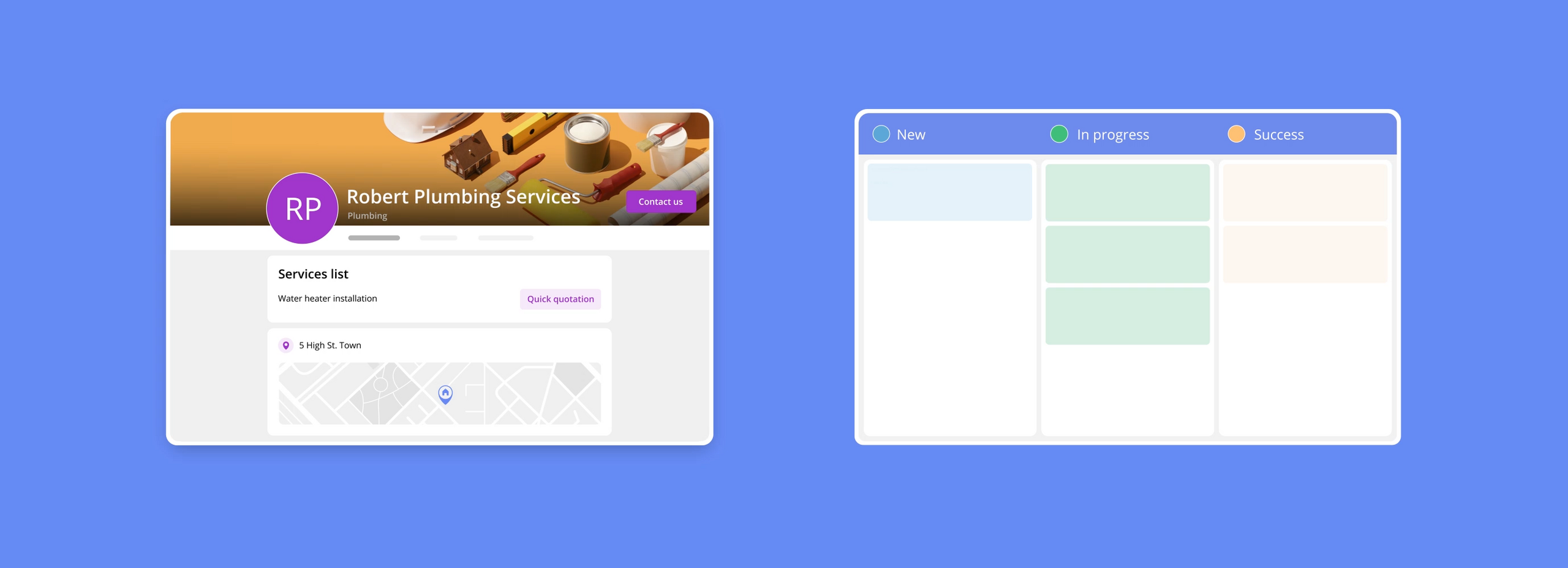
Want to attract new clients? With IKOL, you can easily showcase all the services that you offer and allow your clients to book them online. If you are an art teacher, professional cleaner, dog walker, electrician, or other service provider - let your customers request your service within a few clicks.
- List the services and allow your customers to book them online or request a quote
- Inform clients about the exact price or typical price range for the job
- Provide your availability and require a deposit before booking a service

How to embed service list with HTML code?
If your website is hosted on our domain (ikol.com), the service list is already fully functional for you. This means that you don't need to embed it separately. However, if you prefer to embed the service list on your own website, you can do this by following these steps:
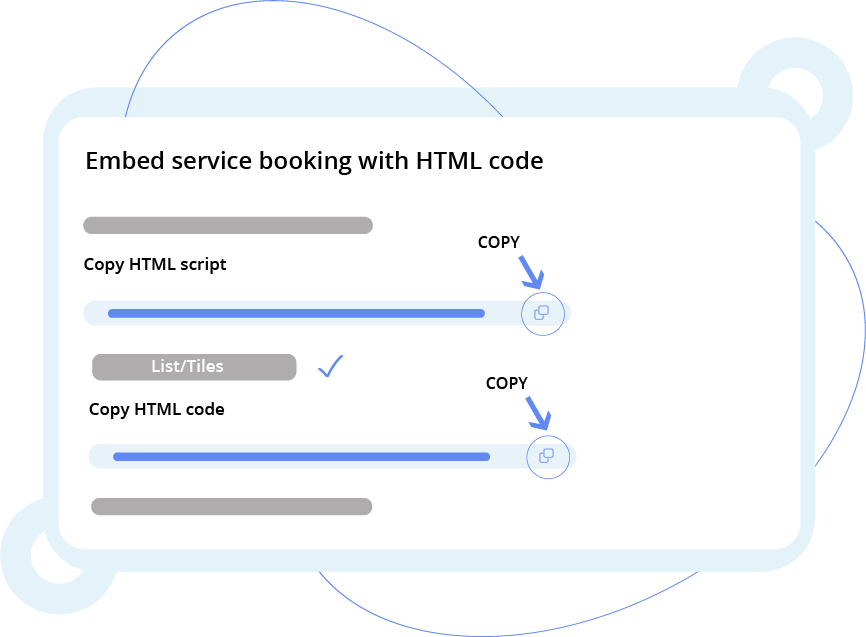
Step 1. Sign up or log in to your account on IKOL.com to get a unique HTML script.
Step 2. Copy your HTML script. To find it, go to the Website settings on IKOL.com and click on Embedding service list in the navigation section. In the Embed with HTML code option, you will find your script along with instructions on how to embed it. Paste the embed script HTML into the HTML head section of your page.
Step 3. In the Embed with HTML code section, select whether you prefer your services to be displayed in the form of a list or tiles (photos, in other words). You can also name the source of the equation so that when a customer books a service from your plugged-in services list, they will be marked as those in your IKOL.
Step 4. Copy the next embed HTML code and paste it into your page's HTML in the place where you want to display your service list.
Try contact & website features!
Service webpage for your business
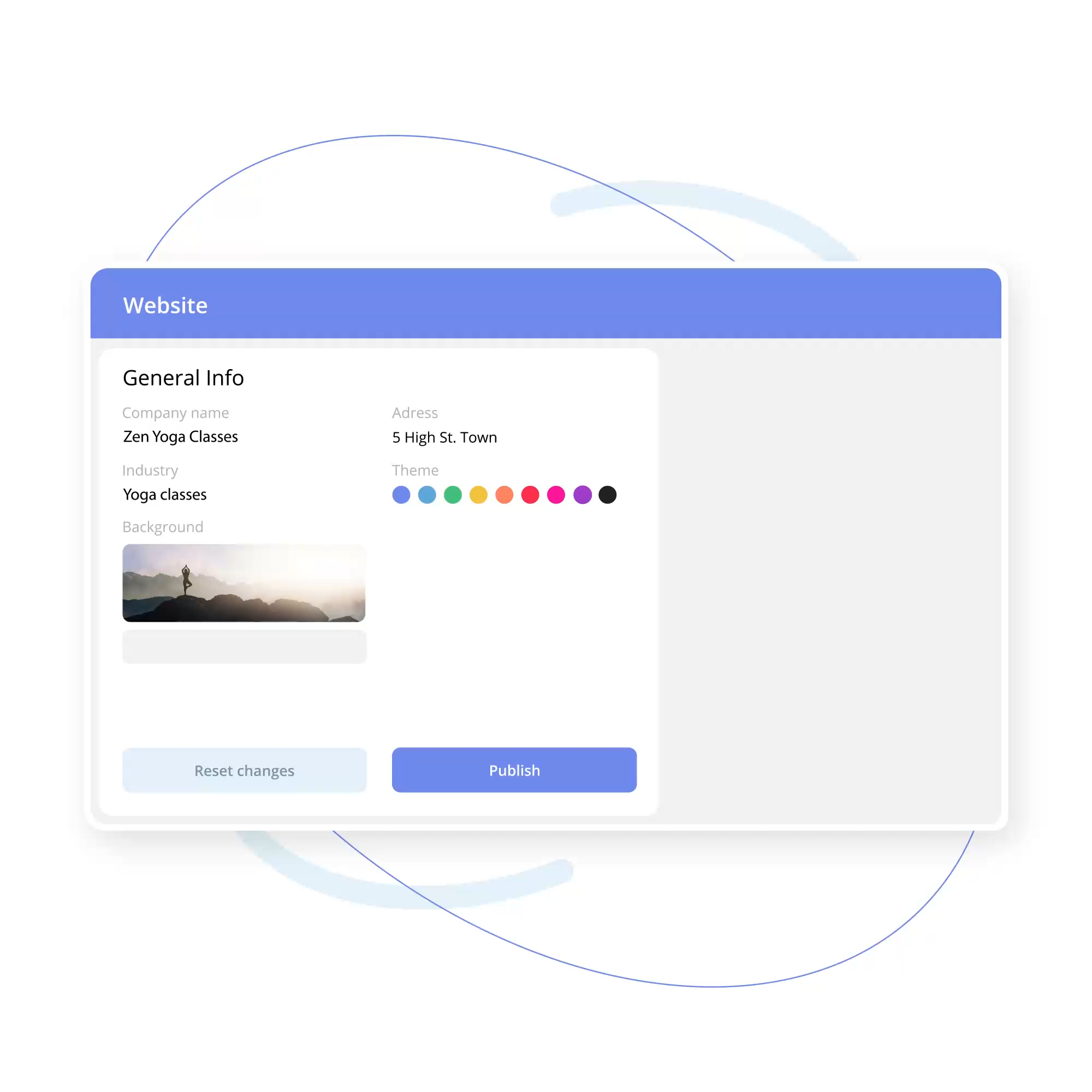
Do you have a website that has served you for a long time, but you feel like it has lost its shine and become outdated? Do you like the website created on IKOL.com and want to host it at the address of your existing website? Try out our various IKOL features that can make your website nice, engaging, and usef-friendly, and host the website on your own domain.
- Add services so your clients can book them online
- Highlight your expertise and add photos of yourself or photos that showcase your projects
- Create blog posts and news, answer FAQs, and upload reviews and testimonials
- & much more
How to host IKOL website on your domain?
To host the IKOL website on your existing domain (instead of ikol.com), follow these few easy steps:
Step 1. Sign up or log in to your account on IKOL.com. In the Website section, choose a layout of your website, change the background, customize features, and enjoy a professionally designed website.
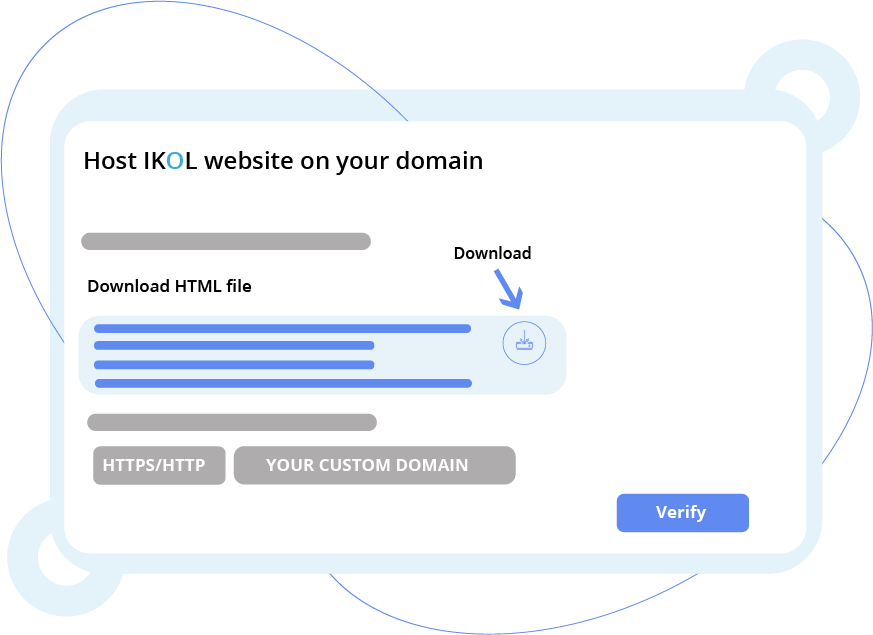
Step 2. After creating a website, go to Website settings and click on Domain in the navigation. There, you will find an HTML file along with instructions on what to do with it.
Step 3. Download the HTML file (or create your own file and paste the content) and put it into the root directory of your domain web server.
Step 4. In Host website on your custom domain section, enter the domain name where you placed your website and verify it by clicking the button below. Remember to choose a valid protocol - http or https.