IKOL business tools for virtual assistants
Build a professional online presence, attract new clients, and keep your virtual assistant business organized with IKOL all-in-one business platform. Spend less time managing your business and more time delivering valuable support to the clients who rely on you.
- AI assistant
- Online booking
- Websites for virtual assistants
- Custom domain
- Convenient calendar
- Client chat
- & more
Introduce your virtual assistant services
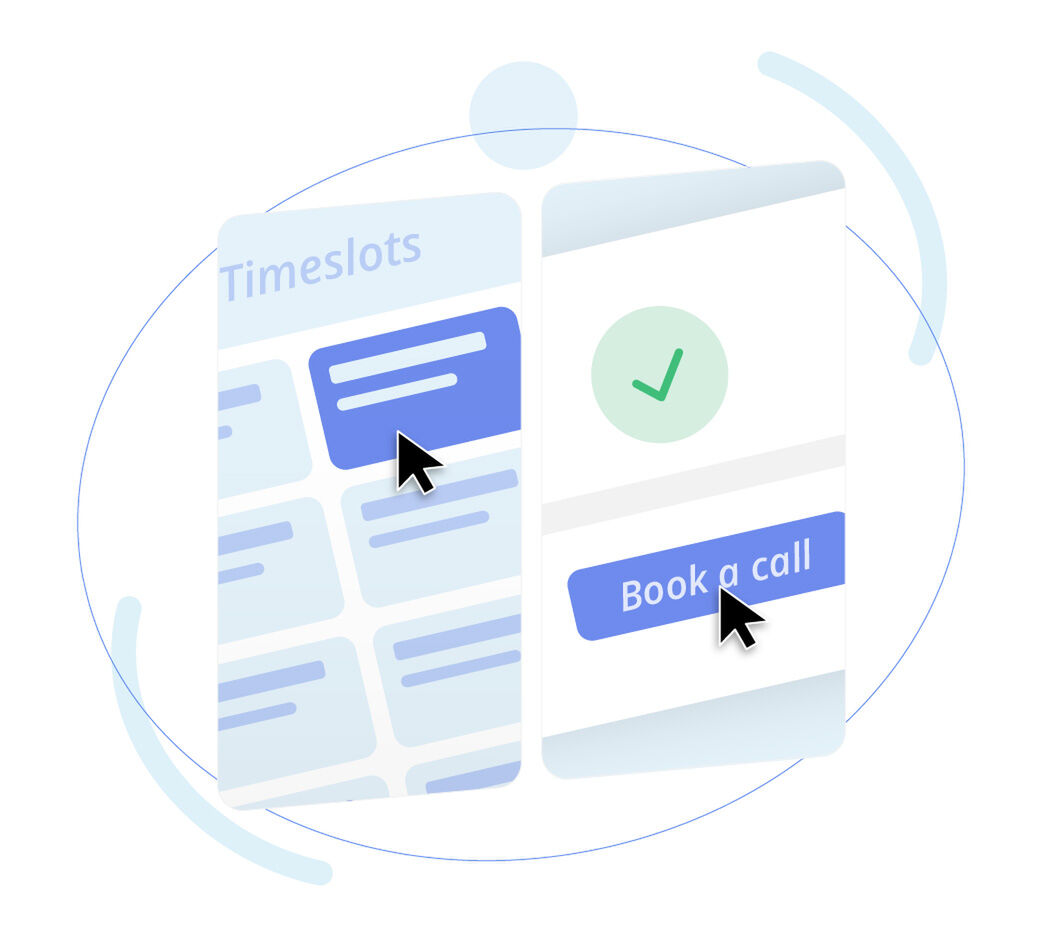
Give potential clients a simple way to schedule discovery calls, consultations, and follow-up meetings directly through your website. IKOL online booking tool helps you stay organized, avoid scheduling conflicts, and make it easier for new clients to take the first step toward working with you.
- Let clients choose available times that work for them, even outside your working hours.
- Set your working hours and control when clients can schedule calls or consultations.
- Offer different booking options for discovery calls, consultations, or other client meetings.
Stay organized across every client
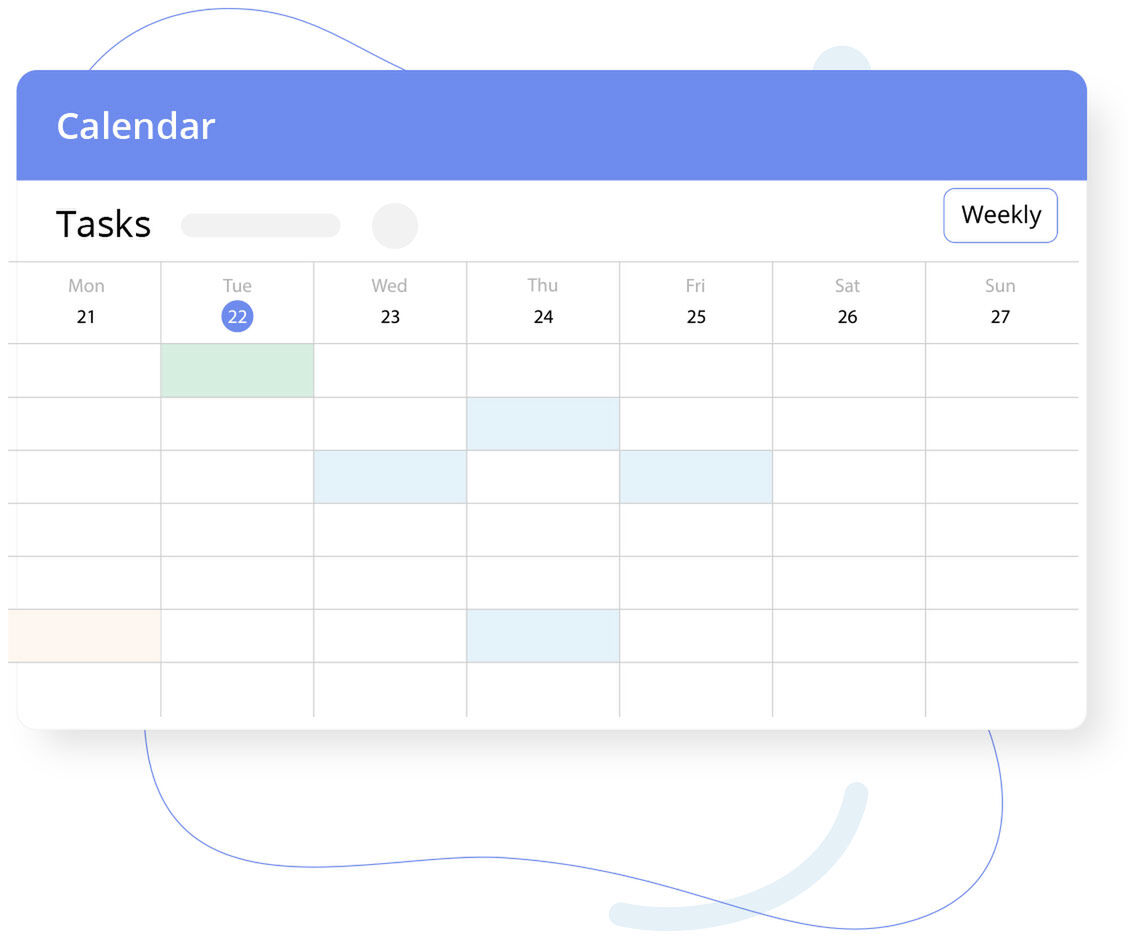
Keep your virtual assistant business running smoothly by managing client work, deadlines, and daily responsibilities from one place. IKOL helps you stay on top of everything, whether you're handling a single project or balancing tasks for multiple clients.
- Keep track of upcoming deadlines, meetings, and important responsibilities in one centralized calendar.
- Create tasks to ensure every client request and project milestone gets completed on time.
- Organize your workload around priorities, making it easier to focus on the most important tasks first.
- Set up recurring tasks for routine client work so nothing gets overlooked.
Let yourself get discovered online
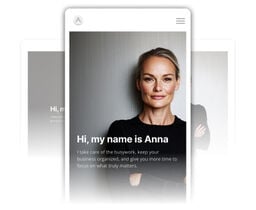
Build a website that introduces your virtual assistant services, establishes credibility, and gives potential clients the information they need to feel confident about working with you. IKOL makes it easy to build a professional online presence you deserve.
About Us
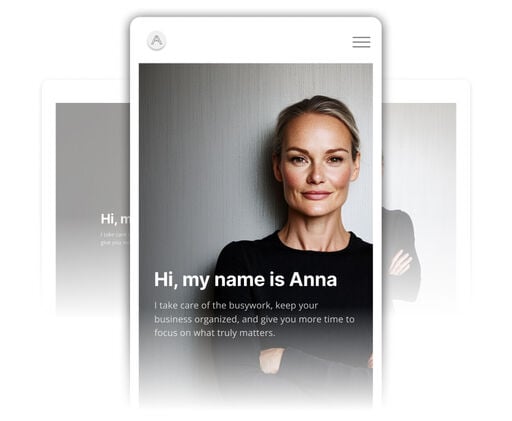
Introduce yourself, your experience, and the expertise you bring to clients. A personal introduction can help potential clients understand who they’ll be working with and build trust from the start.
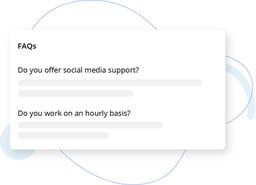
FAQ
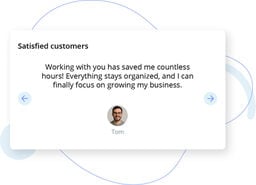
Testimonials
Blog
Let yourself get discovered online
Build a website that introduces your virtual assistant services, establishes credibility, and gives potential clients the information they need to feel confident about working with you. IKOL makes it easy to build a professional online presence you deserve.

Domain for virtual assistants
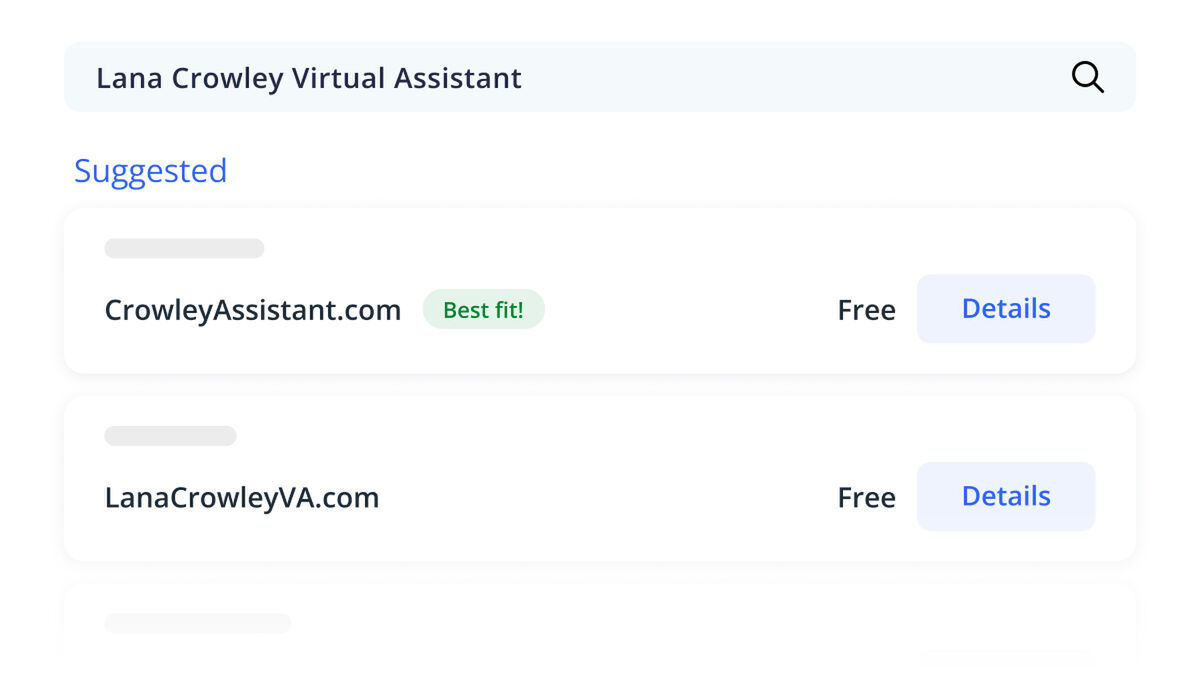
Make your business memorable with a custom domain that matches your virtual assistant brand. A professional web address strengthens your credibility and gives clients a direct way to discover your services online.
- Choose a domain that reflects your business name and professional identity.
- Connect your custom domain to your IKOL website for a consistent online presence.
- Make it easier for potential clients to find and remember your website.
IKOL - The best software for virtual assistants
Connect remotely with your clients
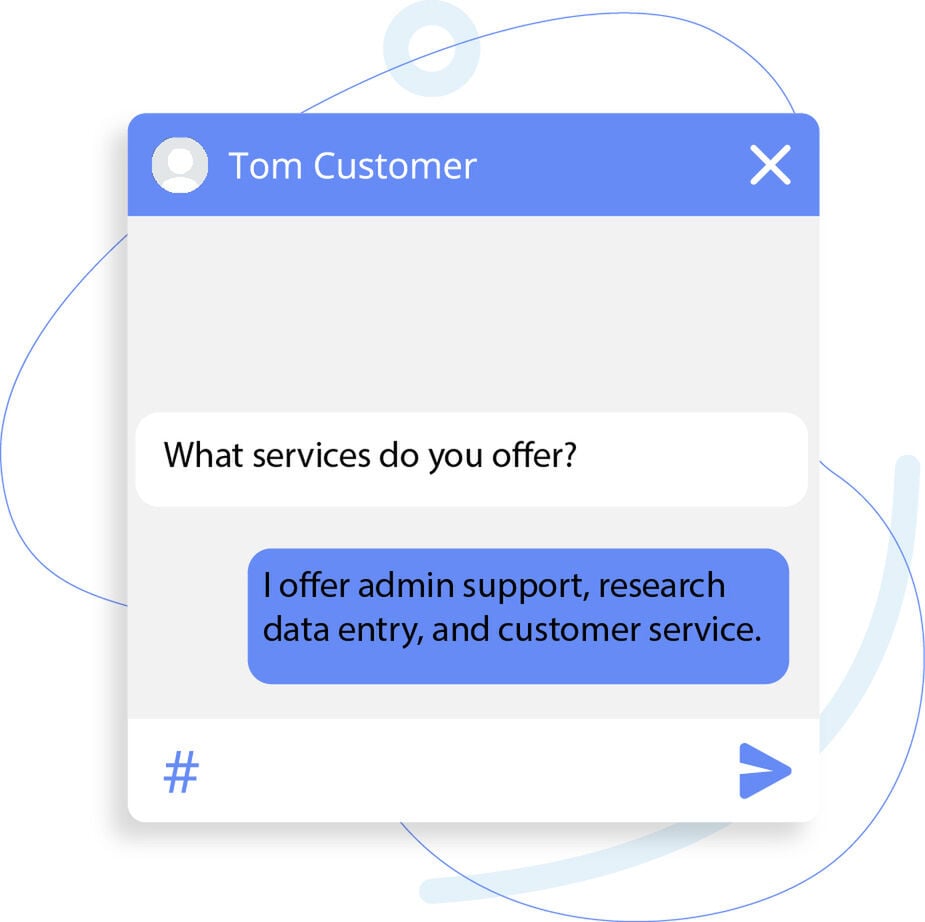
Make it easier for your clients and soon-to-be customers to get answers whenever they need them. IKOL combines direct communication with an AI-powered assistant, helping you maintain responsive, professional relationships without adding unnecessary work.
- Communicate directly with clients and keep important conversations organized.
- Let clients ask questions and receive helpful answers through your AI assistant.
- Provide information about your services even when you’re unavailable.
Never miss an update
Keep up with your tasks as a virtual assistant even when you're focused on client work. IKOL notifications help you stay aware of important activities, upcoming responsibilities, and new communications so you can respond promptly and keep everything moving.
- Stay informed about upcoming tasks, deadlines, and scheduled activities.
- Receive alerts when clients send new messages or important updates.
- Keep track of changes and activities that require your attention.

Get paid for your virtual assistance
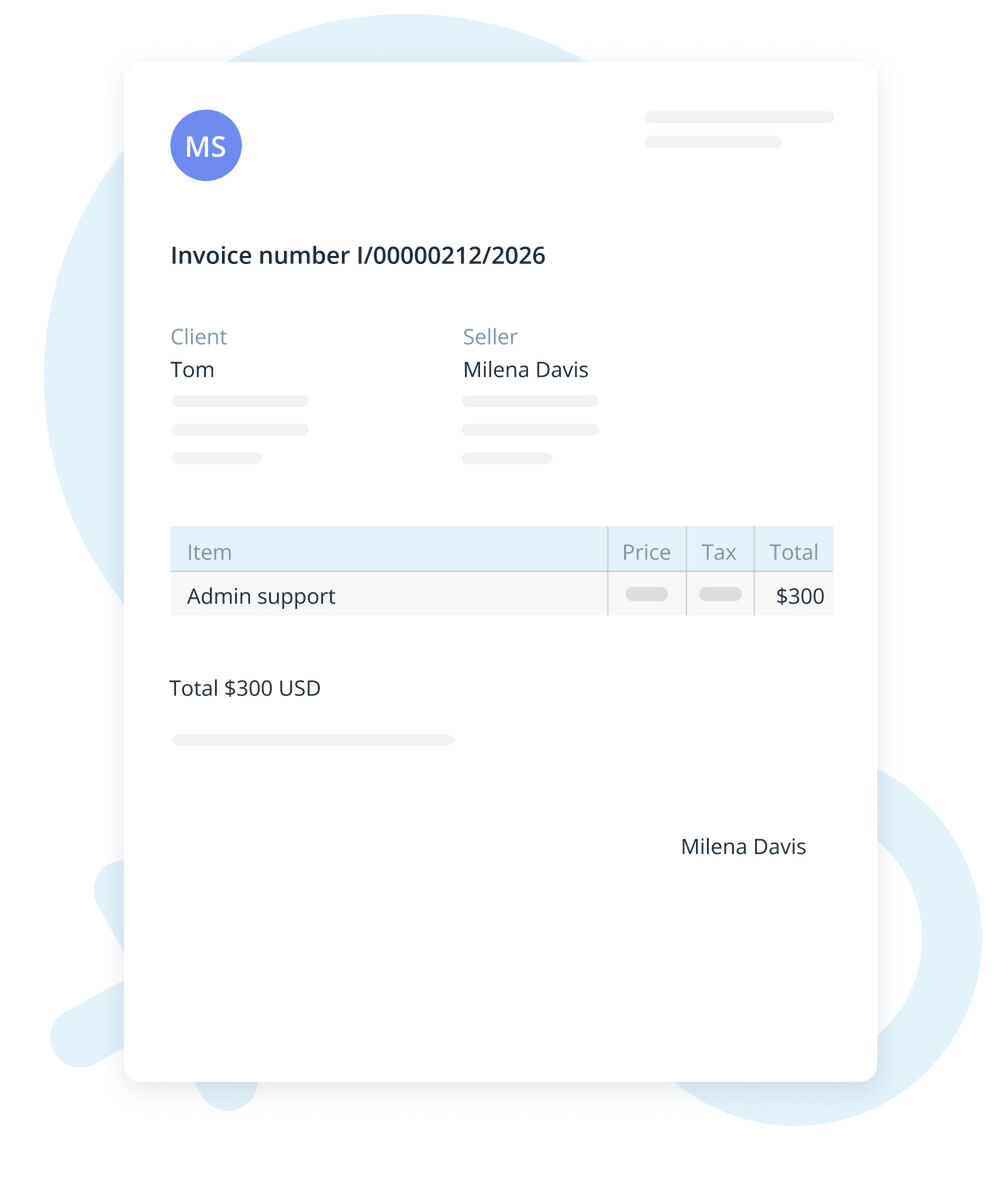
IKOL invoicing tools help you generate and send professional invoices, keep payment information organized, and spend less time handling administrative work.
- Create professional invoices for individual services, projects, or recurring client work.
- Keep track of invoices and their payment status in one convenient place.
- Send invoices directly to clients without relying on separate invoicing tools.