How To Customize Your IKOL Website Step-by-Step
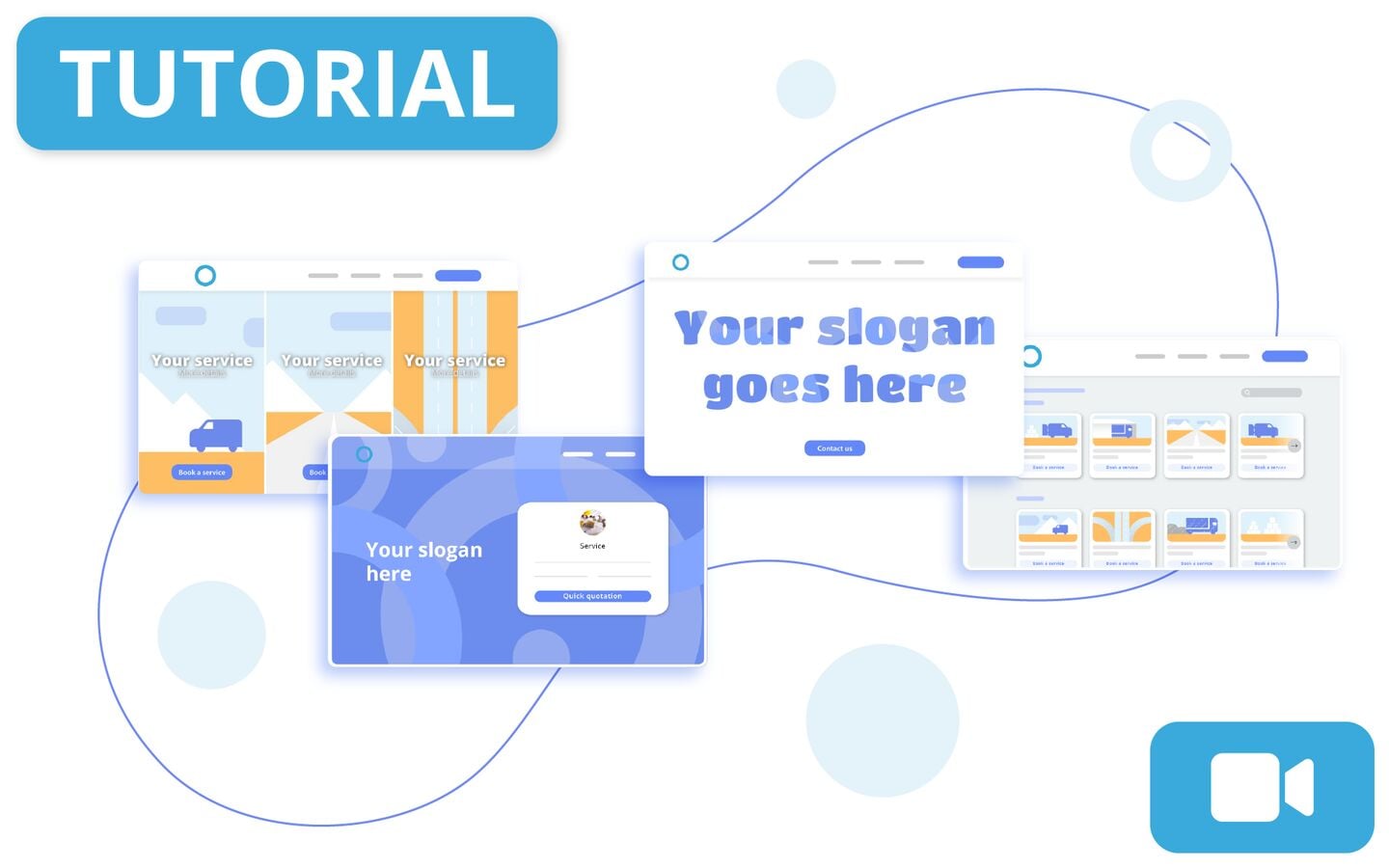
With IKOL, building a website tailored to your business has never been easier. This tutorial will guide you through every step of the customization process, from layout tweaks to adding interactive elements. Click the image below to watch our YouTube guide on creating your perfect site.
Personalize your website's look and feel
After creating an account or logging in, head to the website settings via the home panel. Here, you can adjust everything from company name and business type to choosing a custom color theme and layout. Explore the various call-to-action (CTA) options to guide your visitors, whether it’s booking appointments or contacting you directly. Each change is immediately visible in the live preview, helping you create a seamless user experience.
Enhance sections and content
With IKOL, you can customize sections like Services, Products, and Testimonials. Easily upload images, add new articles, and manage your blog for better search engine optimization. Don't forget to enable interactive features like FAQ or Team section to keep visitors engaged. Finally, set up your contact section, online chat, and AI Assistant to offer a complete and dynamic customer experience.
Read more:
support.ikol.com/website